Customer service tickets: from Zendesk or Freshdesk message to resolved in the ERP
A ticket in Zendesk or Freshdesk isn't a resolution. The resolution lives in the ERP: a credit note, a return, an address change. An AI coworker bridges the last mile.
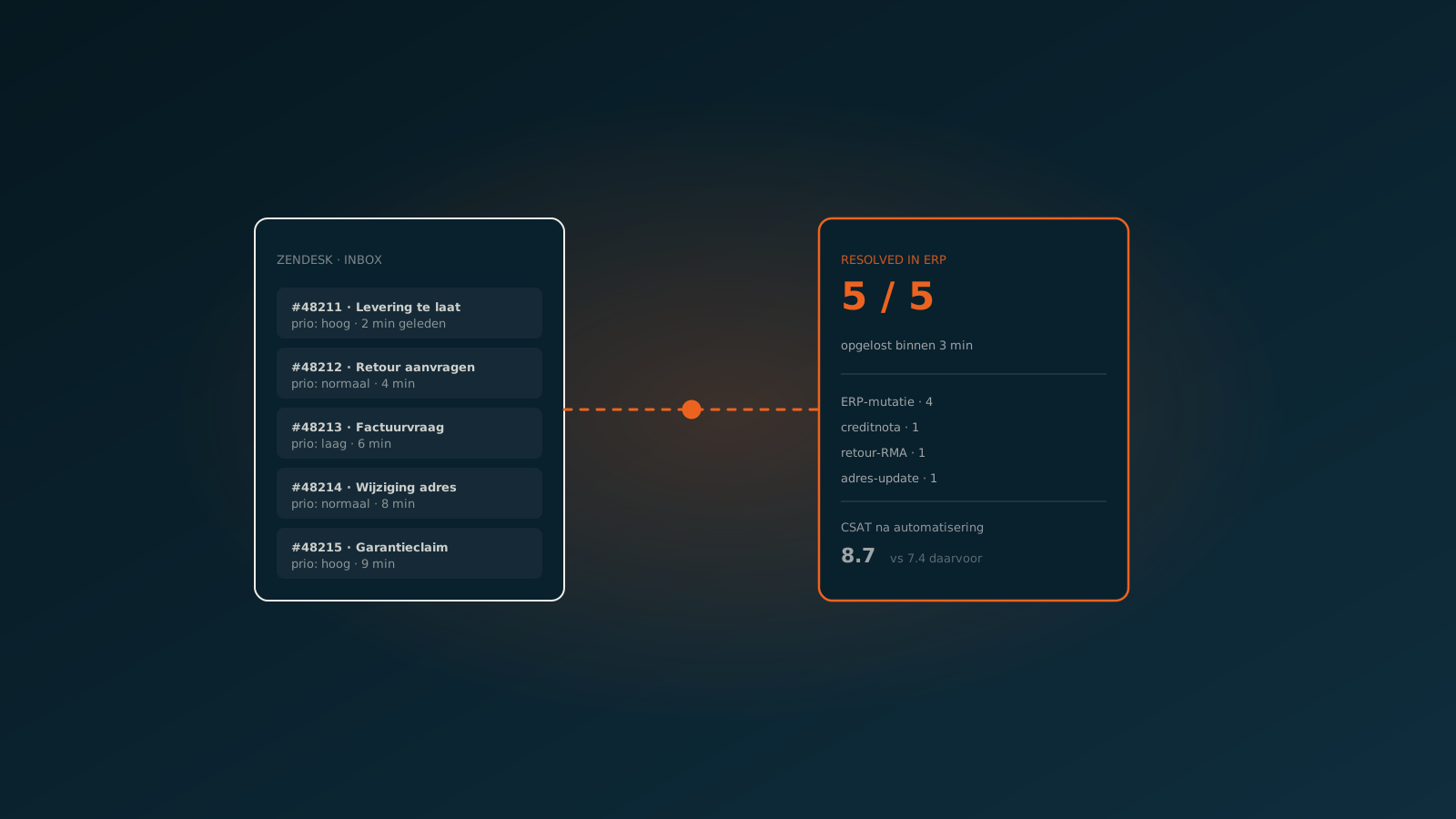
A ticket isn't a resolution, it's a queue entry
Most tickets in Zendesk, Freshdesk or Jira Service Management are about standard requests: a wrong address, a return, a question about an invoice, a change of payment method. The service agent looks it up in the ERP, makes the change, replies to the customer, and closes the ticket.
That last part, the execution in the ERP, is where the time sits. Not in reading or replying, agents do that quickly. The slow piece is switching between the ticket system and the ERP, finding the right record, and entering the change against your business rules.
How an AI coworker automates customer service end to end
The AI coworker reads the ticket, recognises the request type, finds the customer and the orders in the ERP, checks the business rules (can this customer return within 30 days, does this warranty still apply), executes the change and replies to the customer in the same tone and language your team uses. Closing the ticket happens in Zendesk or Freshdesk, with the right tag and categorisation for reporting.
Typical things the AI handles autonomously:
- Changing address and invoice details on the customer card, validated against open orders.
- Registering returns with the right RMA, reason and expected credit note.
- Drafting and posting credit notes on confirmed returns or invoice errors.
- Status updates on orders, with live track-and-trace from the TMS.
- Cancellations and rescheduling, within the margins your policy allows.
Human in the loop in customer service where it counts
Not every ticket is a fit for autonomous handling. A claim, a commercial exception, a customer who is upset: those stay human conversations. The AI coworker recognises those signals, writes a short summary of the situation including context from earlier tickets, and hands the ticket over to the right colleague. That isn't "escalation", that's a proper handover.
Integrating with Zendesk, Freshdesk and your existing tools
The AI coworker talks to Zendesk, Freshdesk or Jira Service Management through webhooks and APIs. Authentication via your own identity provider, no shared accounts. Audit trail stays inside the ticket system at user level, with the AI as a clearly identified bot user so your reporting stays clean.
What customer service ends up with
Typical results after three months in production: 50 to 70 percent of tickets resolved without human intervention, average handling time for the rest down by a third (because the context is already laid out), and a service team that gets room for the conversations that actually matter alongside "respond quickly". Plan a Quick Scan if you'd like to see which ticket types in your stream are the best fit for autonomous handling.
Keep reading
More insights
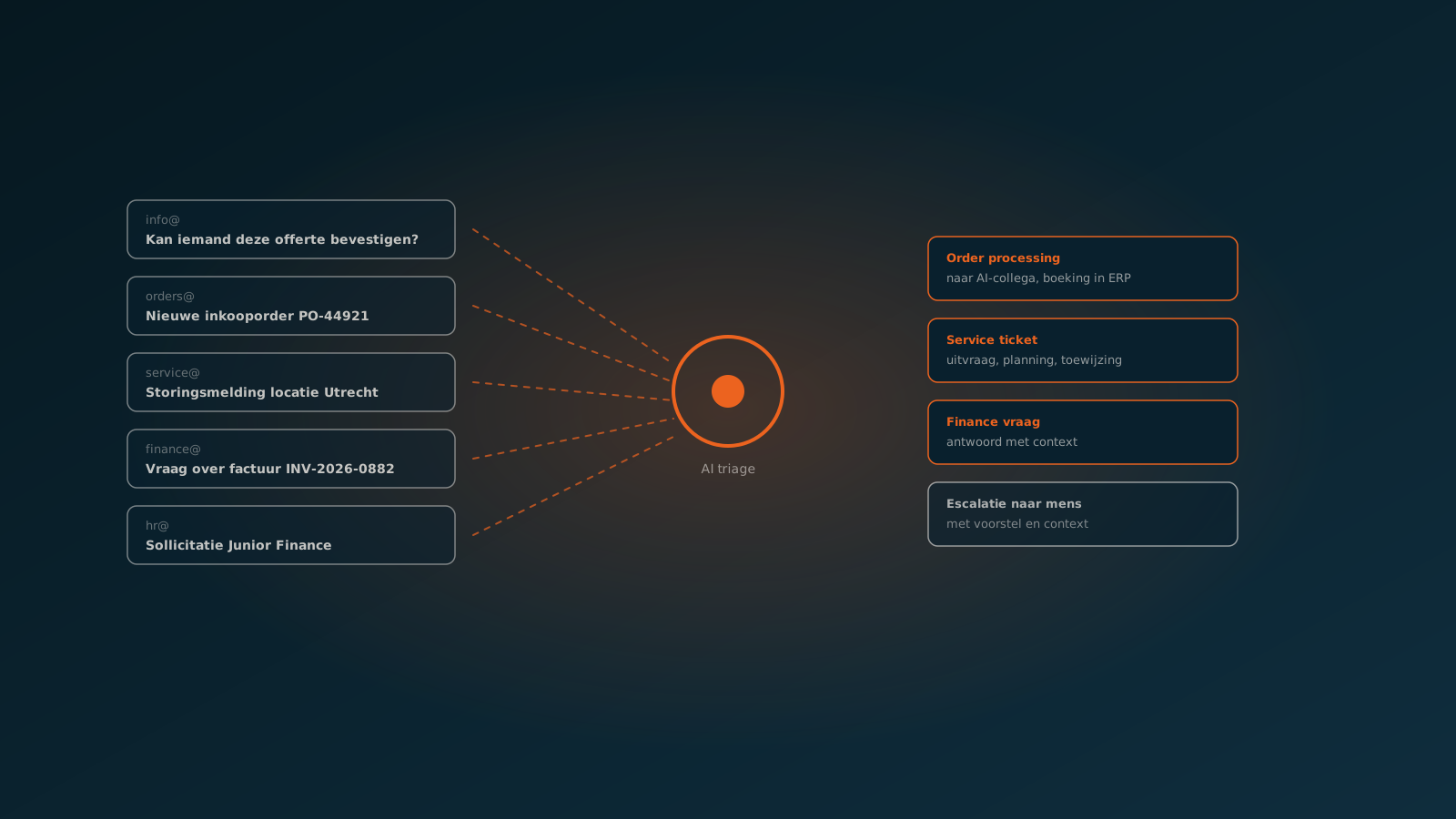
Shared inbox triage: how an AI coworker gets info@, orders@ and service@ under control
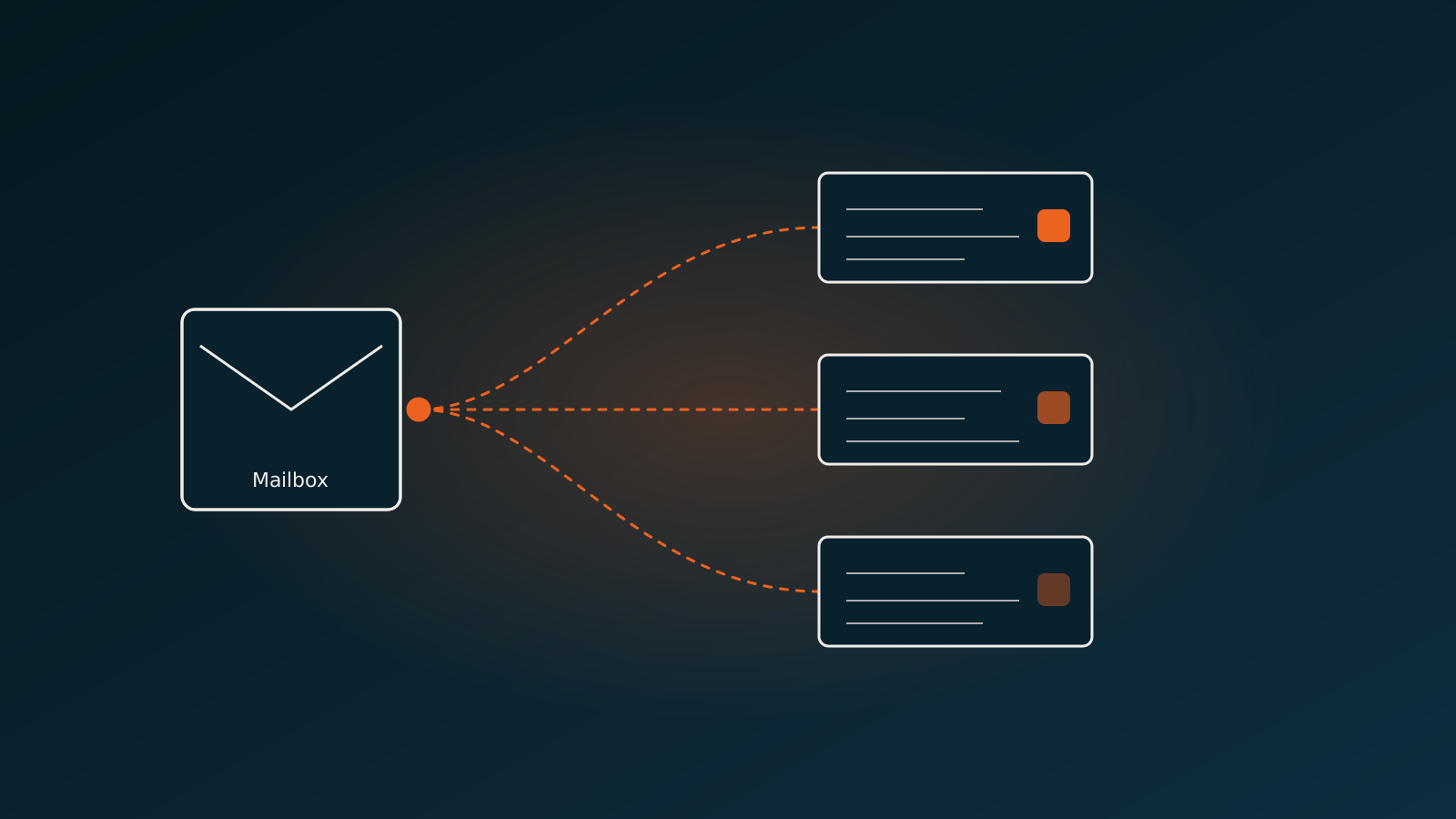
Document classification: from one mailbox with everything, to one process per document
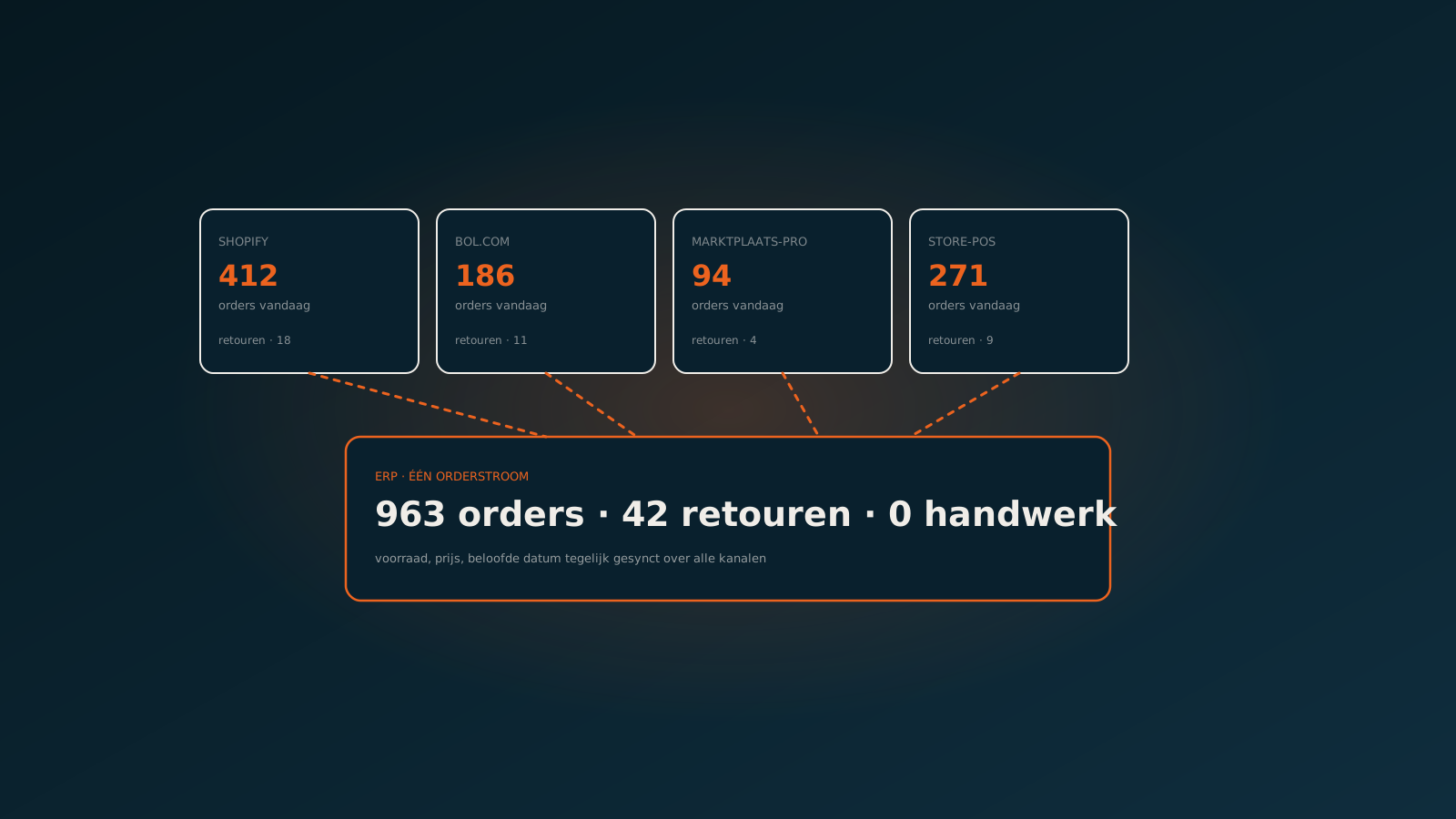
Multichannel retail: one order stream from Shopify, bol.com, Marktplaats Pro and the store
Curious what an AI coworker can do for your process?
Book a no-strings Quick Scan and explore the options.
Book a Quick Scan