Matching bank statements to open items automatically
Payments that do not reconcile on their own cost finance hours every week, and they pollute your receivables view. Here is how an AI coworker handles the matching, including partial and bundled payments.
The pile that returns every Monday
Every finance team knows the picture. Bank statements come in, the ERP reconciles part of them automatically on invoice number, and the rest is left over. That remainder is small in count and large in time, because every item has to be worked out by hand.
It is often fifteen to thirty percent of incoming payments. Precisely the items where the customer forgot the invoice number, paid three invoices in one amount, deducted something, or transferred a slightly different amount than was outstanding.
As long as those items are unreconciled, your receivables view is wrong. Reminders go out to customers who have already paid, and that is the kind of mistake that costs your customer relationship more than the item itself is worth.
Why fixed rules stall
Most ERP systems have a rule-based reconciliation function. Find the invoice number in the description, find an exact amount, find the payment reference. Those rules work excellently for the easy part, and that is what they are for.
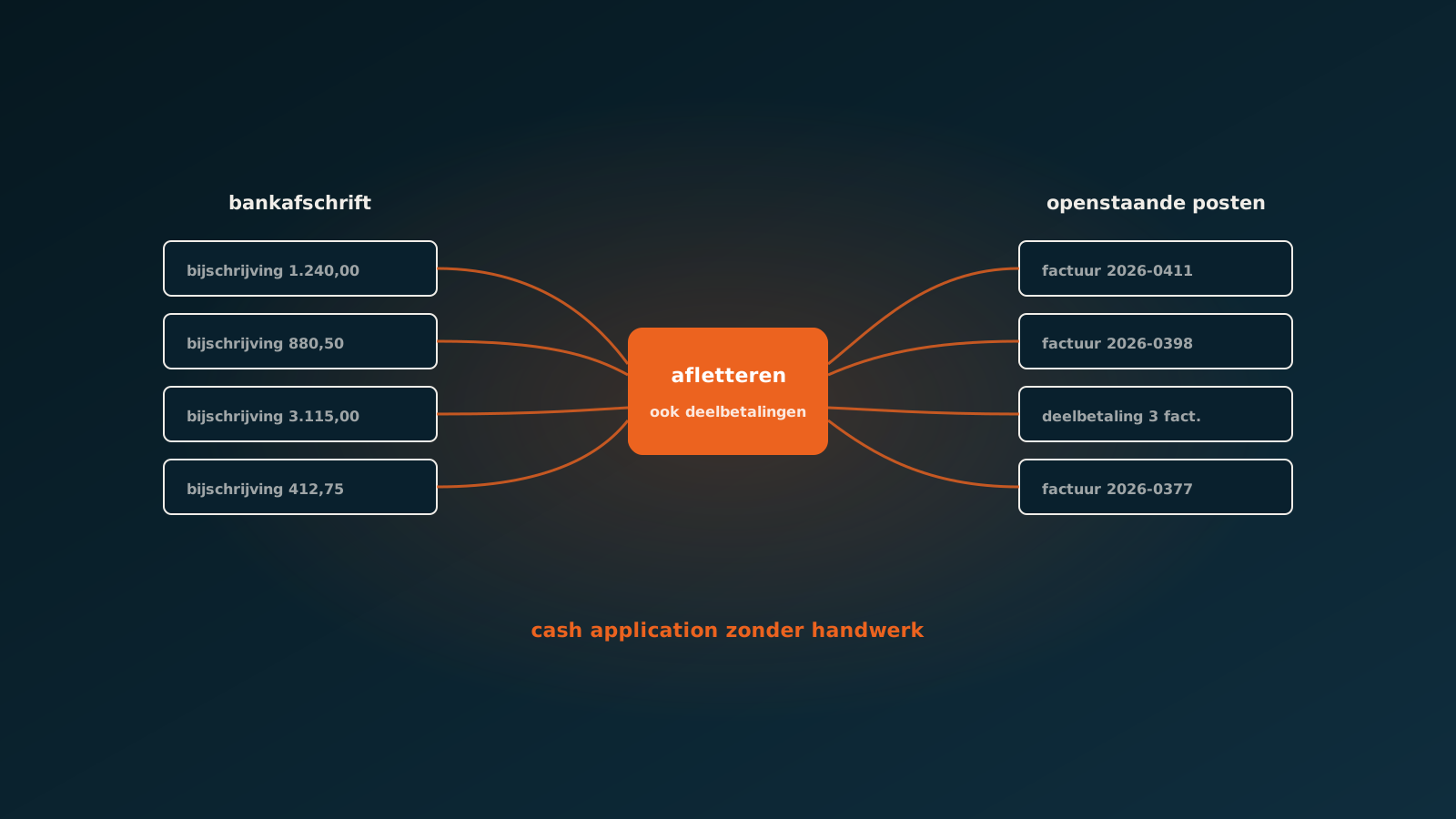
Where they stop is anything that is not exact. A bundled payment of 3,115.00 made up of three invoices of 1,240.00, 880.50 and 994.50. A partial payment where the customer has offset a credit note themselves. A description that only says your ref 4411, which happens to be the customer's purchase order number rather than your invoice number.
- Bundled payments: an amount that adds up from several invoices, sometimes with a rounding difference.
- Partial payments: the customer pays a fixed portion, the rest follows after delivery or after a dispute.
- Offsets: credit notes, early payment discounts or retained amounts.
- Unusable descriptions: the customer's own references, or no reference at all.
- Name differences: the paying entity is named slightly differently from the customer in your ledger.
For a person these are rarely hard puzzles. You see in a few seconds that 3,115.00 is exactly those three invoices. But you do have to do it, every time, for every item, and that is where the hours disappear.
How an AI coworker picks this up
An AI coworker approaches reconciliation the way an experienced bookkeeper does: not with a single rule, but with a combination of clues. Amount, date, counterparty account, name, description and this customer's payment behaviour in the past.
For a bundled payment the agent looks for the combination of open items that adds up to the amount received, even when there is a small rounding difference. For a partial payment it links the amount to the right invoice and leaves the remainder correctly open instead of closing the whole item.
And when the description is unusable it falls back on what it knows: which account does this normally come from, which invoices are open for this customer, and does this customer usually pay per invoice or in batches. That is not magic, it is the same reasoning your colleague applies, only performed with the same care every time.
What happens when it is unsure
Reconciliation is an area where a guess hurts immediately. Booking an item against the wrong invoice produces a customer who wrongly receives a reminder and an invoice that wrongly shows as paid. That is exactly the kind of error that gives automation a bad name.
So the agent works with an explicit confidence threshold. Above it, it reconciles and logs what it matched and why. Below it, it books nothing but stages the proposal: this amount probably belongs to these three invoices, this is the difference, and this is why I am unsure.
Your team member approves or corrects. On a correction the system learns: the next time this customer pays this way, the agent knows how it works. That is the difference with a fixed rule you have to keep maintaining yourself.
What it delivers
The first gain is time, and it is easy to calculate. If you currently work through two hundred items a week at an average of two minutes each, that is nearly seven hours a week. If eighty percent of those reconcile automatically, you free up more than five hours for work that matters more.
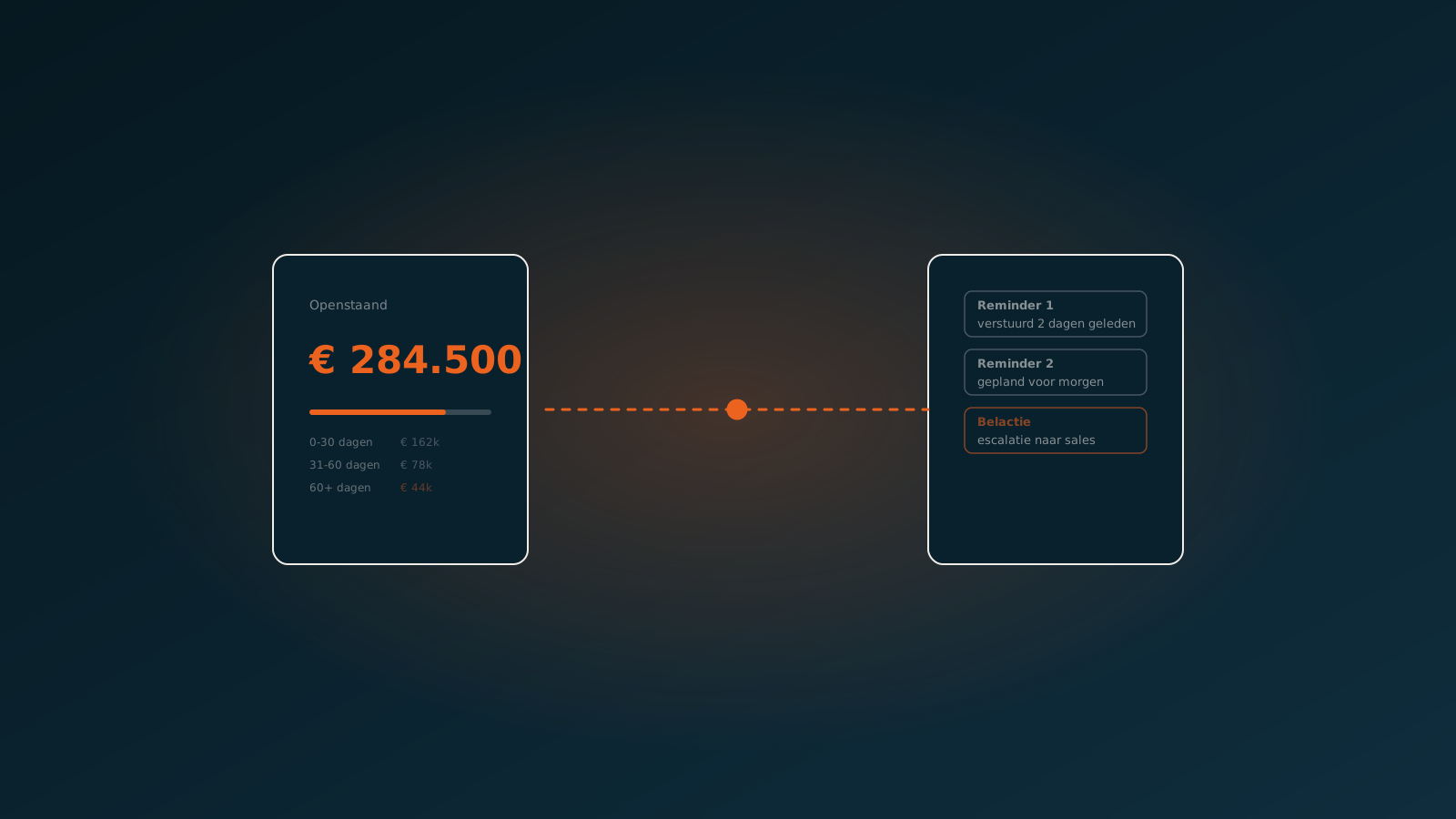
The second gain is a clean receivables view. Because payments are processed the same day, your aging shows what is genuinely outstanding. Reminders only go to customers who actually still owe you, which makes your dunning process more effective straight away.
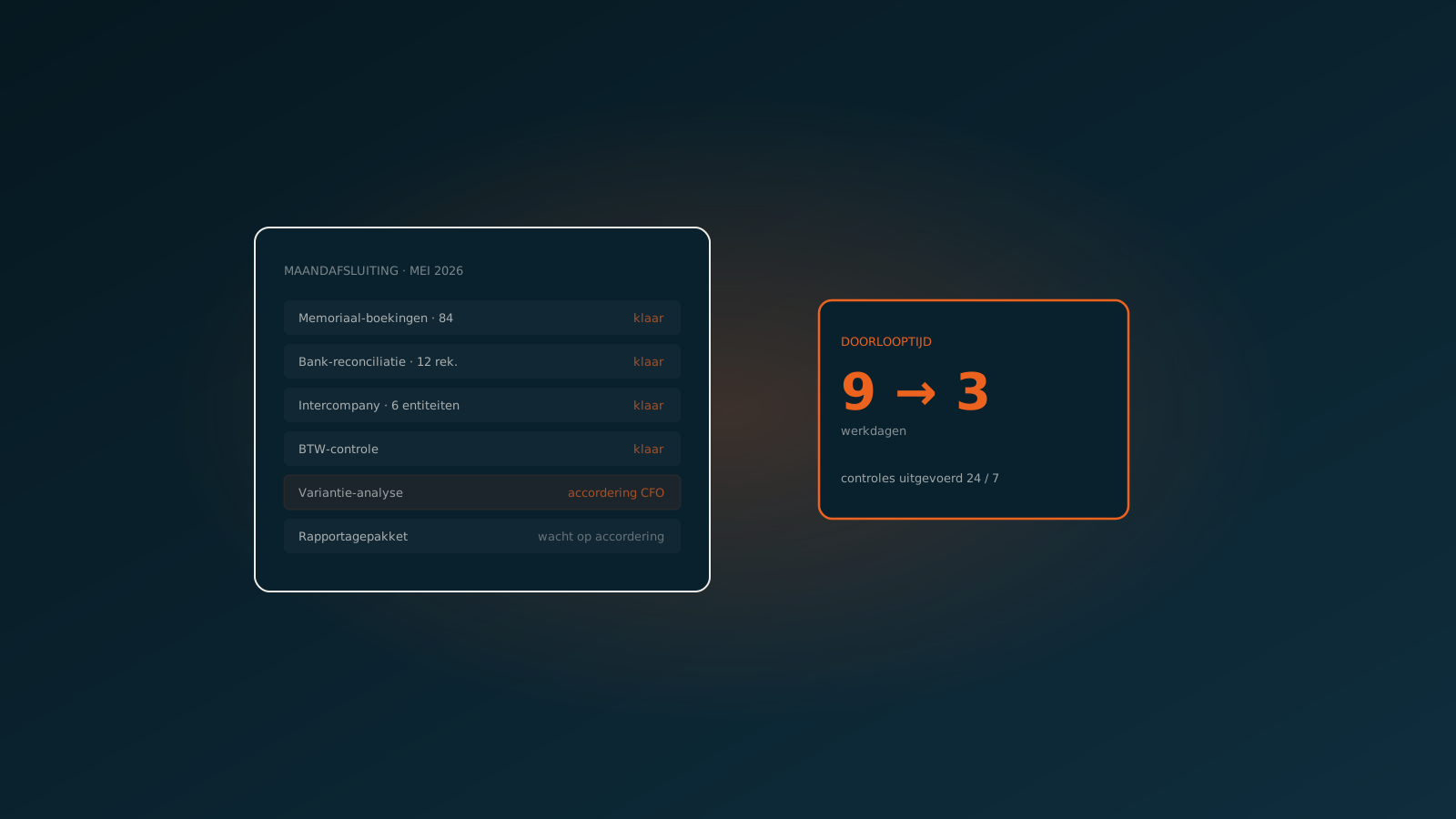
The third gain is less visible but adds up: your month-end close no longer starts with catching up on reconciliation. The bank is current.
Getting started
This is one of the processes where the business case is quickest to calculate, because you know exactly how many items are left over and how much time they cost. Look in your own system at how many incoming payments per week fail to reconcile automatically, and multiply that by the time per item.
In a Quick Scan we walk through it together and show which share an AI coworker can take over in your ERP, whether that is SAP, AFAS, Exact, Dynamics 365, Odoo or Bouwworks. Typically you are live within eight weeks.
Curious what an AI coworker can do for your process?
Book a no-strings Quick Scan and explore the options.
Book a Quick Scan