Digitising service tickets in construction
The service ticket is the proof of what happened on site and the basis of your invoice. Yet it often ends up as a photo in a group chat. Here is how to get tickets processed and billed the same week.
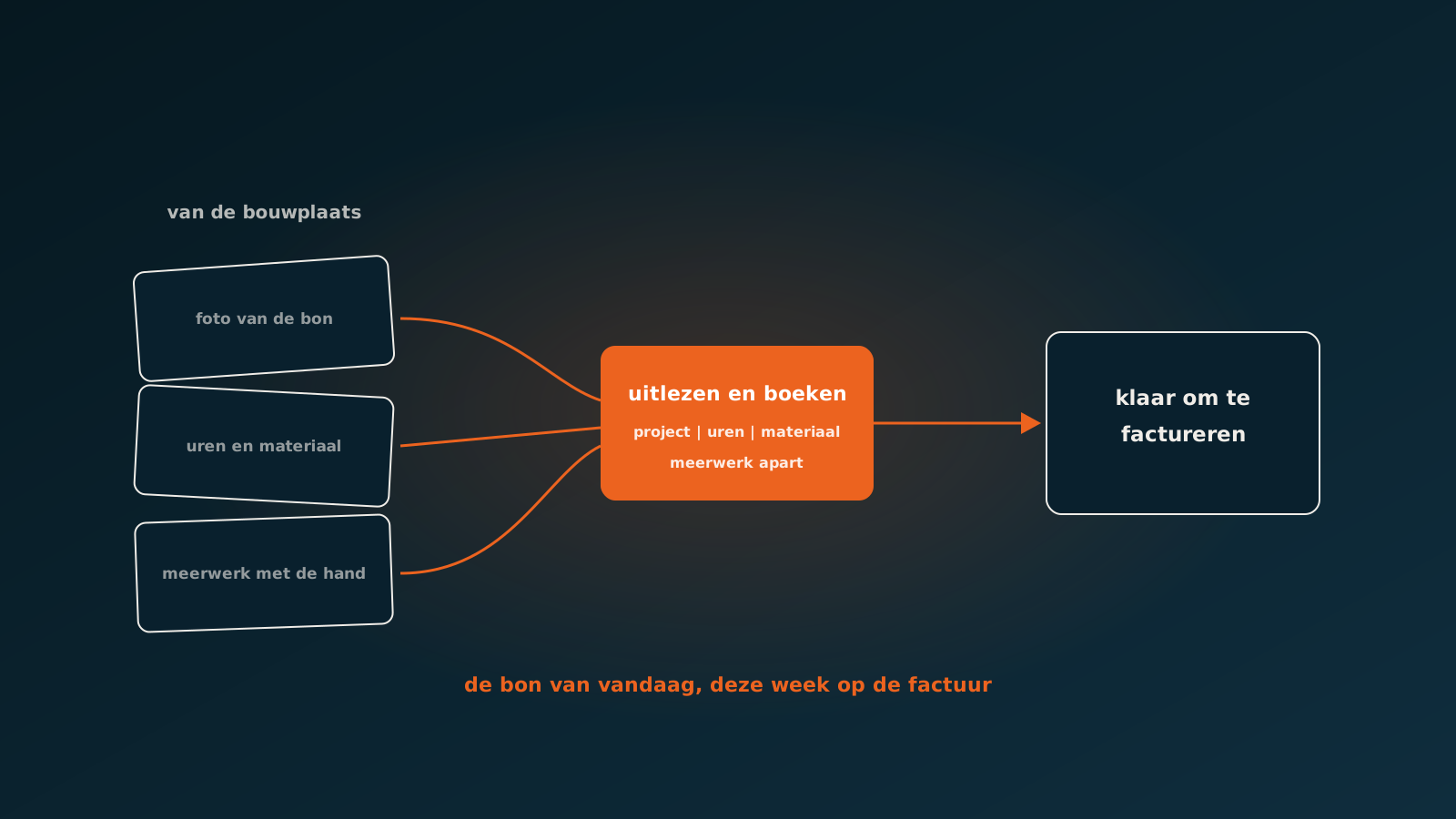
The ticket is your invoice
In construction and installation the service ticket is the hinge between the site and the office. What the engineer or foreman writes on it is the evidence of hours worked, materials used and extra work agreed. Without that ticket there is no substantiation, and without substantiation nobody wins an argument about an invoice.
At the same time it is the least loved piece of paper on site. Filling it in costs time at the end of a long day, and handing it in does not always happen. So a photo goes into a group chat, or the ticket rides along in the van until Friday.
That creates a quiet backlog which only becomes visible at billing time, when someone in the office has to reconstruct what happened three weeks ago on which project.
Where it goes wrong between site and office
The problems are much the same everywhere, whatever the size of the company.
- The ticket arrives as a photo: crooked, with harsh shadows, sometimes half out of frame and handwritten.
- The project number is missing or written in site shorthand rather than as the system knows it.
- Hours appear as 'full day' or '2 men until 3pm' instead of as quantities.
- Materials are described the way the engineer knows them, not with your item numbers.
- Extra work sits as a loose sentence at the bottom, without a signature or an amount.
Each of these is solvable by a person, but costs a phone call or a guess. And because there are hundreds a week, that means either a lot of administrative time or tickets processed without anyone genuinely checking what was on them.
What an unprocessed ticket costs
The direct cost is not the administrative hours but the extra work that goes unbilled. An engineer who spends two extra hours because an opening was wrong writes that on the ticket. If that ticket arrives three weeks later without the client's signature, the chance of that extra work still being paid is small.
Then there is working capital. Tickets left sitting mean projects not flagged as billable. In a sector with thin margins and long payment terms, that is an expensive delay you never see as a line item but definitely feel in your cash position.
And there is post-calculation. You want to know whether a project delivered what you expected. That only works if hours and materials are in there promptly and completely. A ticket administration running three weeks behind gives you management information that arrives too late to manage with.
What digitising does and does not solve
Many companies try to solve this with an app in which the engineer fills in the ticket digitally. That helps, and for part of the crew it works excellently. But it only solves the problem for those who actually use the app.
In practice you nearly always keep a mixed flow: some through the app, some as photos, some on paper via the subcontractor who brings their own tickets. A solution that only works at full adoption rarely works in construction.
What you need is processing that copes with every form, so the engineer can submit however suits them and the office still gets structured data.
How an AI coworker processes service tickets
An AI coworker reads the ticket as it arrives: as a photo in an email, as a PDF from the app, as a scan of paper. Handwriting, crooked angles and a subcontractor's own ticket layout are not blockers, because no template is involved.
It then makes the connections a person would make. It recognises the project from the address or the description, even when the project number is missing. It converts 'full day, 2 men' into the right hour lines according to your agreements. It matches material descriptions to your item file. And it sets extra work aside rather than quietly booking it along.
- Recognising the project, even without a project number on the ticket.
- Converting hours into lines per employee and per hour type.
- Matching materials to your item numbers, using the site description as the way in.
- Setting extra work aside and checking the signature, so it does not vanish into the fixed scope unnoticed.
- Posting into the system you use, for instance Bouwworks, AFAS or Exact.
Extra work is where the gain sits
Of all the steps, flagging extra work is the most valuable. Extra work identified today can be signed off today. Extra work only noticed at billing time is a discussion you usually lose or half win.
Because the agent reads every ticket the same day, a deviation surfaces immediately: this ticket contains hours that are not in the estimate, or materials that are not in the budget. That goes as a signal to the work planner or project manager, with the ticket attached.
At companies creating orders without a prior estimate, for instance in service and maintenance, this matters even more. There the ticket is not a check on the estimate but the only source. If it is incomplete, your invoice is incomplete.
Getting started
A good first measurement: how many days on average sit between the date on the ticket and the moment it is processed in the system? And how many of last month's tickets are still unprocessed? Those two numbers usually make the internal conversation concrete in one go.
In a Quick Scan we look at your real ticket flow, in every form it arrives in, and show which share an AI coworker can read and post. Typically you are live within eight weeks. Plan your go-live whenever it suits you.
Keep reading
More insights
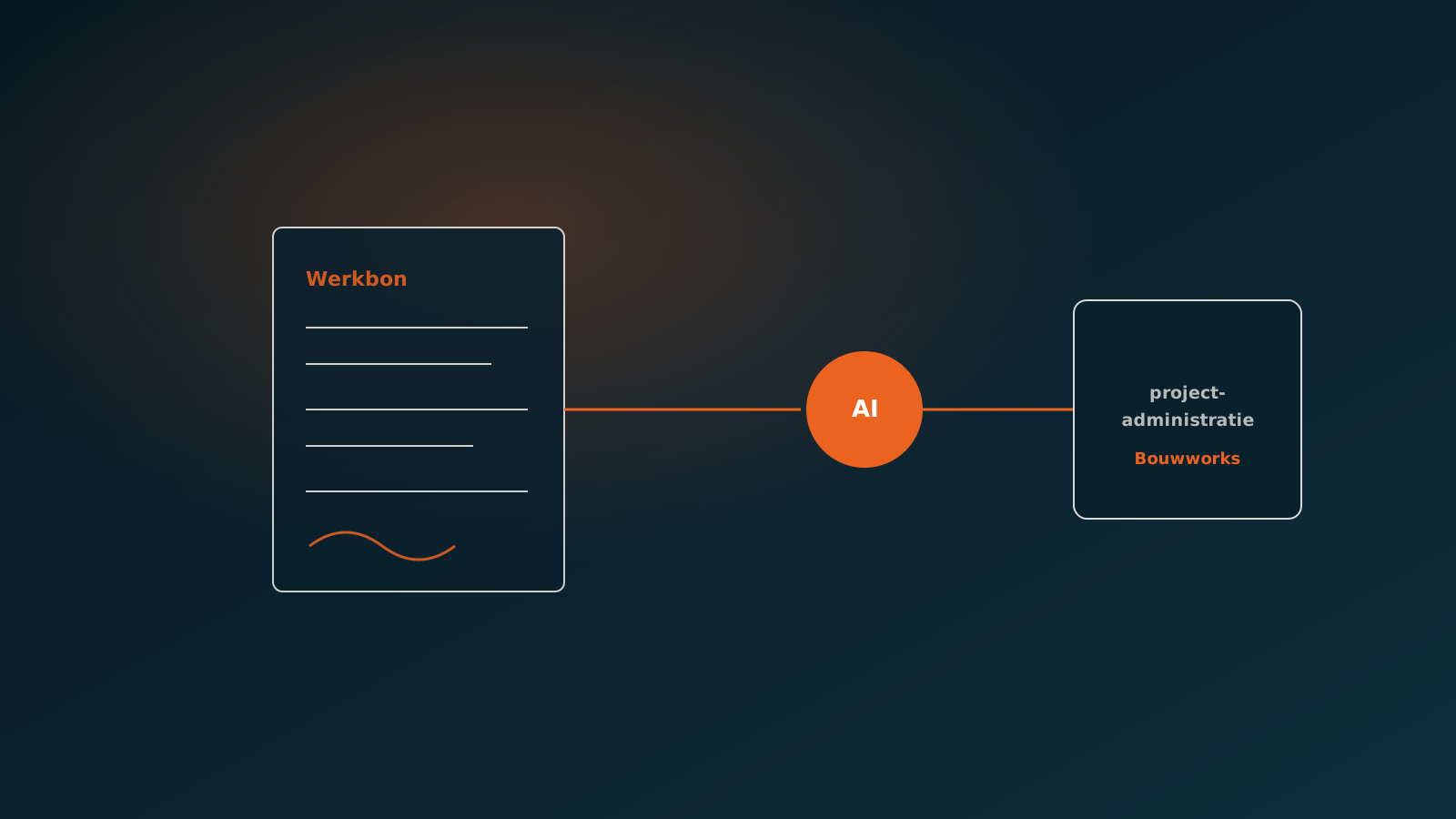
Automating service tickets in construction and installation
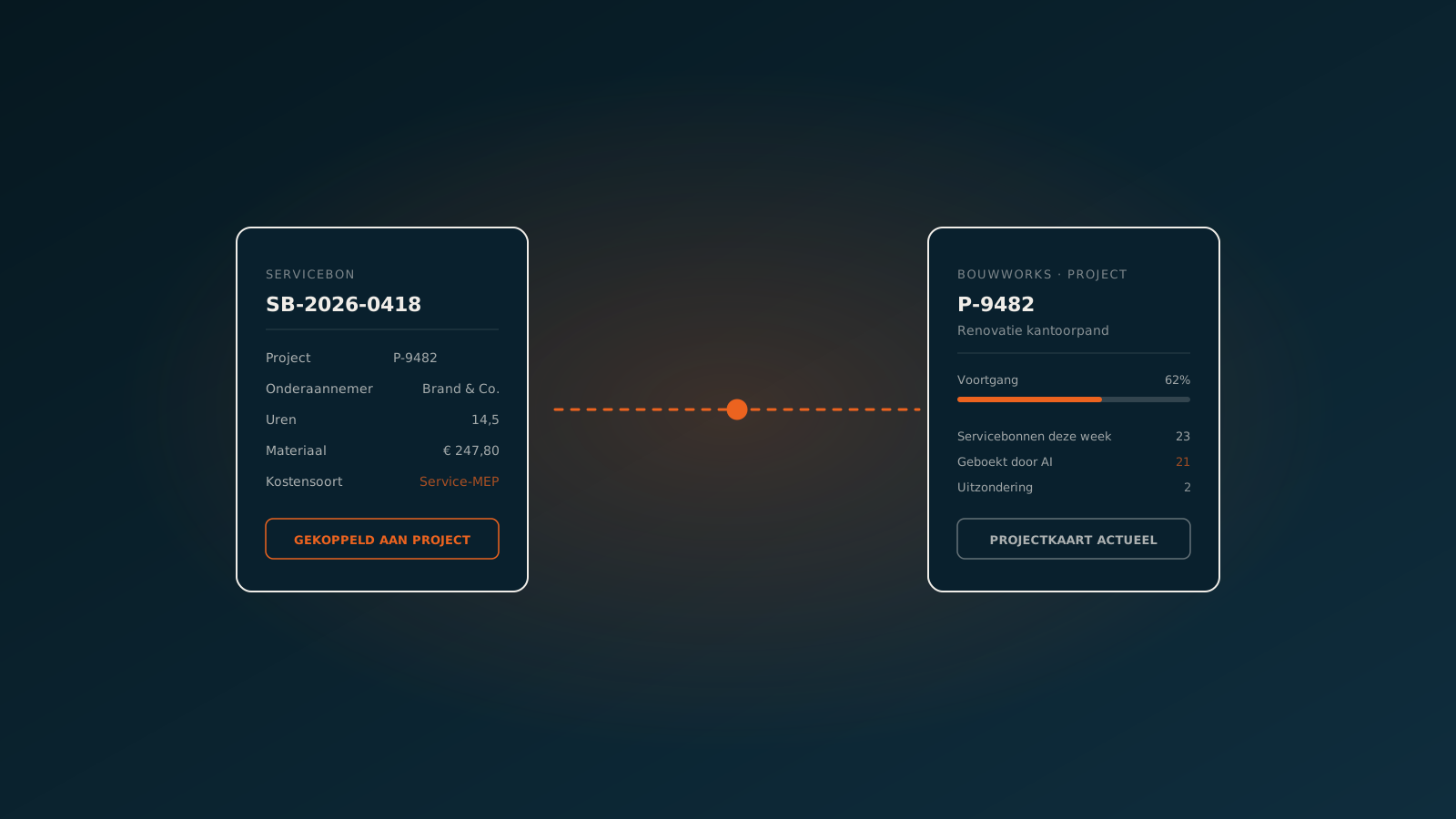
AI coworker in Bouwworks: project administration and service tickets at production scale

Automating service tickets in construction and installation: 10 minutes to 10 seconds
Curious what an AI coworker can do for your process?
Book a no-strings Quick Scan and explore the options.
Book a Quick Scan