Integrating AI into your existing ERP
You do not have to wait for your ERP vendor's AI features, and you do not have to put a second system alongside it either. Here is how to integrate AI into the package you already have, without migrating.
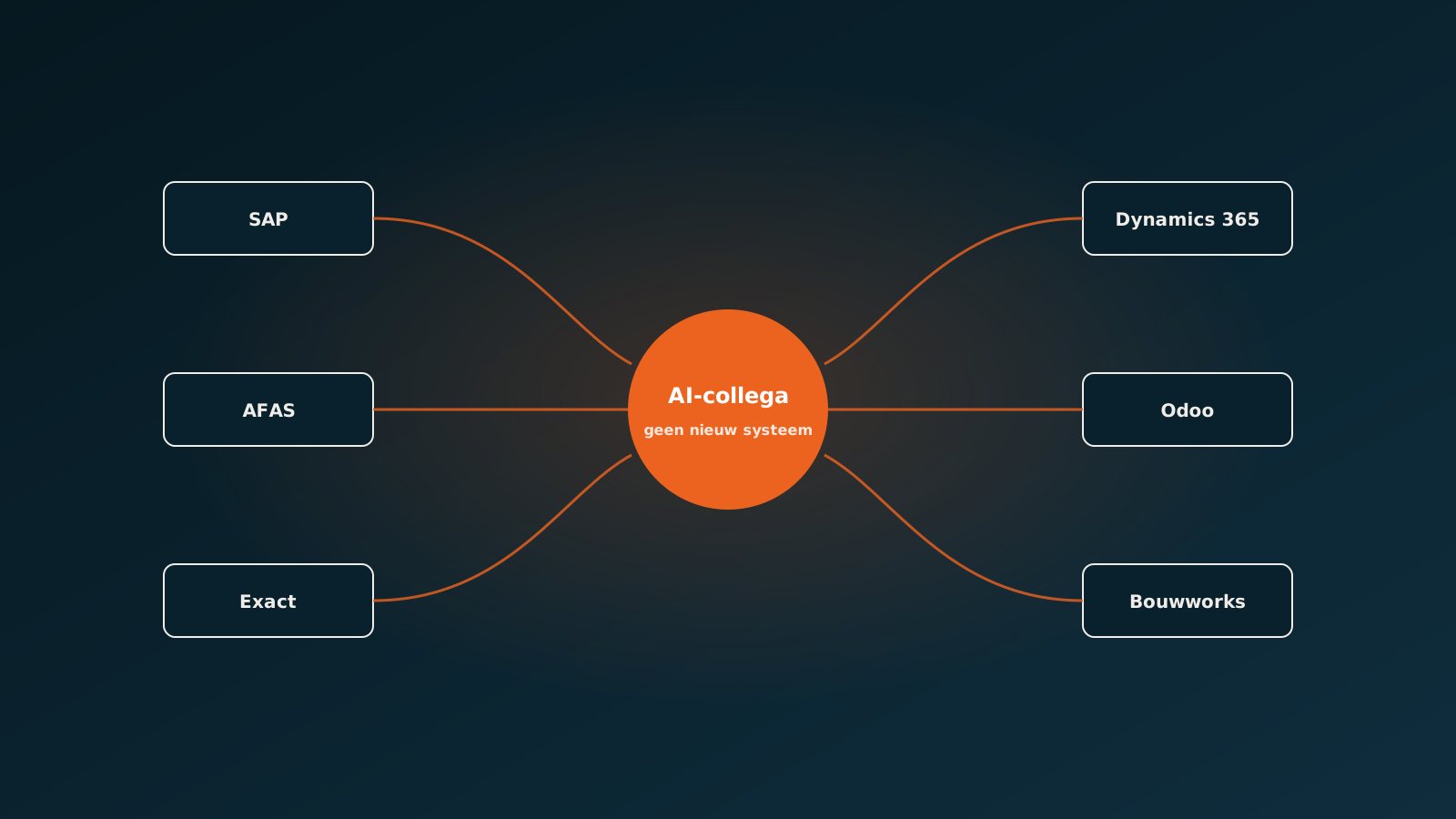
Three ways to get AI into your ERP
Almost every company looking seriously at AI arrives at the same question: how do I get this into the system where my work actually happens? There are three routes, and they differ sharply in what they deliver and what they cost.
The first is waiting for your ERP vendor. Nearly every provider has now announced or rolled out AI features. The second is putting a separate AI product alongside it that exchanges data through a connection. The third is an agent that works directly in your ERP, with its own permissions, as if it were an employee.
The difference between those three is not technically interesting but practically decisive, because it determines whether your team notices anything at all.
Waiting for your ERP vendor
The features ERP vendors build themselves are often good and neatly integrated. They sit in the screen you already work in and need little configuration. For what they do, they are usually the easiest choice.
The limitation is reach. An ERP vendor builds features that work for all its customers. Your specific suppliers, your price agreements, your exceptions and your way of recording extra work are by definition not in there. And it is precisely those quirks where the time goes.
The vendor also sets the pace. If the feature you need sits eighteen months out on the roadmap, that is eighteen months in which your process stays exactly as it is.
A separate product alongside
The second route is a specialised product that talks to your ERP through a connection. That can work excellently, and for some domains it is the logical choice. But it carries a hidden cost that only becomes visible after go-live.
Every extra system is a place holding data that has to be synchronised somewhere, a login to be managed, and a screen someone has to visit. With two systems that is manageable. With four your team starts forgetting things, and the feeling emerges that automation creates more work than it removes.
The rule of thumb we use: if the result of the work belongs in your ERP, then the place where the work happens belongs there too. Otherwise you move the problem instead of solving it.
An agent that works in your ERP
The third route is an AI coworker that works through your ERP's API with its own credentials and its own permissions. It reads the incoming documents, runs the checks, and posts the result directly into the system you already use.
For your team that is the least disruptive and therefore the most effective. The sales order simply sits in your ERP, created by a user called AI coworker. There is no new screen, no second version of the truth, no extra login. The only difference is that there is less work waiting.
For you as a company it also means keeping control. The agent's permissions are the same kind of permissions an employee has: this it may create, this it may only view, here it does not go. That is explainable to your auditor and to your own people.
What differs per ERP
The processes you automate are strikingly similar across packages. Reading in an order, matching an invoice, processing a service ticket: the logic is largely the same. What differs is how you get in.
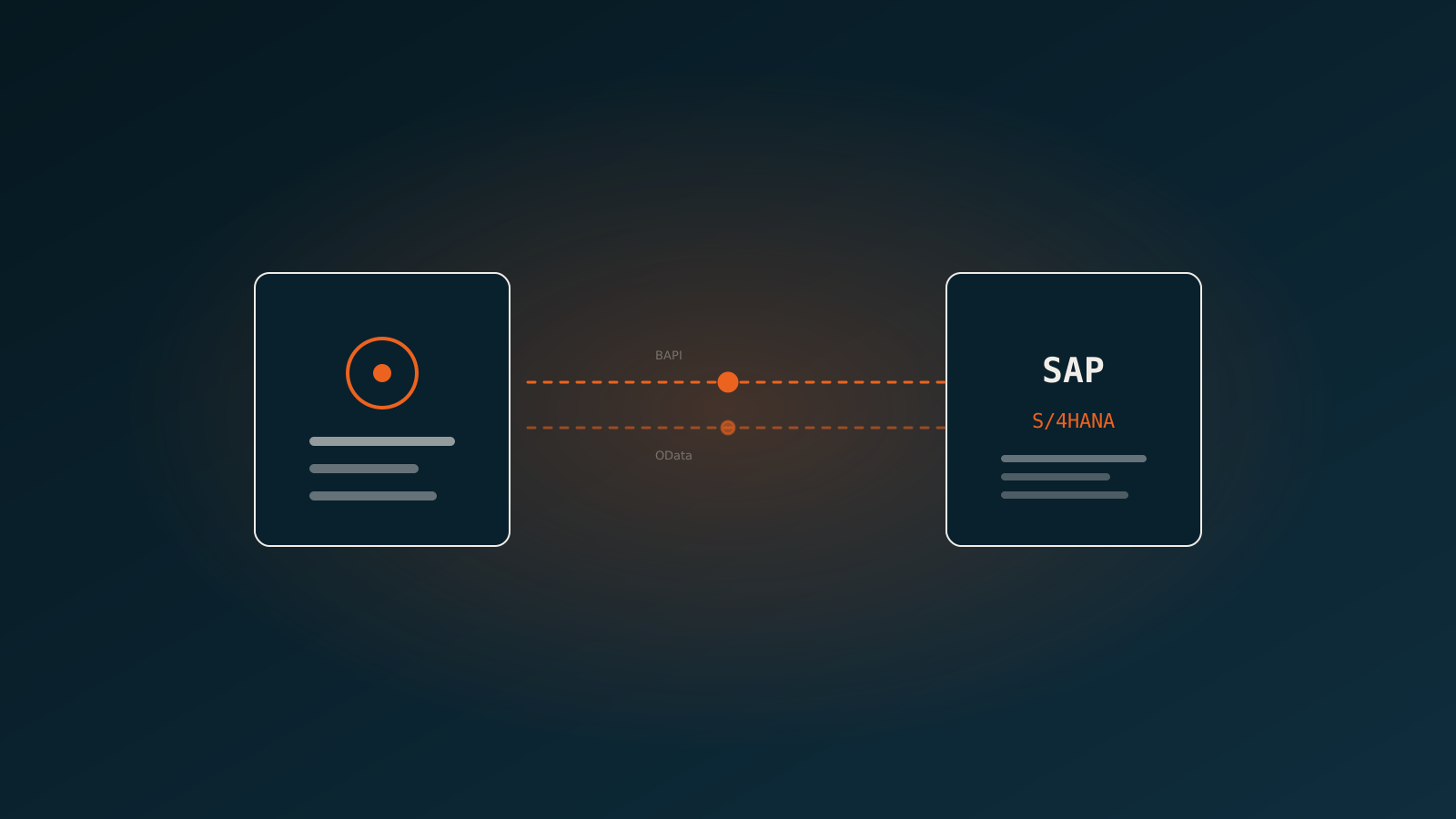
- SAP: rich integration options, but with its own conventions and authorisation models you have to take seriously.
- AFAS: well documented connections, where the customer's own configuration strongly determines what is possible.
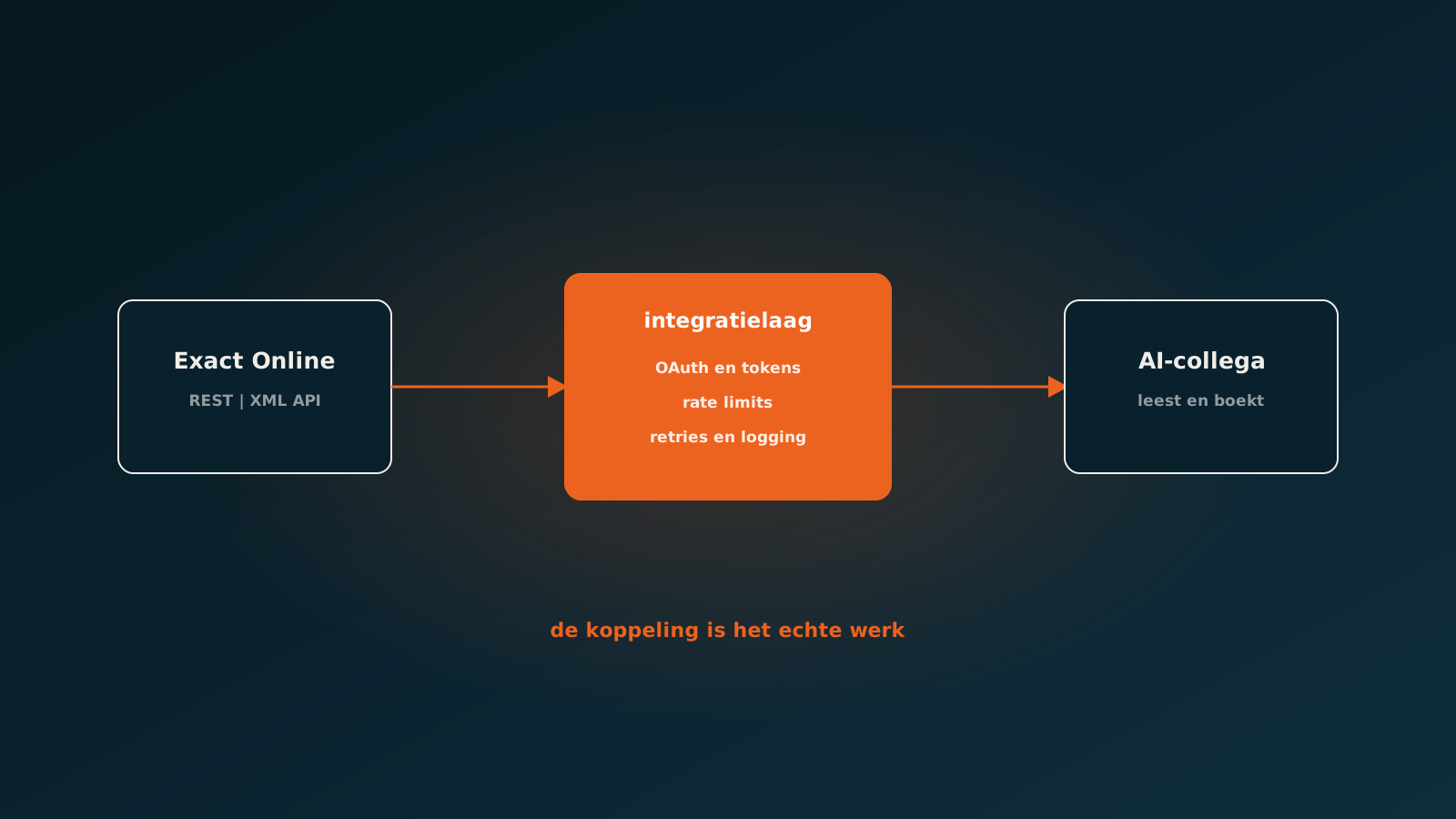
- Exact: a REST and XML API with rate limits and divisions, which your architecture has to account for deliberately.
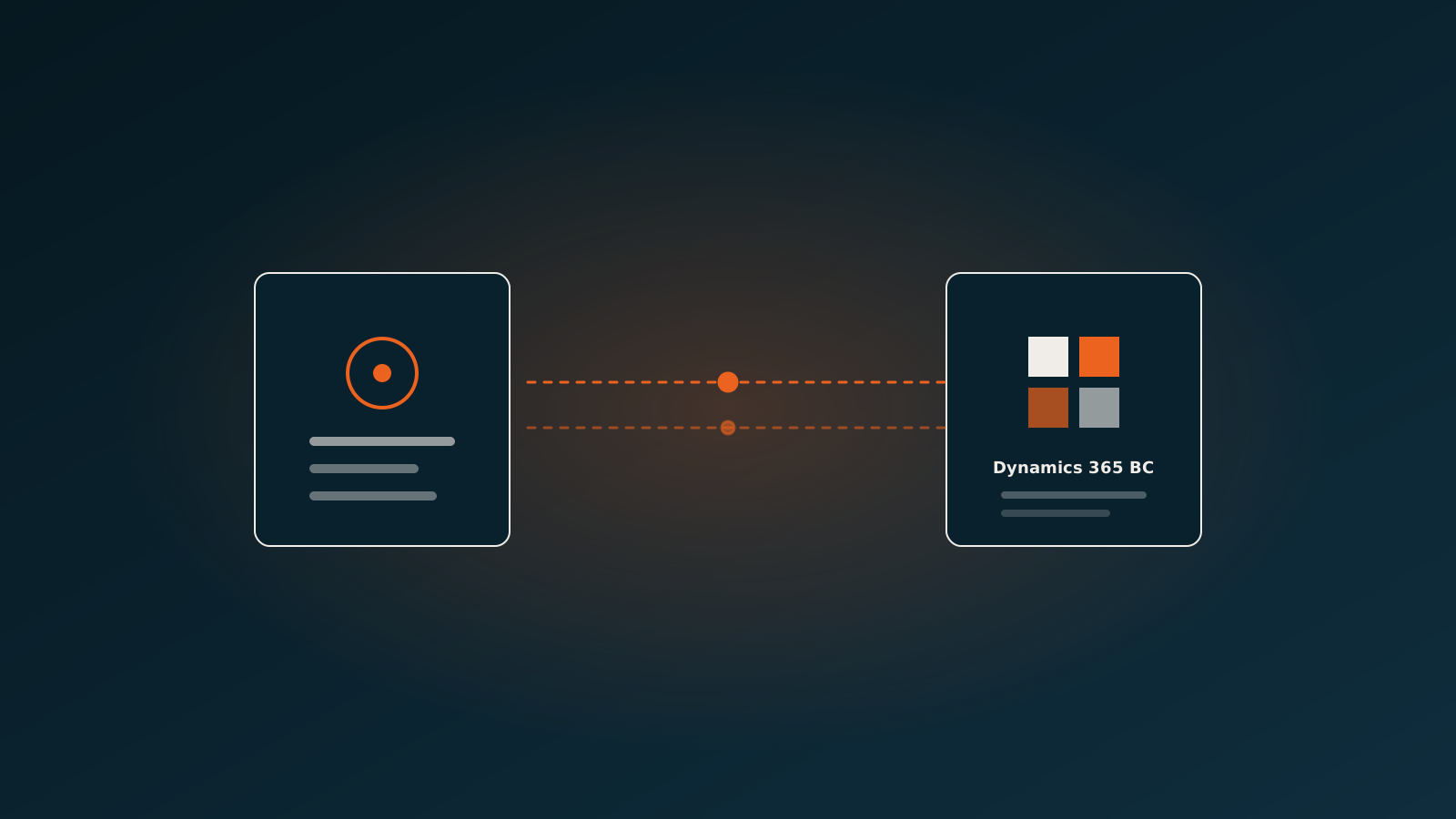
- Dynamics 365: modern and connectable, with differences between Business Central and the larger variants.
- Odoo: open and flexible, which makes customisation in the customer environment the deciding factor.
- Bouwworks: built for construction, with projects, service tickets and extra work at the core of the data model.
Because the integration layer is fixed on our side, you do not have to build that knowledge yourself. The process you configure today on one package can travel with you to another during a migration.
You do not have to migrate
A misconception we meet often: the idea that starting seriously with AI means first renewing your ERP. That is almost never true, and it is usually an expensive detour.
Even an older package has, in practice, enough points of entry to process orders, invoices and tickets automatically. And if a migration is coming anyway, automating now is the smart move: you learn where your processes genuinely jam, and that knowledge is worth a great deal when configuring the new package.
The reverse holds too: an AI coworker working cleanly through the API is one of the easiest components to move during a migration. The logic stays, only the connection underneath changes.
Getting started
Start with the process, not the technology. Which document flow costs you the most time, and what happens by hand today that a system could do just as well or better? That is the question that decides where you begin, whatever package you run.
In a Quick Scan we look at your ERP and your processes, and show which share an AI coworker can take over without you migrating anything. Typically you are live within eight weeks. Plan your go-live whenever it suits you.
Keep reading
More insights
Curious what an AI coworker can do for your process?
Book a no-strings Quick Scan and explore the options.
Book a Quick Scan