Automating invoice processing
Purchase invoices cost more time than you think. See how an AI coworker reads invoices, matches them against the purchase order and the receipt, and posts them under control in your ERP.
The cost of manual invoice processing
Purchase invoices look like small work, but they add up. Someone opens the email, downloads the PDF, reads the invoice number, the supplier, the amount and the VAT, and types it into the ERP. Then that same person pulls up the matching purchase order and checks whether the quantities and prices line up. When something is off, the back-and-forth with the supplier or the internal requester begins.
Do the math. A finance employee processes an invoice in a few minutes when everything checks out, but reality rarely checks out fully. Different layouts per supplier, missing order numbers, partial deliveries and manual discounts turn every exception into a five to fifteen minute job. At a few hundred invoices a month, that quickly adds up to half a full-time employee, or a whole one, doing nothing but retyping and chasing answers.
The real cost is not only in the hours. Manual retyping introduces typos in amounts and ledger accounts. Invoices sit untouched, so early-payment discounts evaporate and suppliers start calling. And the knowledge lives in the heads of a few people, so the pile grows whenever someone is sick or on holiday.
What automating invoice processing delivers
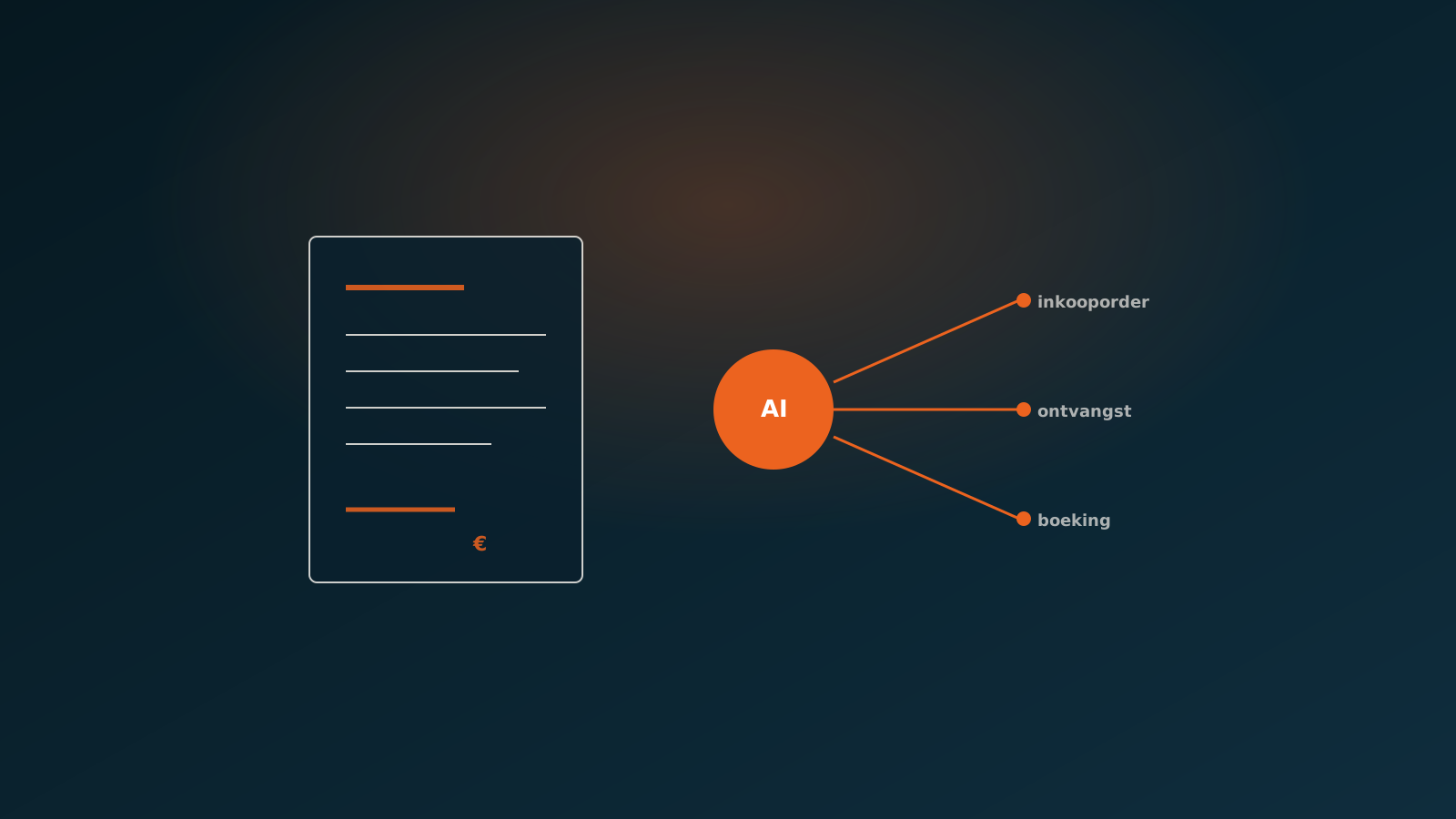
Processing purchase invoices automatically means the dull, repeatable part disappears and your people focus on the cases that genuinely need attention. An AI coworker reads every incoming invoice, extracts the data, matches it against the purchase order and the receipt, and prepares the posting in your ERP. Whether that is SAP, AFAS, Exact Online, Exact Globe, Dynamics 365 or Odoo.
The gain shows up in a few concrete points:
- Less lead time: invoices are read and matched within minutes instead of being picked up days later.
- Fewer errors: data comes straight from the invoice and the order, with no retyping.
- Scalability: a spike in invoice volume does not require extra hires.
- Control: every step is logged, so you see exactly what happened to an invoice.
One thing matters here: automating does not mean handing over control. It means the routine is taken off your plate and your staff only see the exceptions.
From invoice recognition to processing
Invoice recognition is the first step, but not the goal. Many companies already run an OCR solution that pulls text out of a PDF. The problem is that recognition on its own does not produce a processed invoice. Someone still has to review the recognised fields, link the supplier, pick the right ledger account and create the posting.
An AI coworker takes on the full chain. The invoice arrives by email or through an invoice portal. The agent reads the relevant fields: supplier, invoice number, invoice date, lines, amounts and VAT. It then links the supplier to the correct creditor number in the ERP and determines, based on rules and context, which cost centre or ledger account belongs to the lines. The invoice is not just recognised, it is ready to post.
The difference with standalone recognition is that the agent checks its own output. Do the line totals add up to the invoice total? Is the VAT consistent? Does the supplier already exist in the ERP? Only when those checks pass does the invoice move on to matching.
Matching against the purchase order and the receipt
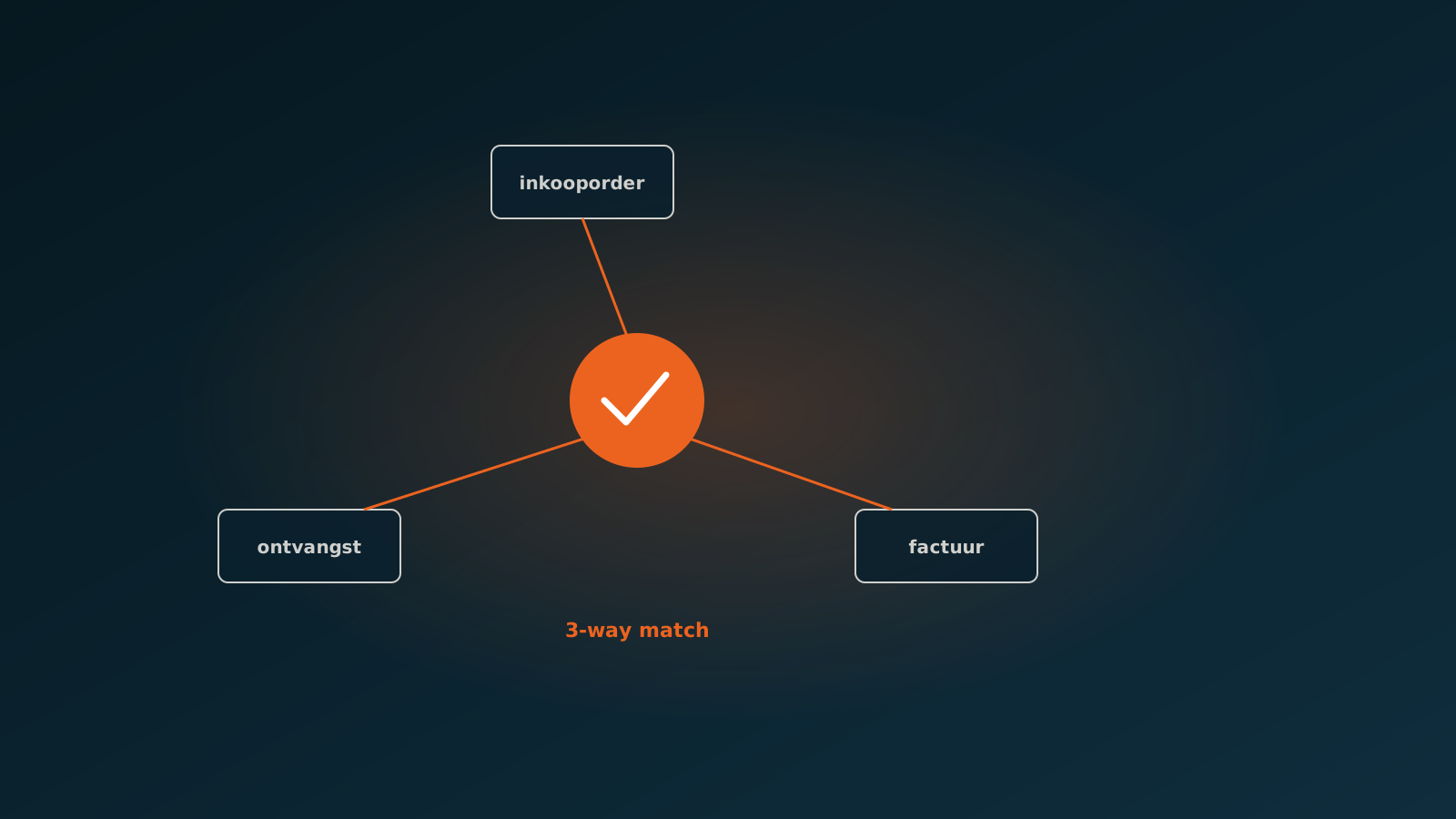
Reliable invoice processing comes down to matching. A three-way match compares three sources: the purchase order you placed, the receipt of the goods or services, and the invoice the supplier sends. When the three agree, you know you are paying for what you ordered and actually received.
For each invoice, the AI coworker finds the matching purchase order, lays the invoice lines next to the order lines and checks the receipt data. Do the quantities, unit prices and totals fall within the agreed margins? Then the invoice can proceed. If something deviates, the agent stops and flags exactly which line does not match and why.
This approach catches the errors that often slip through by hand. Think of a supplier billing a higher price than agreed, a duplicate invoice for the same delivery, or an invoice for goods that were never received. By matching at the front, you do not pay invoices that are wrong and you have nothing to claw back later.
Human-in-the-loop on exceptions
Automating does not mean the human disappears. At AgentsLab, human-in-the-loop is the starting point, and for some processes it is even a deliberate design choice on every posting. At a financial advisory firm, the AI coworker processes the purchase invoices and runs the full three-way match, but an employee confirms every posting by hand. One hundred percent human-in-the-loop, on purpose.
That sounds like a brake, but in practice it is freeing. The agent does all the groundwork: reading, linking, matching, checking and preparing the posting. The employee sees a clean proposed posting with the match alongside it and only has to confirm or, on a deviation, step in. The heavy lifting is gone, the final responsibility stays with a person.
How many people stay in the loop is your call. Some companies let the agent post invoices below a certain amount with a clean match fully on its own, and only review the exceptions. Others, like the advisory firm, choose to have every posting signed off. Both work, because control sits with you.
Results
The gain from automating invoice processing is easy to measure. The lead time of an invoice drops from days to minutes, because reading and matching happen right after arrival. The error rate falls, because nothing is retyped and every invoice runs through the same checks. And capacity scales with invoice volume, without extra hires.
At the financial advisory firm, the groundwork sits entirely with the AI coworker: reading invoices, running the three-way match and preparing the posting. The team still handles confirmation and the genuine exceptions, instead of retyping. Lead time has become predictable, and peak months no longer stall on the availability of a few people.
Just as important is what no longer happens: invoices left sitting, duplicate payments, and price deviations that only surface at year-end. Because the match sits at the front, anything that is wrong comes to light right away.
The first step
Invoice processing is a strong starting point for automation: the volume is high, the rules are clear and the gain shows up fast. You do not need to rebuild your whole administration. You start with the purchase invoices from a few suppliers and expand once it runs.
Want to know what this delivers in your situation? Plan a Quick Scan. We look together at your current invoice flow, your ERP and your purchase orders, and show how an AI coworker takes over the processing while you keep control. After that, we plan your go-live.

Curious what an AI coworker can do for your process?
Book a no-strings Quick Scan and explore the options.
Book a Quick Scan