Automating three-way matching
Automating three-way matching means lining up the invoice, purchase order and goods receipt automatically. You catch discrepancies early and keep a grip on your margins, even at high volume.
What three-way matching is
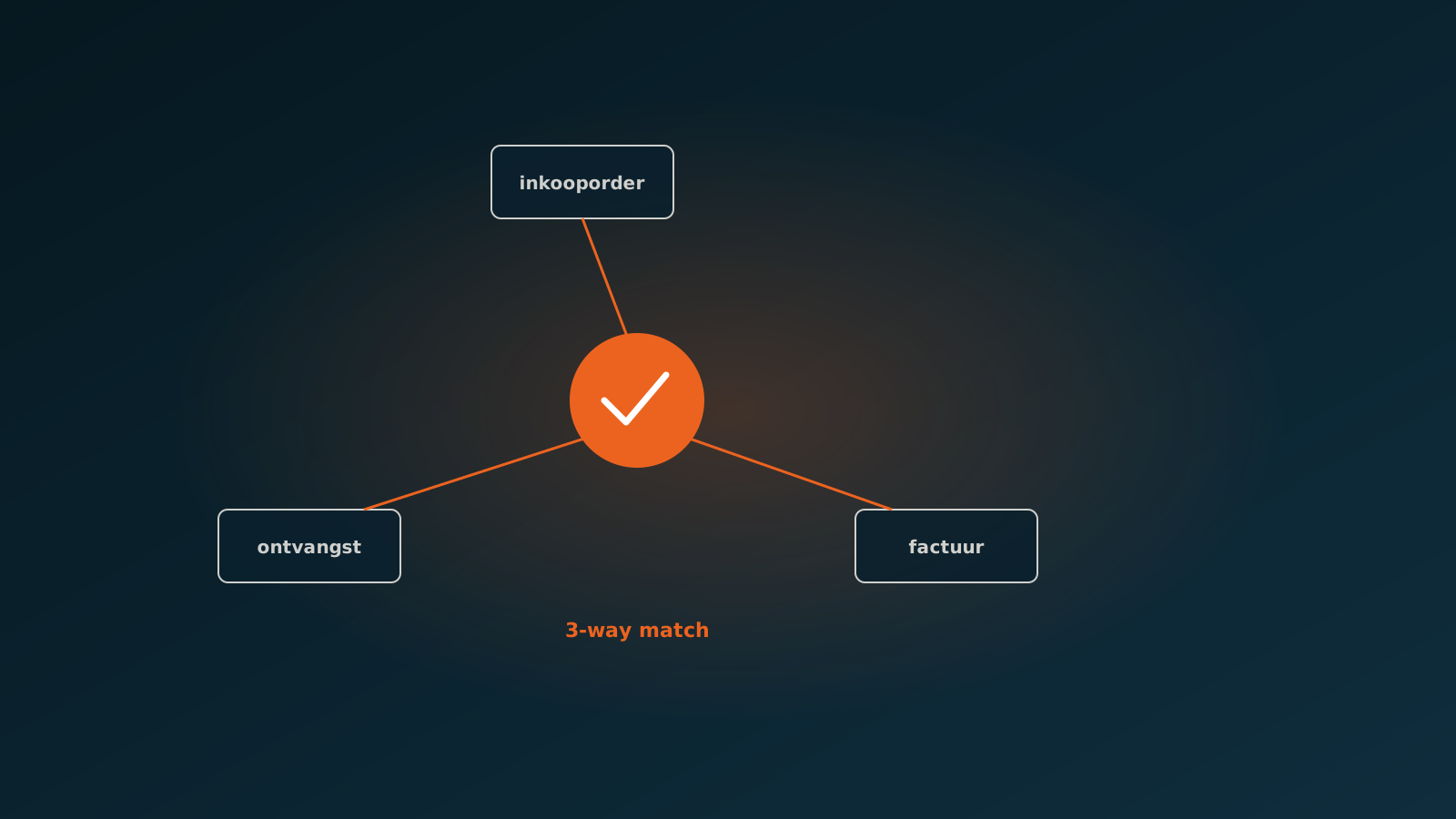
Three-way matching is the check where you line up three documents before approving an invoice for payment. You compare the purchase order (what you ordered), the goods receipt (what actually arrived) and the invoice (what the supplier charges). If the three agree, the invoice can move forward.
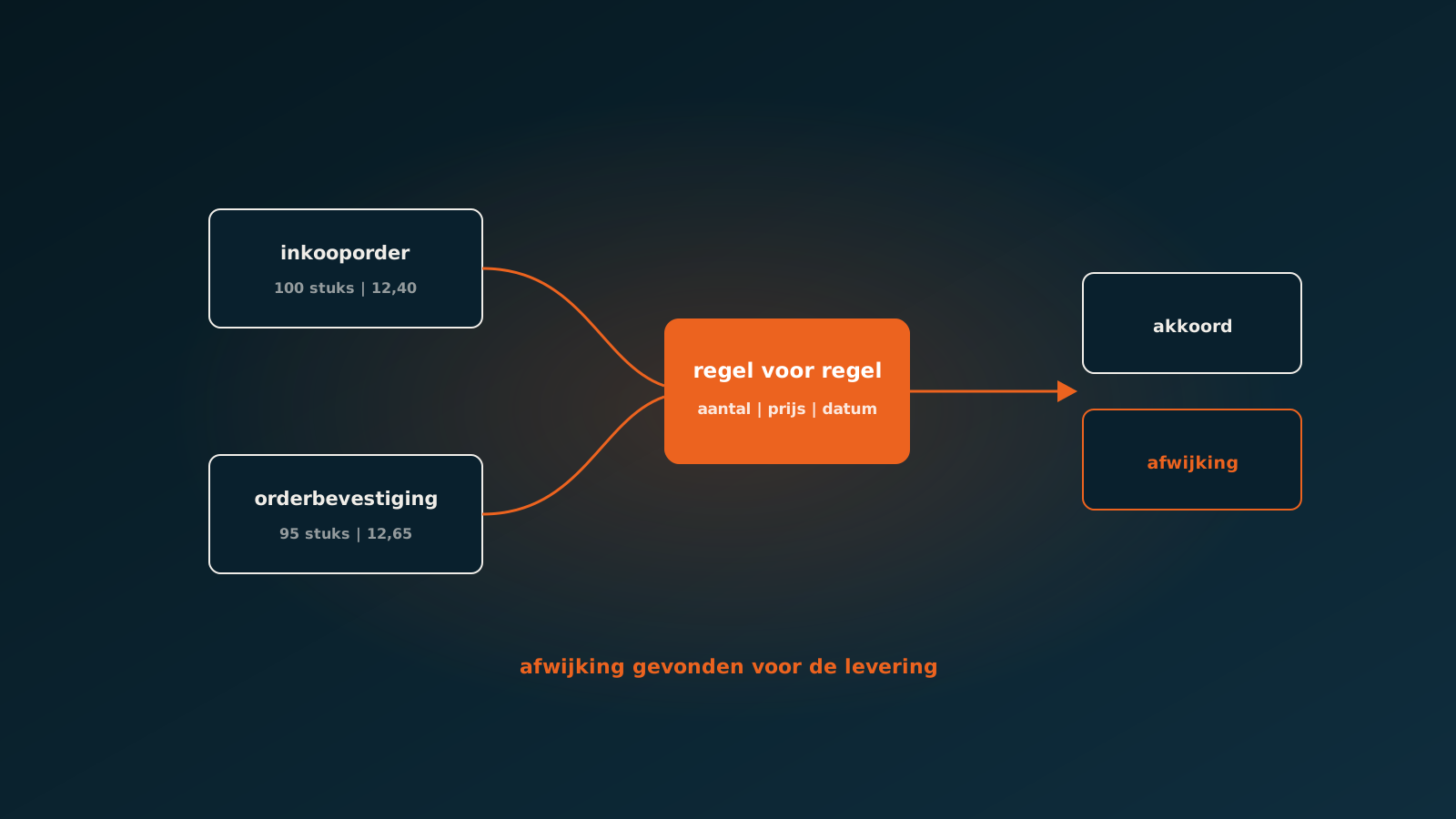
The goal is simple: you only pay for what you ordered and actually received, at the agreed price. It sounds obvious, but in practice the trouble hides in the details. A supplier ships 95 units instead of 100. The price on the invoice is two cents off the order price. A freight charge appears that was never agreed. Each one a small discrepancy, but together they leak straight out of your margin.
Three-way matching is therefore not an administrative formality but your first line of defence against overpaying. An accounts payable team that does this well protects the margin of the whole business.
Why manual matching breaks down at volume
At a few dozen invoices a month, manual matching is perfectly workable. Someone opens the invoice, finds the matching purchase order, checks the goods receipt and ticks it off. But once volume climbs into the hundreds or thousands of invoices a month, the nature of the work changes.
The problem is not the difficulty of a single match, but the repetition. People are poor at comparing near-identical lines accurately for hours on end. Attention drifts. And it is exactly the small discrepancy, that one line where the price is off, that slips through. That is precisely the discrepancy that costs money.
- Lead time grows: invoices sit until someone has time, and payment terms come under pressure.
- Inconsistency creeps in: one person approves a two percent discrepancy, another sends it off for investigation.
- Scalability is missing: more invoices simply means more headcount, or a growing backlog.
- Visibility disappears: no one can say at a glance which discrepancies came up this month and why.
Automating invoice matching then becomes a necessity rather than a luxury. Not to replace people, but to take the routine comparison work away from people whose attention is better spent elsewhere.
How an AI coworker compares the three sources
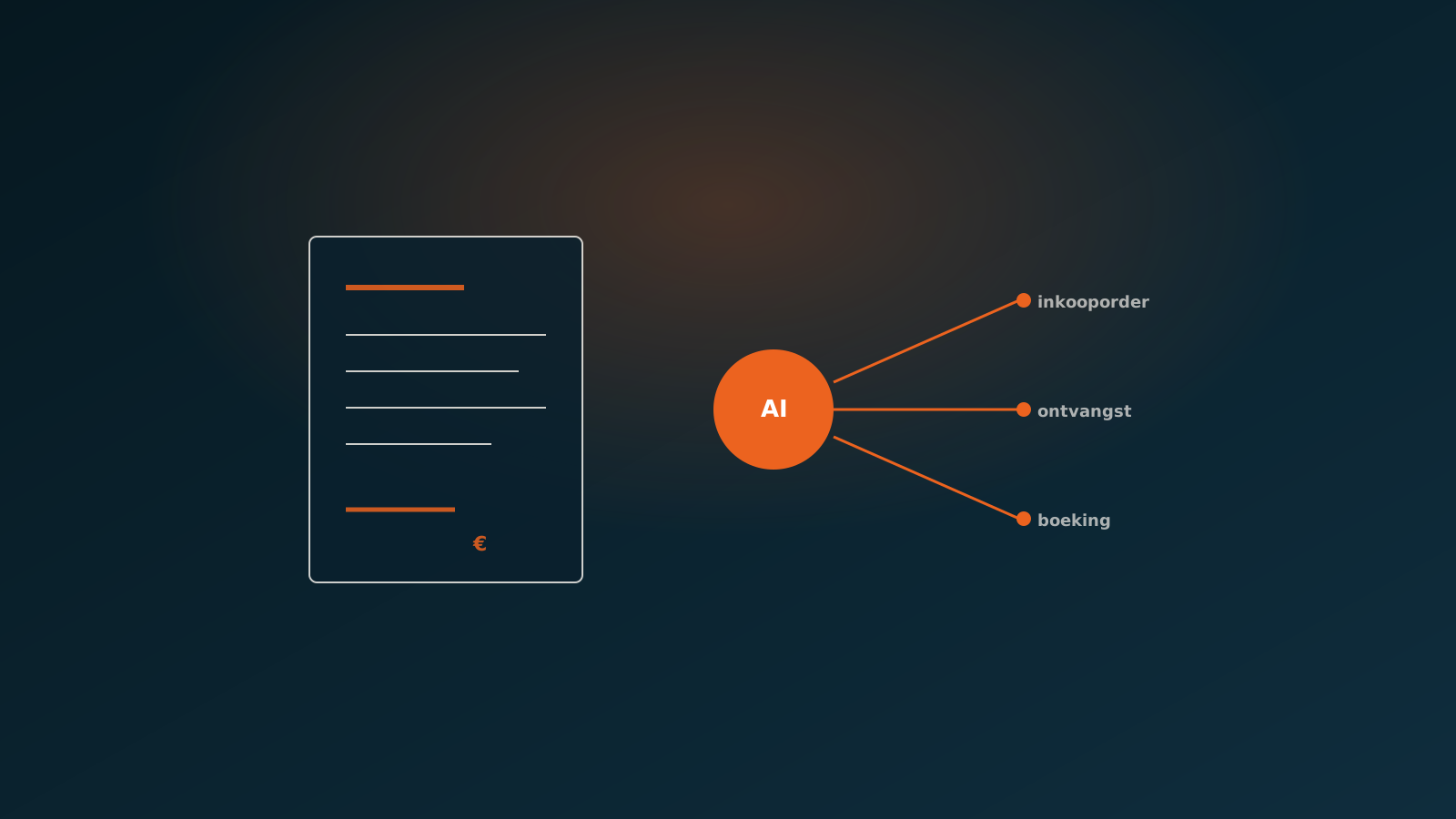
An AI coworker takes on the comparison work exactly where it turns dull and repetitive. The agent reads the incoming invoice, finds the matching purchase order in the ERP, pulls in the goods receipt and lines up the three line by line. SAP, AFAS, Exact Online, Dynamics 365 or Odoo: the agent works directly in the system you already use, not in a separate tool alongside it.
When matching a purchase order to an invoice, the agent looks not only at the total amount but at the details that genuinely matter. Quantities, unit prices, item numbers, VAT, agreed discounts. Where a person starts skimming after the fiftieth line, the agent checks every line with the same precision.
- Quantities: does the invoiced amount match what was ordered and what was received?
- Prices: does the unit price on the invoice equal the order price, within the agreed tolerance?
- Line items: do the lines on the invoice belong to this order, or are there charges that were never agreed?
- Totals: do the subtotal, VAT and final amount add up from the lines?
What matches moves forward. What does not match does not simply pass: it is set aside as a discrepancy. That shifts the work for finance: no longer checking everything, but only judging what truly deserves attention.
Handling discrepancies
The value of automation is not in the invoices that match perfectly. Those would have been approved by hand anyway. The value is in how you handle the invoices that do not match, because that is where the risk and the margin sit.
A good AI coworker never quietly approves a discrepancy on its own. The agent flags the discrepancy, explains what is off and sets the invoice up for a person. Not as a vague alert that something is wrong, but concretely: this line deviates, the order price was this, the invoice price is that, the difference is this much.
That gives finance exactly what it needs to decide quickly. A discrepancy within tolerance can be accepted. A discrepancy that is wrong goes back to the supplier or to purchasing. The team member no longer has to hunt for the problem, because it has already been found. They only judge what should happen next.
The role of finance oversight
Automating does not mean handing over control. For us, human-in-the-loop is a deliberate design choice, not an emergency brake bolted on afterwards. In practice at a financial advisory firm, we set up the matching processes so that finance stays in the loop on every meaningful decision.
That means the AI coworker does the preparatory work, but the outcome stays transparent and verifiable. Finance sees what the agent compared, on what grounds something was matched and which discrepancies were flagged. The decision to approve or escalate an invoice sits where it belongs: with the person.
The good part is that control and speed do not work against each other here. Because the agent handles the routine and surfaces only the real discrepancies, finance is left with more attention for the cases that matter. The grip increases, it does not loosen.
Results
The gains from automating invoice matching show up in three ways. First, lead time: invoices that match are processed almost immediately instead of waiting for a free moment. Then consistency: every invoice is judged the same way and with the same tolerance, no matter who is working on a given day.
And finally, margin. Because every line is compared with equal precision, the small discrepancies no longer go unnoticed. A price difference of a few cents per line seems like nothing, but across thousands of lines a month it is the difference between a healthy and an eroded purchasing margin.
Just as important: the work gets better. The accounts payable team member is no longer ticking off lines for hours, but judging the cases that truly matter. That is more rewarding work, and it leads to better decisions.
Getting started
Automating three-way matching does not begin with a big project, but with an honest look at your own process. How many invoices do you process a month, how many of those match straight away, and where does the time really go? Often the biggest gain sits in a surprisingly small share of the invoices.
In a Quick Scan we look together at your invoice flow and your ERP, and show concretely where an AI coworker can take over the matching and where finance stays in the loop. After that you plan your go-live at your own pace, in the system you already use.
Curious what an AI coworker can do for your process?
Book a no-strings Quick Scan and explore the options.
Book a Quick Scan