Automating purchasing: from order to matched invoice
Purchasing is more than placing orders. Between purchase order and paid invoice sit order confirmations, packing slips and discrepancies that someone has to chase. Here is how to automate that with an AI coworker, one step at a time.
Where the time in purchasing really goes
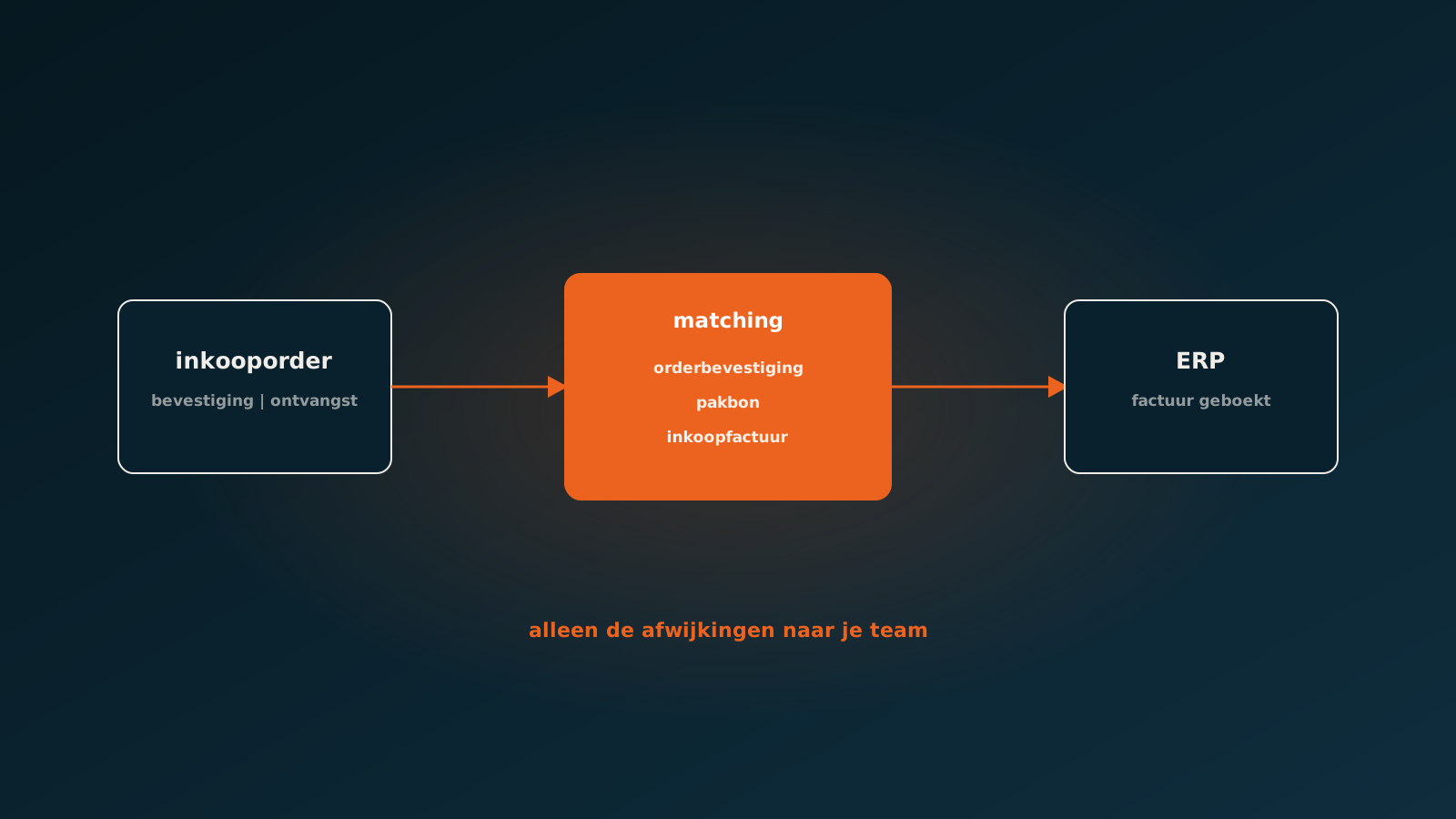
Ask a buyer where the day goes and you rarely hear "ordering". The ordering itself is often handled by reorder suggestions in the ERP. The time goes into everything that follows: the confirmation that does not match, the supplier quoting a different delivery date, the partial delivery, the invoice that does not tie back to what was ordered or received.
That work is spread across purchasing, the warehouse and accounts payable, and it runs largely through email. That is exactly why it stays manual, even in companies where the ERP is otherwise tightly set up.
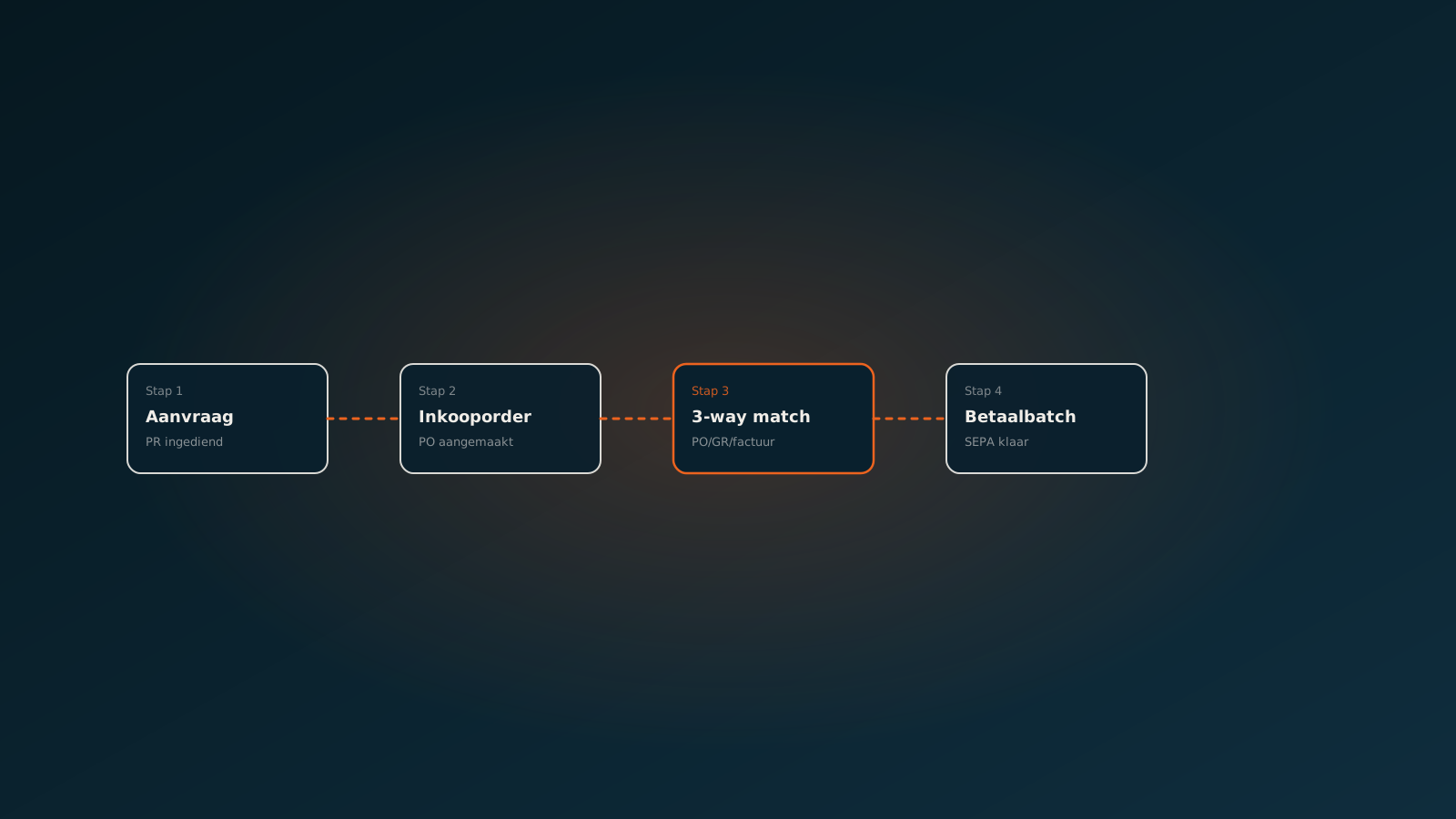
Four moments to automate
- Purchase order: turning reorder suggestions into purchase orders according to your rules on supplier, minimum quantity and lead time.
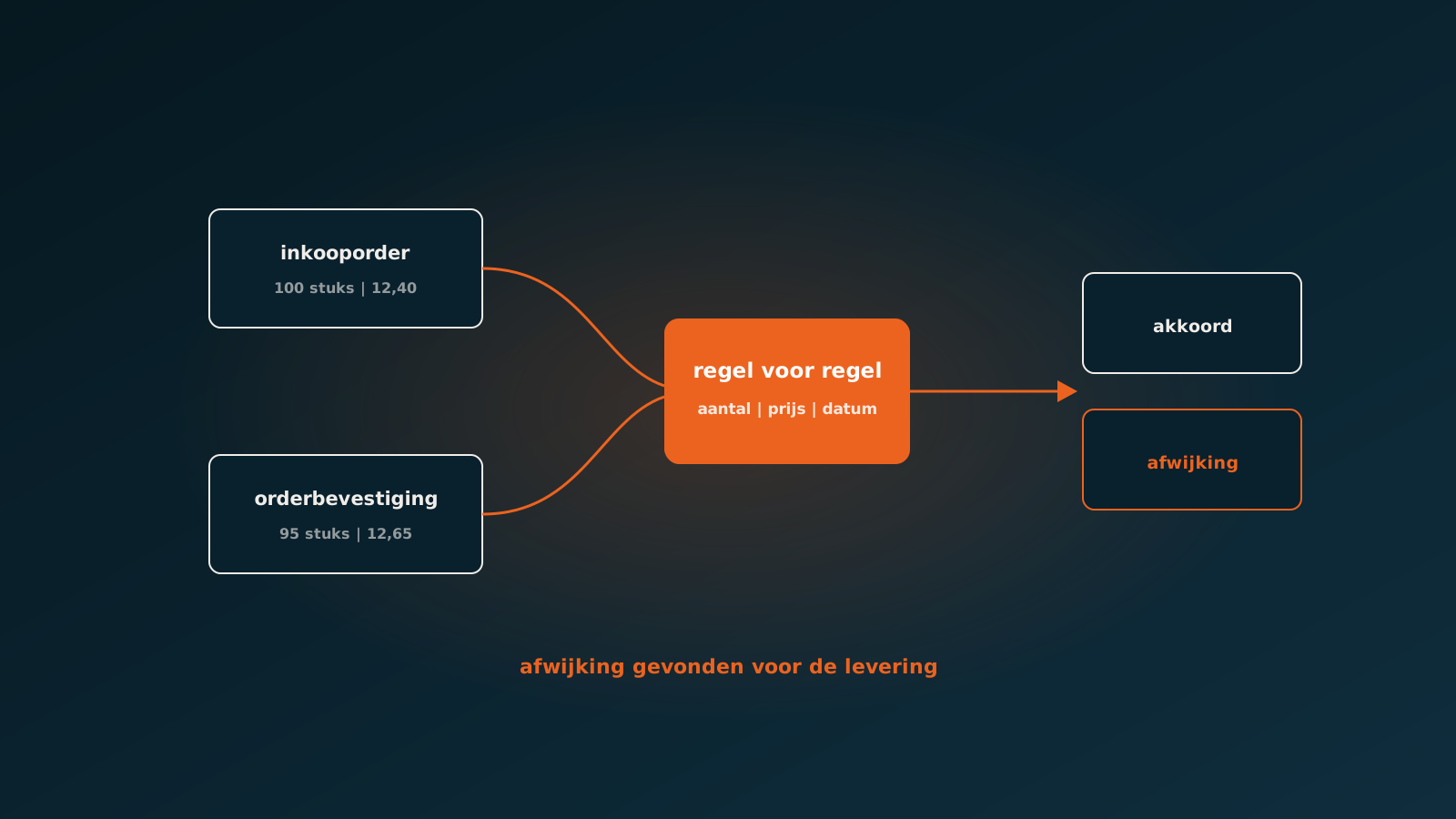
- Order confirmation: comparing the supplier's confirmation with your purchase order, line by line.
- Receipt: checking the packing slip and goods receipt against what was ordered, partial deliveries included.
- Invoice: matching the purchase invoice to purchase order and receipt, and only escalating the discrepancies.
You do not have to do it all at once. Most companies start where the most emails fly back and forth, and that is almost always the order confirmation or the invoice.
Checking order confirmations
A supplier confirms your order, but slightly differently: another price, a later delivery date, a substitute item, a quantity rounded up to the pack size. If nobody checks, you find out at invoicing or when the shelf is empty. An AI coworker reads every confirmation, compares it with the purchase order and updates the expected delivery date. Price differences above your tolerance go to the buyer.
Read next: matching order confirmations to your purchase orderMatching purchase orders to invoices
The best-known part of purchasing automation is invoice matching. In a two-way match you compare the invoice with the purchase order: do price and quantity agree? A three-way match adds the receipt: has what is being invoiced actually arrived? That last check stops you paying for goods that were never delivered.
Done by hand, the work is manageable as long as invoices line up one to one. It breaks down on real life: one invoice covering three purchase orders, a partial delivery with a backorder, freight charges that appear nowhere on the order, or a supplier using its own item numbers. An AI coworker recognises those patterns, links them at line level and posts the invoice when everything is within tolerance. The rest goes to accounts payable with the discrepancy already worked out.
Read next: automating three-way matchingWhat you should not automate
Not every purchasing decision belongs to an agent. Choosing a new supplier, negotiating framework agreements or deciding whether to accept an expensive rush delivery stays human work. An AI coworker prepares it: which suppliers carry this item, what were the latest prices and lead times. Your buyer decides.
We set that boundary in the design, not after the fact. For every step you agree what the agent may do on its own, what it escalates and what it never does.
Inside your own ERP
An AI coworker works inside your existing ERP: SAP, AFAS, Exact, Dynamics 365, Odoo or Bouwworks. Purchase orders, receipts and invoices stay where they are. There is no separate purchasing portal to add, and your suppliers do not have to change how they confirm or invoice.
Getting started
A good first measurement: how many purchase invoices per month cannot be posted straight away because they do not tie back to order or receipt? And how long does such an invoice stay open on average? In a Quick Scan we map that out together.
Typically an AI coworker is live within eight weeks in your own ERP. Plan your go-live whenever it suits you.
Read next: procure-to-pay end-to-end with one AI coworker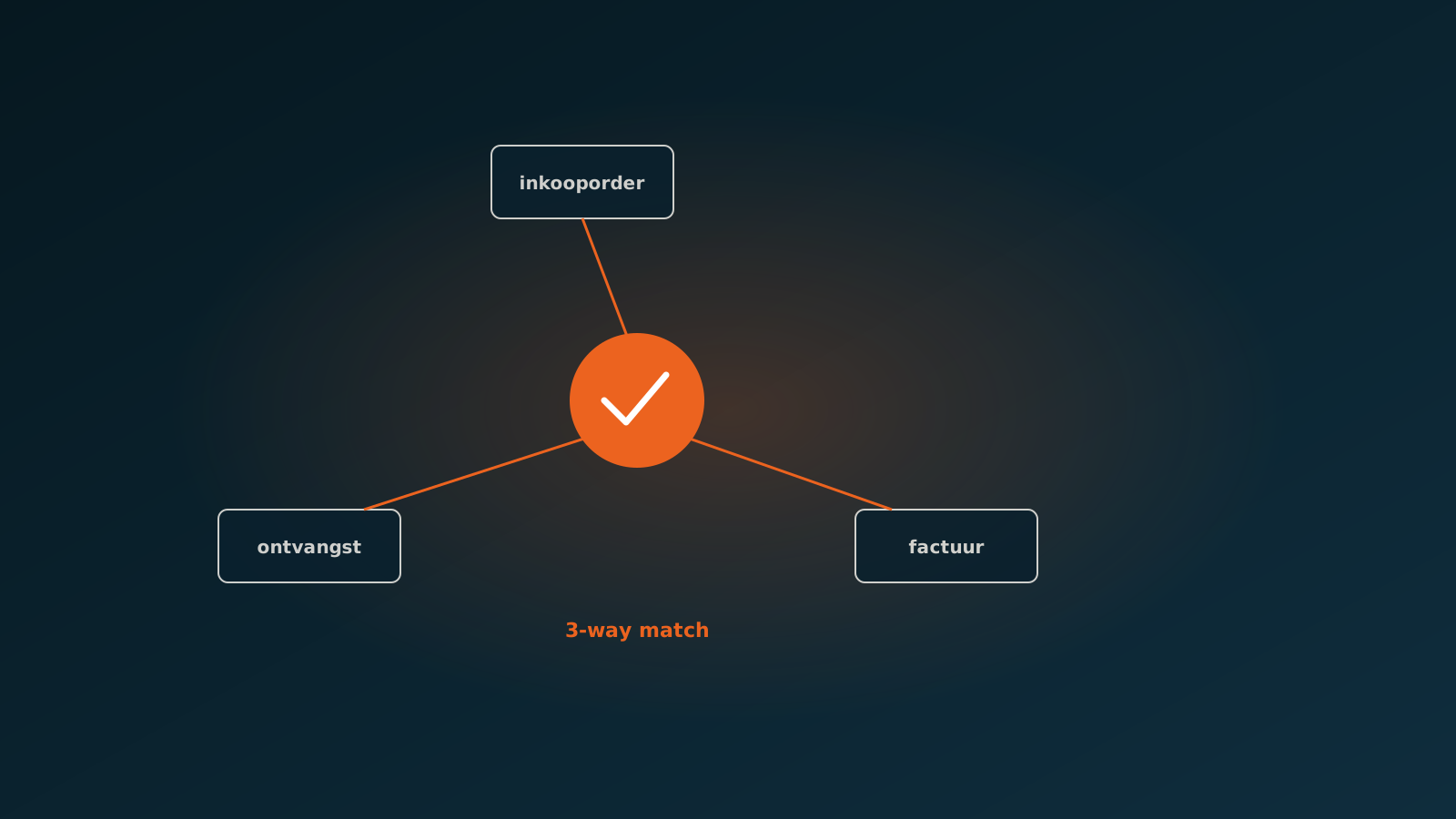
Curious what an AI coworker can do for your process?
Book a no-strings Quick Scan and explore the options.
Book a Quick Scan