Matching order confirmations to your purchase order
The order confirmation is the first place you can spot a discrepancy, weeks before the invoice arrives. Yet at most companies it disappears unread into a folder. Here is how to automate that check.
The check almost nobody performs
You send out a purchase order. A few days later the supplier's order confirmation arrives. And then, at many companies, precisely nothing happens: the confirmation is filed, perhaps glanced at, and everyone waits for the delivery.
That is understandable. There is no amount to pay, no deadline attached and nobody is measured on it. But it is also the most expensive habit in the purchasing process, because the order confirmation is the first moment you can see that something other than what you agreed is about to happen.
What is on the confirmation is what the supplier is going to do. What is on your purchase order is what you asked for. If those two differ and you only notice at invoice time, you are eight weeks later in a discussion where the goods have already been processed.
What tends to deviate
In practice the differences are rarely large and dramatic. They are small things, and that is exactly why they slip through.
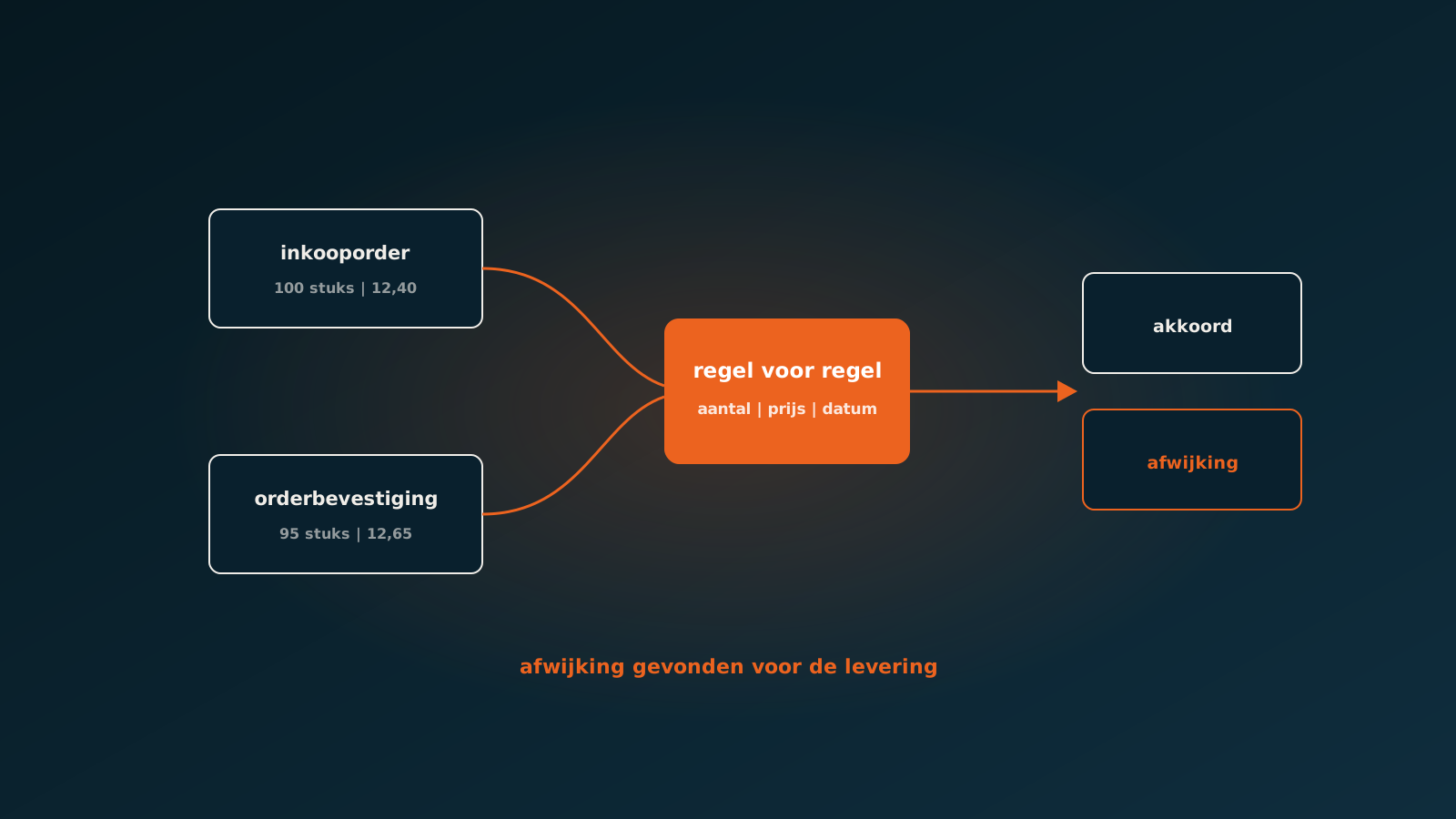
- Quantity: you ordered 100 units, the confirmation says 95 or splits it into two partial deliveries.
- Price: the unit price is a few cents above the agreement, or a volume discount has not been applied.
- Lead time: the confirmed date is two weeks later than requested, while your customer already has a commitment.
- Item: an alternative or successor item number is confirmed without anyone explicitly approving it.
- Surcharges: freight, small order or fuel charges appear on the confirmation but not in the agreement.
Individually these are things you resolve on day three with an email. On day sixty, when the invoice is in and the goods have been resold, the same point costs half an hour on the phone and usually a credit note that never arrives.
Why three-way matching comes too late
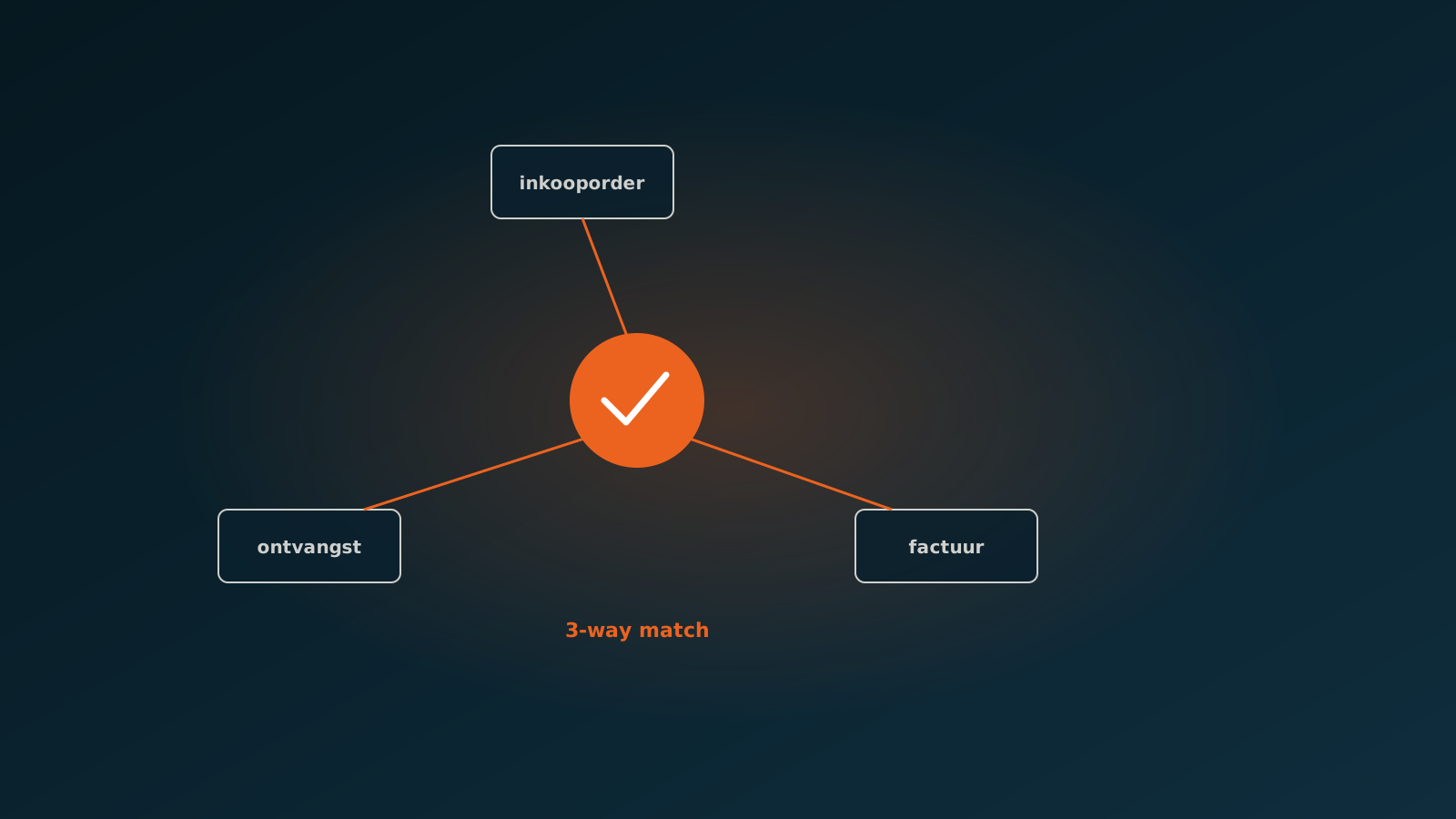
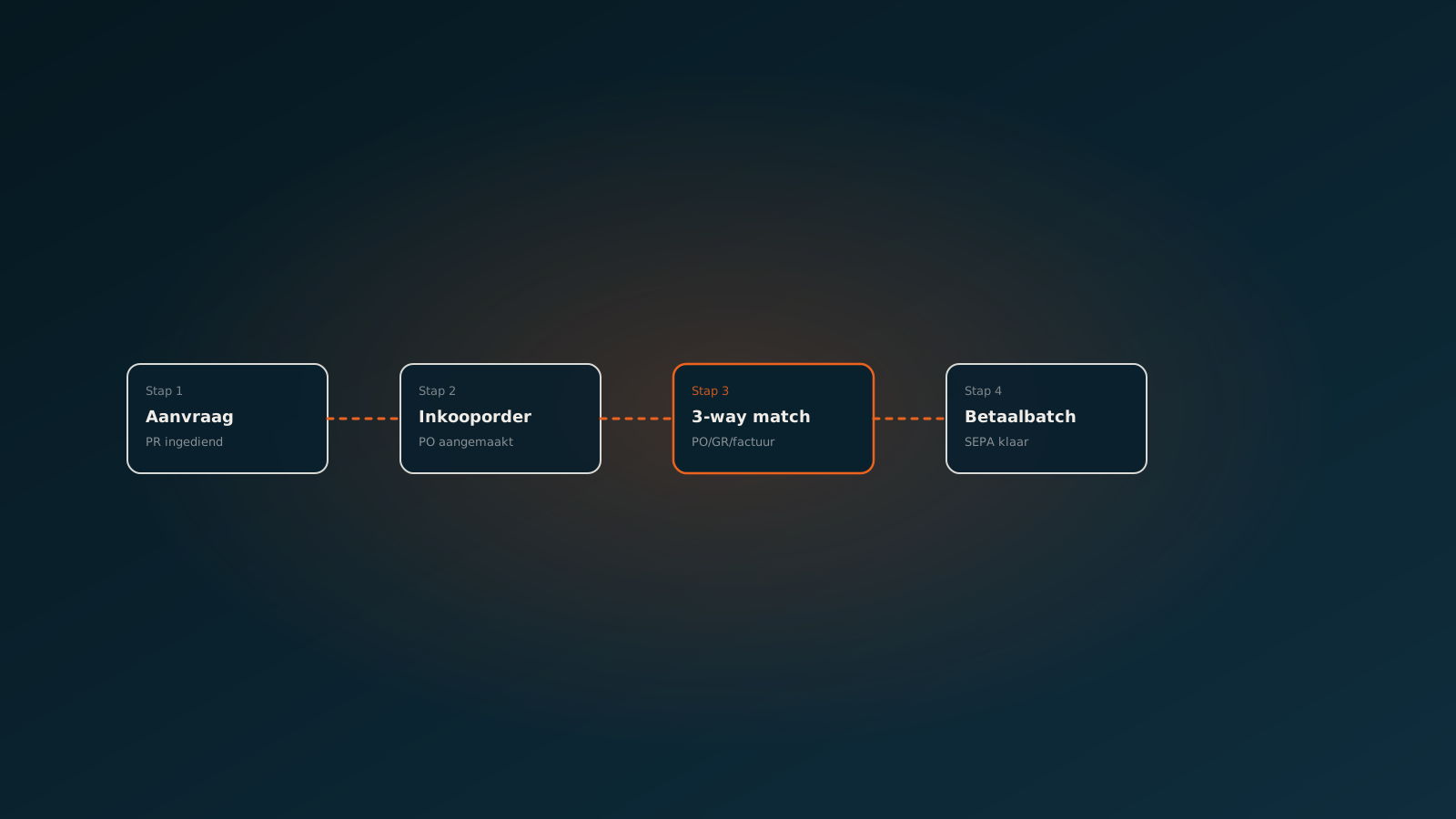
Many companies rely on three-way matching: purchase order, goods receipt and invoice side by side. That is a good control and you should certainly have it. But it intervenes at the end of the chain, when everything has already happened.
Matching on the order confirmation puts a control at the start. It is effectively a fourth point in the chain, and the only point where steering is still cheap. You are not comparing what happened, but what is about to happen.
In practice the two controls reinforce each other. Companies that match confirmations see far fewer discrepancies at invoice time, simply because most differences were corrected before anything shipped.
Why it does not happen manually
It is not that buyers consider the check unimportant. The problem is that the effort is out of proportion to the chance of finding something. For each confirmation you have to pull up the order, compare line by line and judge whether a difference matters.
At a few hundred confirmations a month that is days of work for something that yields nothing in ninety percent of cases. So it gets skipped, or done as a sample on the largest orders. And the small discrepancies on the small orders, which together cost the most money, stay invisible.
This is the classic case of work people do badly and machines do well: high volume, heavy repetition, low odds per item, high value in aggregate.
How an AI coworker matches the confirmation
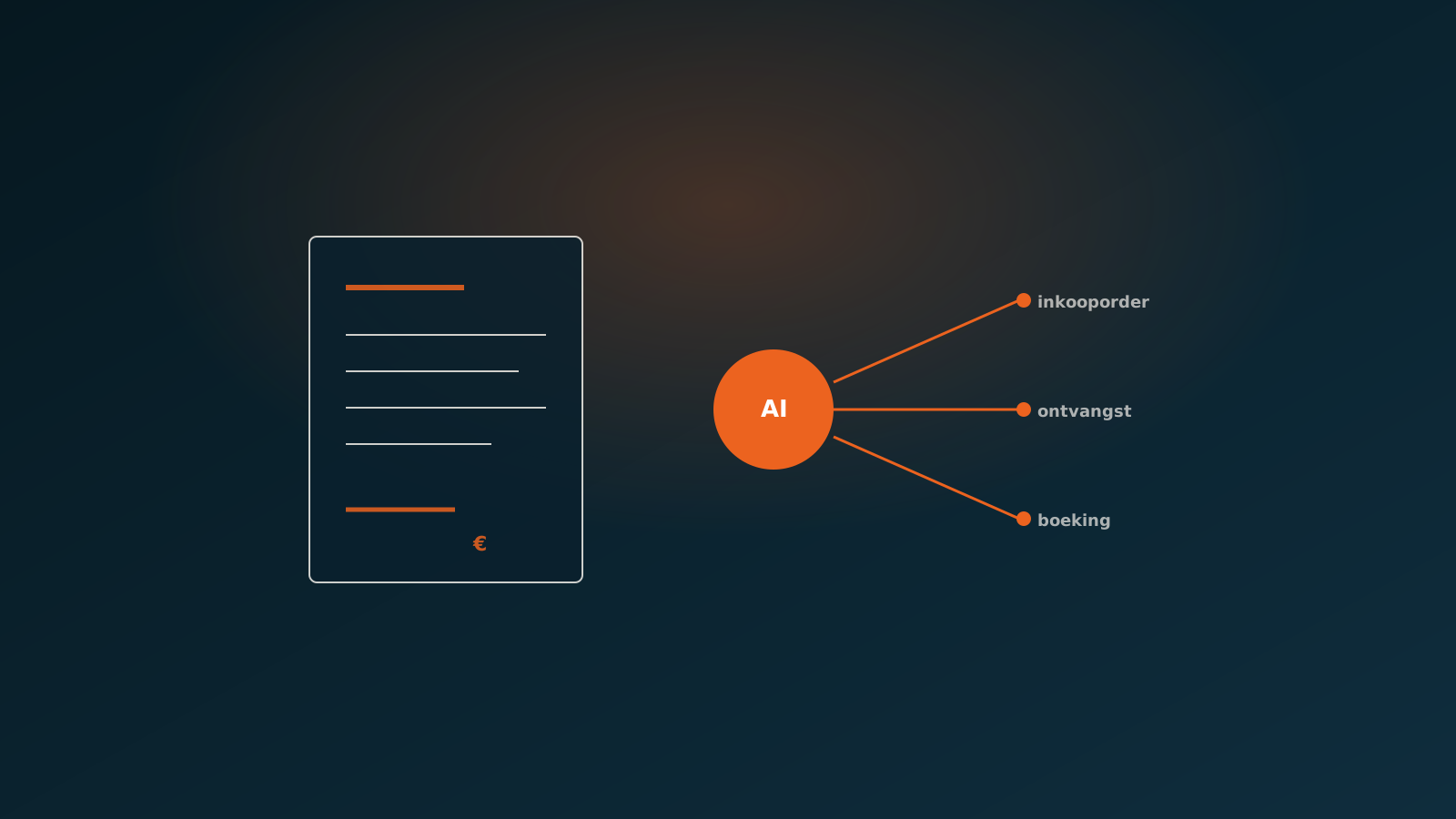
The order confirmation arrives as an email with an attachment, laid out the supplier's way. There is no standard, every supplier does it differently, and that is exactly why template-based OCR stalls here.
An AI coworker reads the confirmation without a template. It extracts the order number, or infers which order it belongs to when the number is missing, finds the purchase order in your ERP and lines up the rows. Quantity against quantity, price against price, date against date, item against item.
What matches is recorded as confirmed. What deviates goes to purchasing with the discrepancy stated concretely: on line 3 the price is 12.65 instead of 12.40, and delivery is confirmed for 14 September instead of 31 August. The buyer does not have to search, only to decide.
- Within tolerance: confirm automatically and update the expected delivery date in the ERP.
- Price deviation above tolerance: route to purchasing, with the agreement and the difference attached.
- Later delivery date: signal purchasing and, if you want, the salesperson who promised the customer a date.
- Unknown item: never silently accepted, always put in front of a person.
What it delivers
The direct gain is money that stops leaking. Price differences raised at confirmation are almost always corrected, because nothing has shipped yet and the supplier can see the difference too. That same discussion after the invoice you often lose.
The second gain is planning. A confirmed delivery date two weeks later than requested is information your sales and planning teams want today, not on the day the delivery fails to appear. By reading the confirmation automatically, that date becomes a signal instead of a surprise.
And the third gain is calm further down the chain. Every discrepancy caught at confirmation is an invoice that will match later. Accounts payable notices it immediately in the number of blocked invoices.
Getting started
The good part about this control is that you can add it without rebuilding your process. The confirmations already arrive, the purchase orders are already in your ERP. What is missing is the comparison, and that is exactly the part you automate.
In a Quick Scan we look at your purchasing flow: how many confirmations come in, from how many suppliers, and what share deviates from the order. That percentage is usually higher than people expect. Typically the agent is live in your own ERP within eight weeks. Plan your go-live whenever it suits you.
Curious what an AI coworker can do for your process?
Book a no-strings Quick Scan and explore the options.
Book a Quick Scan