Calculating the ROI of AI automation
How do you weigh the investment in an AI coworker against the return? We walk through the costs and benefits that matter and give a concrete worked example you can run for yourself.
What belongs in the business case
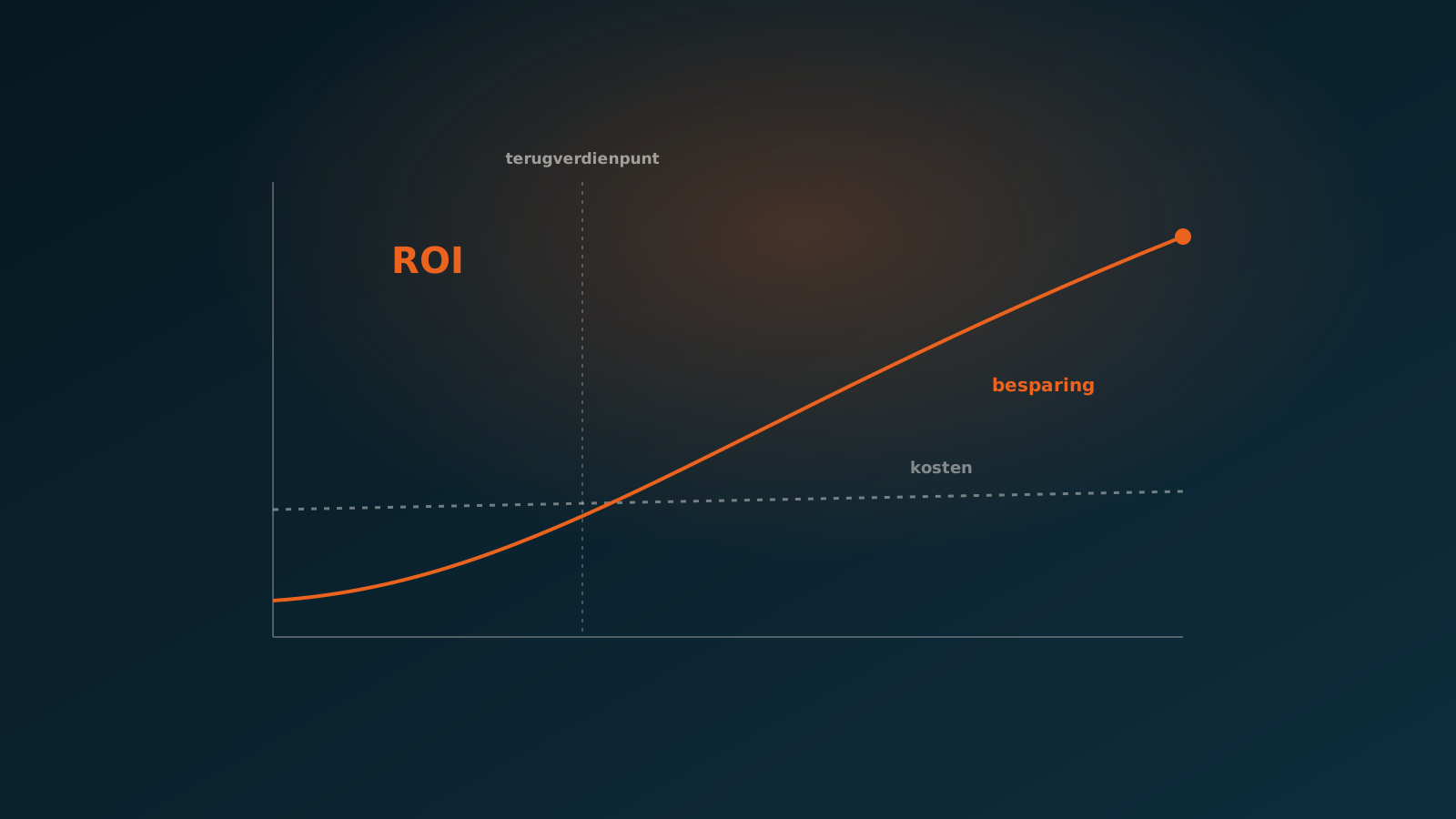
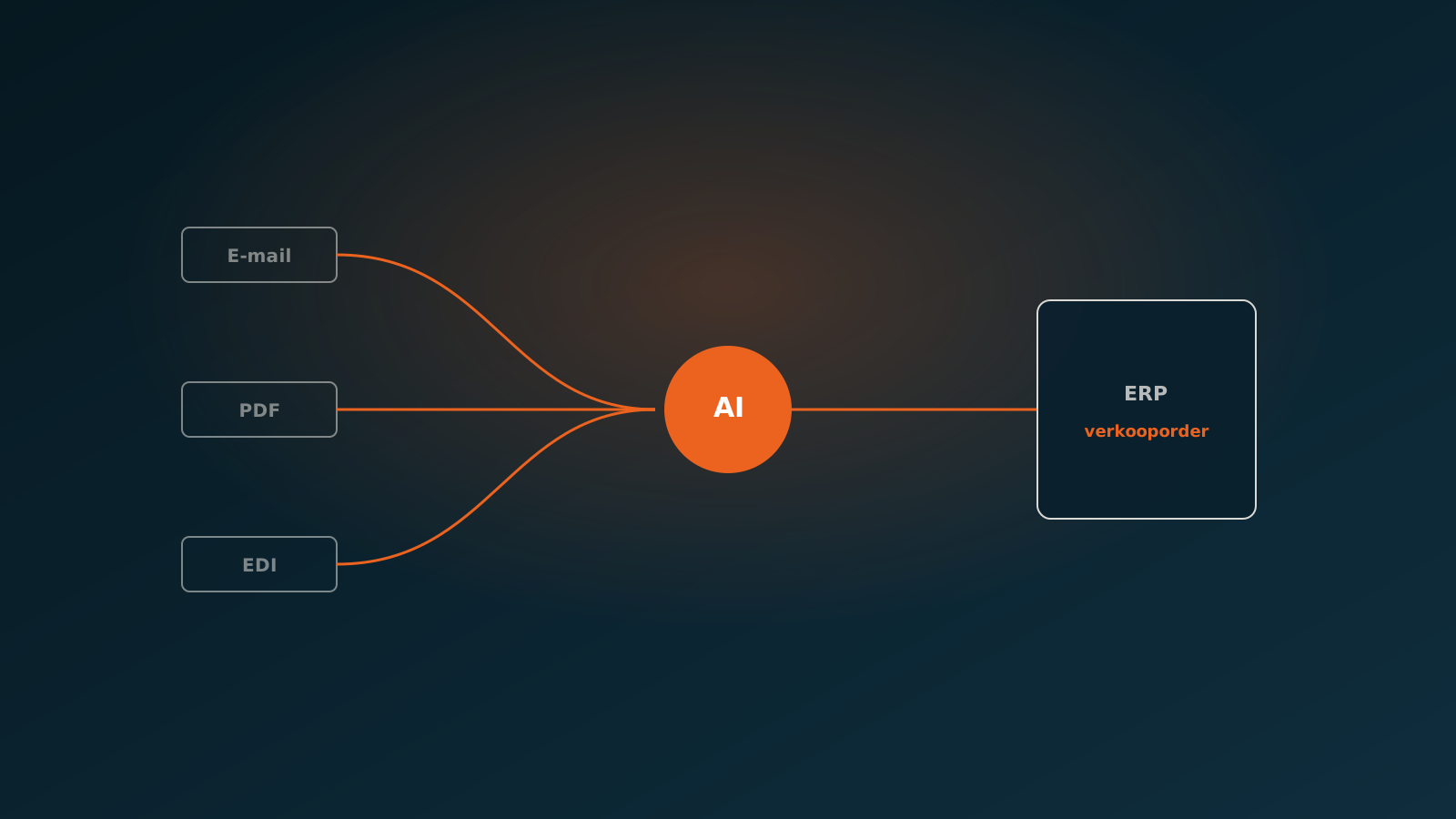
An AI coworker that processes orders, invoices or service tickets in your ERP on its own sounds appealing, but the real question is what it returns. You do not calculate the ROI of AI automation on a hunch. You set the annual benefits against the annual costs, and you look at the payback period.
A solid business case for AI automation includes four kinds of benefit and an honest view of the costs. The benefits sit in saved hours, shorter lead times, a lower error rate with the recovery costs that come with it, and the headroom to absorb peaks without hiring extra people. On the cost side you have setup and monthly usage.
One thing matters: work with numbers you already have today. How many documents do you process per year? How many minutes does a document take on average? What does an employee cost per hour, including employer overhead? With those three numbers you get a long way.
Saved hours and lead time
The largest and most measurable benefit is saved hours. Take the number of documents per year, multiply by the average processing time per document, and you have the volume of manual work. An AI coworker takes over the bulk of it and only escalates the exceptions to a person.
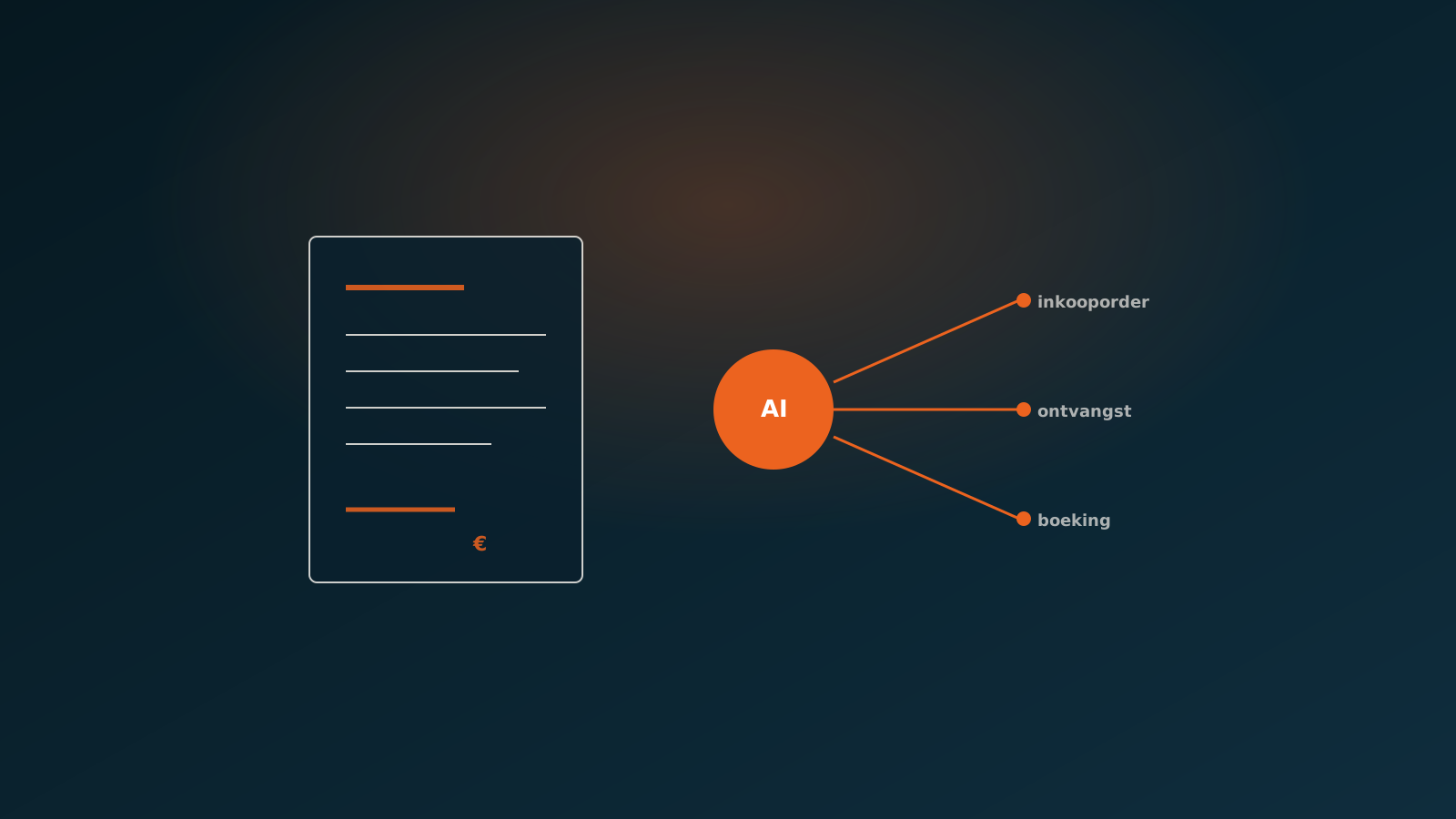
A practical example: matching and booking a purchase invoice by hand quickly takes several minutes. An AI coworker handles the routine cases in tens of seconds, often around 27 seconds from arrival to booking. That gap adds up fast as volumes rise.
Lead time is a benefit people easily forget. Faster processing means you capture early-payment discounts within terms more often, customers get their confirmations sooner, and your month-end close does not stall on a pile of unprocessed documents. Put those effects in euros where you can, otherwise name them as qualitative gains.
Error rates and recovery costs
Manual work goes wrong. A typo in an amount, an invoice posted to the wrong ledger account, a duplicate booking. Every error costs time to find and fix, and some errors cost real money when they only surface at the customer or the auditor.
For the business case you estimate two things: the error rate under manual processing and the average recovery cost per error. An AI coworker follows fixed rules and deliberately pulls out borderline cases for review, which sharply lowers the error rate on the routine flow. The saving is the difference between the old and new error rate, times the volume, times the recovery cost per error.
- Error rate, manual versus automated
- Average time to find and correct an error
- Direct cost of errors that go out the door, such as overpaid invoices
- Indirect cost: missed early-payment discounts, supplier friction, audit findings
Scalability during peaks
A line that classic calculations tend to miss is the value of scalability. Many back-office teams are staffed for the average, not the peak. Around month-end, after a busy sales period or during a seasonal spike, the backlog grows. Then come overtime, temporary staff or delays.
An AI coworker scales with you without hiring or onboarding extra people. Ten times the documents in a day is not a problem. In the business case you translate this into avoided peak costs: the overtime and flex workers you use today to handle the rush, plus the delay costs you prevent by doing so.
The cost of an AI coworker
An honest business case names the costs too. They fall into two parts. There is the one-off setup: connecting to your ERP, whether that is SAP, AFAS, Exact, Dynamics 365, Odoo or Bouwworks, and capturing your processing rules and exceptions. After that there are the ongoing usage costs, usually based on volume.
Do not work with the headline price alone. Also count the internal time your team spends in the first weeks reviewing and steering the AI coworker. That investment tapers off once it has the rules down. Then compare the total annual cost with the annual benefit to determine the payback period.
A worked example
Take a large retailer that processes around 600,000 documents per year: purchase invoices, order confirmations and packing slips. Before adoption, a team of employees did this by hand, averaging several minutes per document and a noticeable error rate on the busy days.
After bringing in an AI coworker, the work shifts. The routine cases, the bulk of the volume, flow through the ERP automatically. The team now focuses on the exceptions and on review. The saved hours, the lower error rate and the avoided peak costs together produce a net annual saving of around 150,000 to 185,000 euros, after deducting the cost of the AI coworker.
At that order of magnitude the payback period for the AI automation is short, often within the first year. The exact outcome depends on your volume, hourly rate and error costs, but the structure of the calculation stays the same.
- Volume: around 600,000 documents per year
- Benefits: saved hours, lower error rate and recovery costs, avoided peak costs
- Net annual saving: around 150,000 to 185,000 euros
- Payback period: typically within the first year
Run the numbers for your own situation
Every company has different volumes, rates and error costs. The figures above point you in a direction, but you build the real business case with your own numbers. Pull up your document volume, your average processing time and your hourly rate, and within a few minutes you have a first read on the ROI.
Want to work this through soberly for your processes and your ERP? Plan a Quick Scan. We look at your volumes together and pinpoint where an AI coworker pays off fastest, so you can plan your go-live with confidence.
Curious what an AI coworker can do for your process?
Book a no-strings Quick Scan and explore the options.
Book a Quick Scan