AI agent vs chatbot
A chatbot talks, an AI coworker acts. What exactly separates an AI agent from a chatbot, and what does it mean for your back office? A clear, no-nonsense overview.
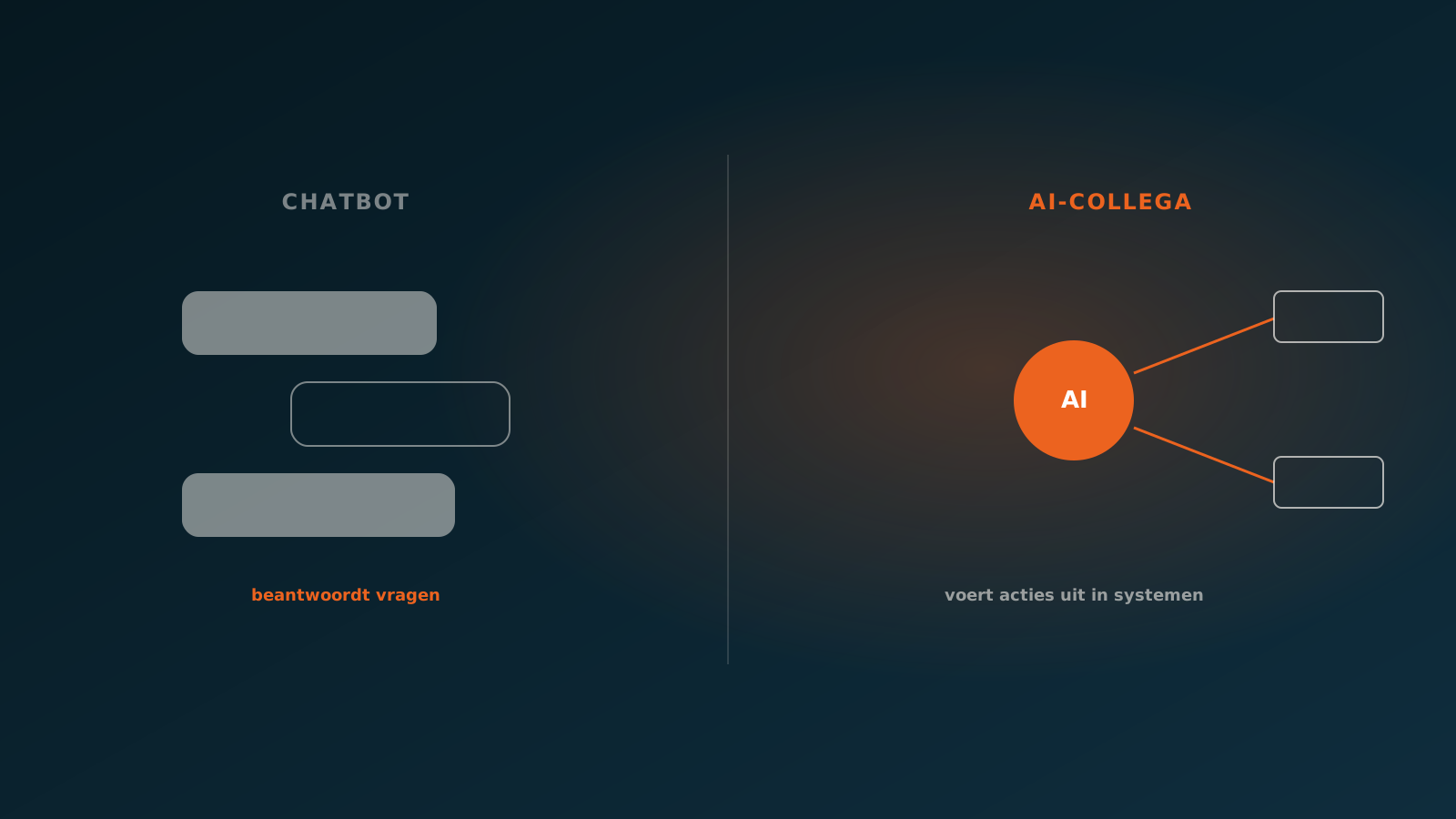
What a chatbot does
A chatbot is a conversational interface. You ask a question, the chatbot answers. That answer comes from a knowledge base, a set of predefined scripts, or these days from a language model that generates text. The modern version sounds fluent and is good at summarising, explaining and suggesting.
The core stays the same, though: a chatbot produces text. It tells you how to enter an order, but does not enter it. It explains which invoice is probably wrong, but does not correct it. The action stays with the person. The chatbot is an adviser behind a screen, not a doer.
That is exactly where a chatbot shines. For customer questions, an internal help desk and first-line support, a well-trained chatbot is valuable. But the moment something needs to happen inside a system, it stops short.
What an AI coworker does
An AI coworker, also called an AI agent, does not just talk, it acts. It receives a task, works out the steps itself and carries them out in your systems. Not an answer to the question of how to process an order, but the processed order itself, ready in your ERP.
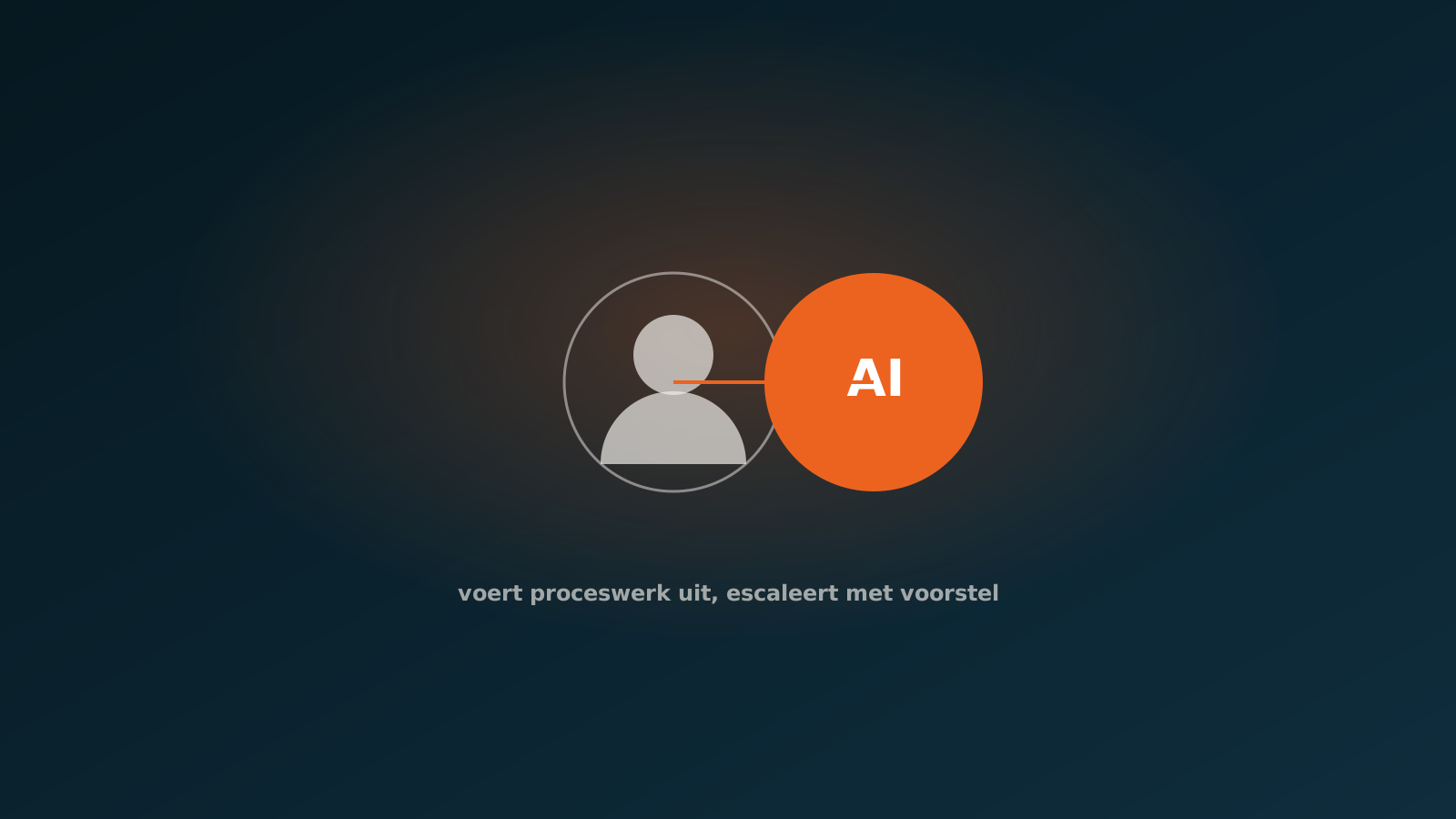
An AI coworker reads incoming documents, pulls out the right data, checks it against your rules and posts the result into SAP, AFAS, Exact, Dynamics 365, Odoo or Bouwworks. When in doubt, or when something is an exception, it stops and hands the case to a colleague. The human stays in the loop, but only at the moment it matters.
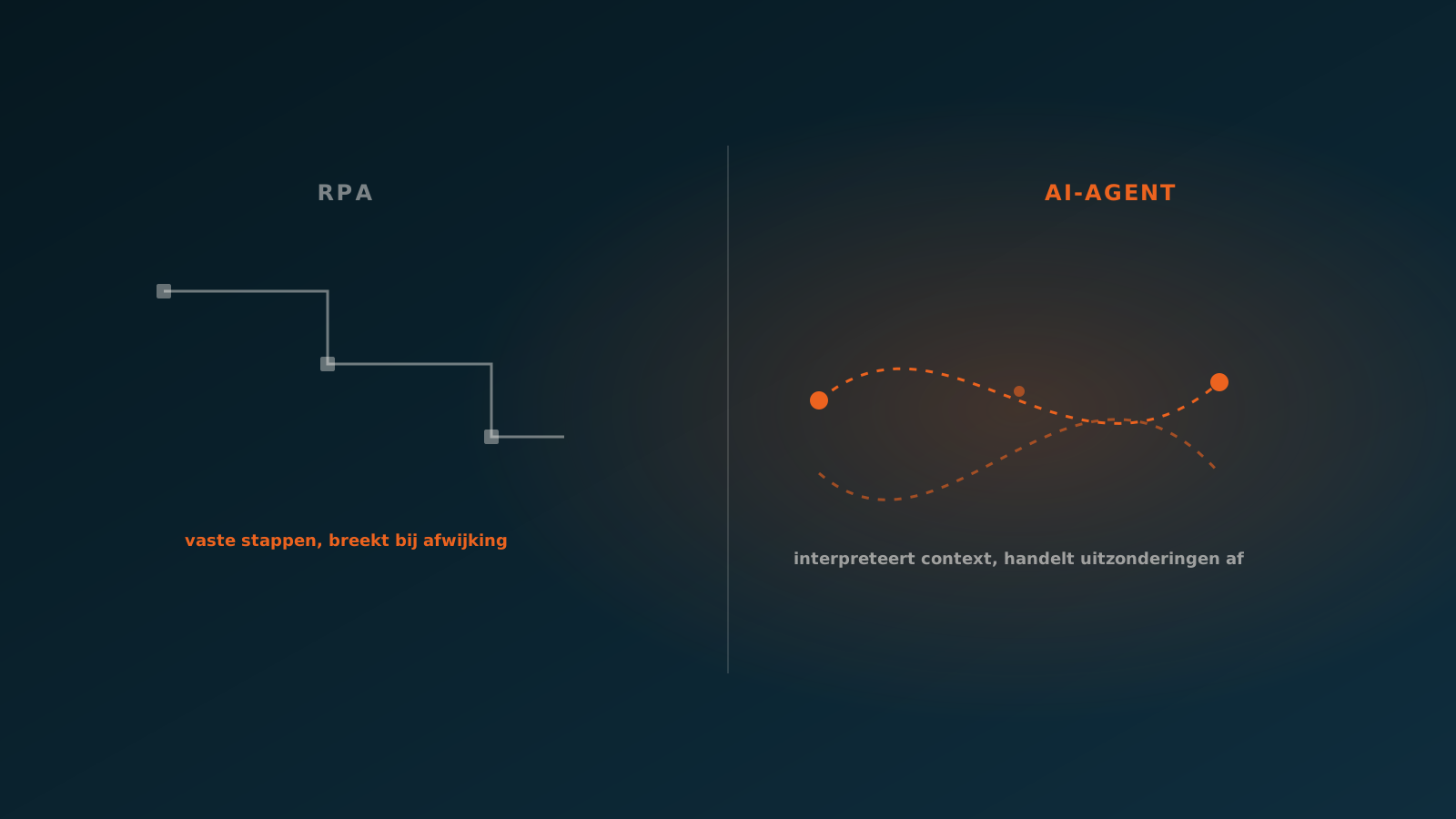
So the difference with a chatbot is not the cleverness of the language model. Both can use the same model. The difference is in what is built around it: access to systems, the ability to perform actions and the autonomy to finish a process from start to end.
The difference in autonomy and system access
Is an AI agent a chatbot? The short answer is no. The difference between a chatbot and an AI agent comes down to two things: autonomy and system access.
- Autonomy: a chatbot responds message by message. An AI coworker plans a sequence of steps, executes them and keeps track of a whole task, without you prompting each step separately.
- System access: a chatbot usually only reads information and returns it as text. An AI coworker has write access to your systems: it creates records, changes lines and posts transactions.
- Responsibility: with a chatbot, execution stays with the person. With an AI coworker, execution sits with the agent, and the human is the reviewer on exceptions.
That is why an AI coworker is bound by the same frameworks as a human colleague: rights, authorisations, logging and a clear boundary within which it may work on its own. A chatbot barely needs those frameworks, because it changes nothing anyway.
An example from the back office
Take order processing at a technical wholesaler. Customers send orders by email, in PDF, in Excel and sometimes simply in the body of the message. Someone on the inside sales desk opens each message, looks up the right items, checks prices and stock and retypes the order into the ERP.
A chatbot could help here by letting the employee ask: which item code matches this description? That saves some searching, but the employee still does the work. The retyping, checking and posting stay manual.
An AI coworker takes on the whole process. It reads the incoming message, recognises the items, matches them against the catalogue, checks price and stock and prepares the order in the ERP. If everything is correct, it posts the order. If a price deviates or an item is missing from the system, it brings exactly that case to the inside sales desk, with the context attached. The employee decides on the exceptions, not on the routine.
When to use which
Both have their place. The choice depends on what you want to achieve.
- Choose a chatbot when you want to answer questions: customer contact, internal knowledge sharing, first-line support, explanation and navigation.
- Choose an AI coworker when you want a process carried out: orders, invoices, service tickets and other repetitive tasks that currently cost time in the back office.
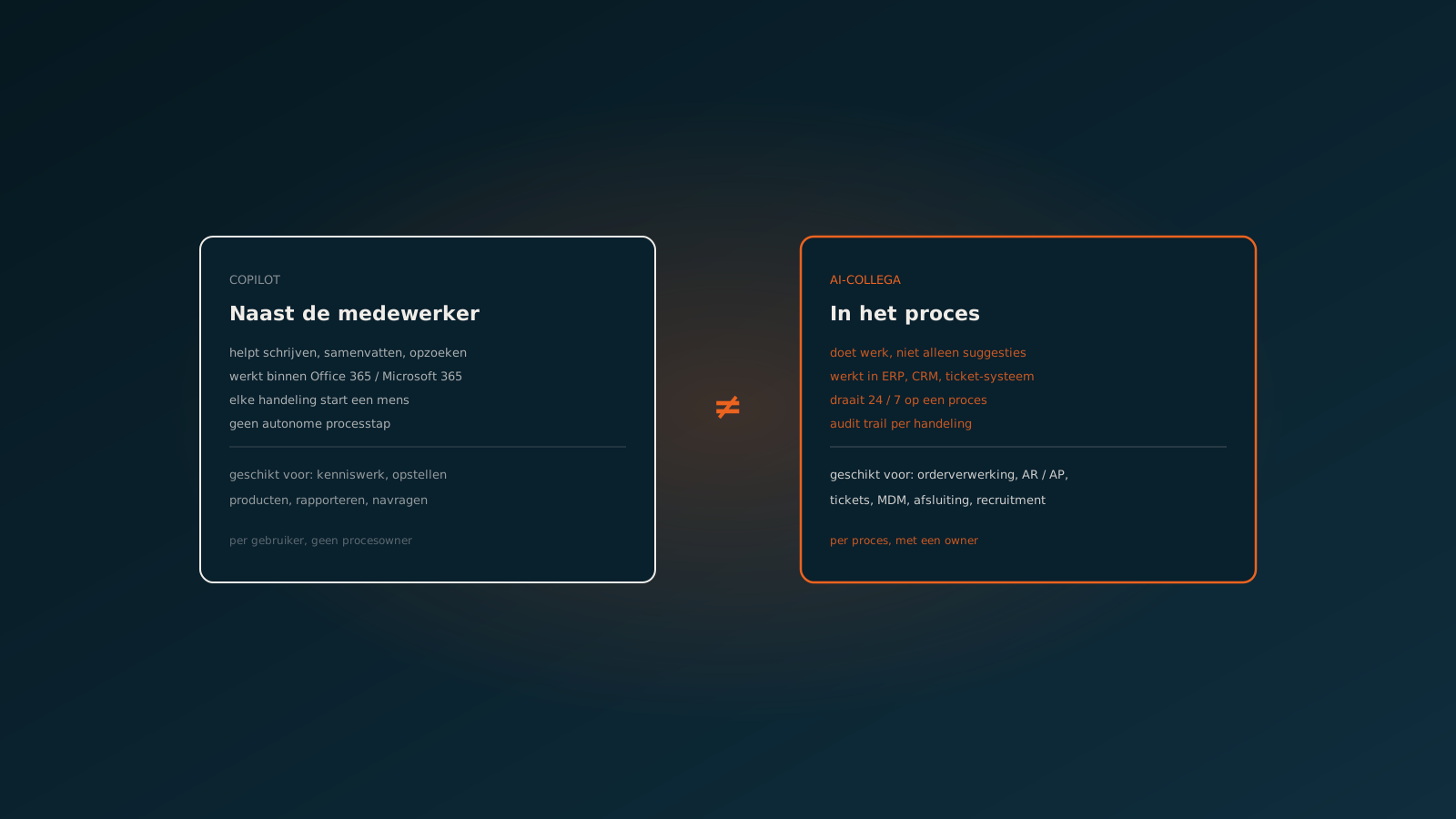
In practice they complement each other. A chatbot helps people reach information faster, an AI coworker takes the routine work off their hands. The misunderstanding arises when you use a chatbot for work that really calls for execution. Then the gain is limited to faster lookups, while the actual manual work simply stays on the pile.
Towards an AI coworker for your back office
So the difference between an AI agent and a chatbot is not a detail. It decides what you practically get out of it. A chatbot makes your people a little faster. An AI coworker takes over the process and gives your people back their time for the work that needs judgement.
Want to know which back-office processes are a fit for an AI coworker in your organisation? Plan a Quick Scan. We look together at a concrete process, your systems and the exceptions, and work out where execution by an AI coworker really makes a difference. After that, you can plan your go-live with a clear target.
Curious what an AI coworker can do for your process?
Book a no-strings Quick Scan and explore the options.
Book a Quick Scan