What is an AI coworker?
An AI coworker runs back-office processes on its own and brings in your team when an exception comes up. Here is what an AI coworker is, and why it is something other than a chatbot.
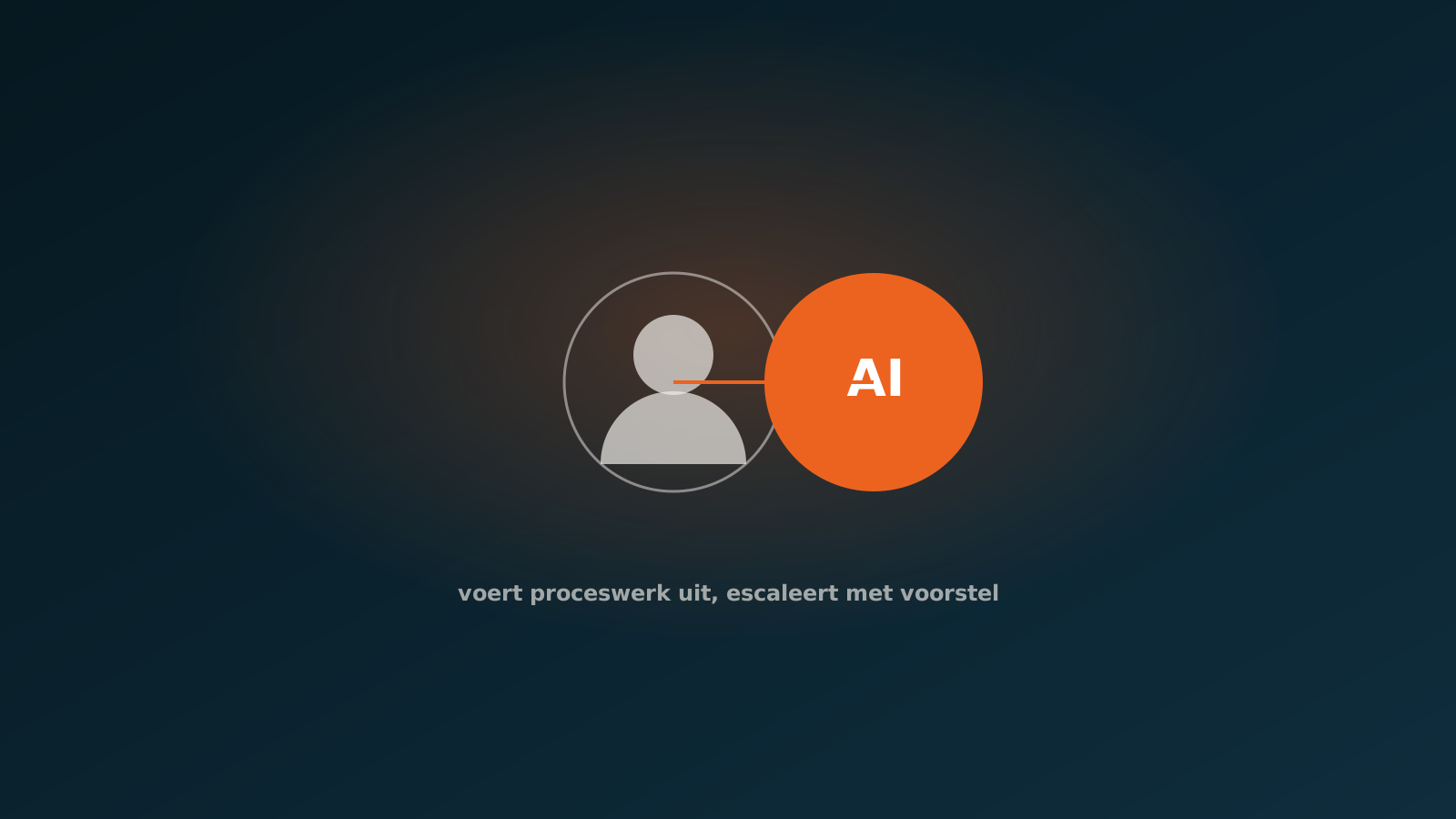
The terms AI coworker, AI employee and digital colleague
The terms AI coworker, AI employee and digital colleague are used interchangeably, but in practice they mean the same thing. They all describe software that carries out a recurring task from start to finish, the way a human colleague would, and that works inside the systems you already use.
We prefer the word AI coworker, because it captures the intent best. Not a separate tool that sits next to your work, but something that takes over part of the work and accounts for what it has done. A digital employee, in other words, with a clear task and clear boundaries.
What matters is not the label but the role. An AI coworker is not a search engine and not an assistant that hands you answers. It is something that acts: it books orders, matches invoices, processes service tickets and brings in a person when it is unsure.
What an AI coworker does on its own
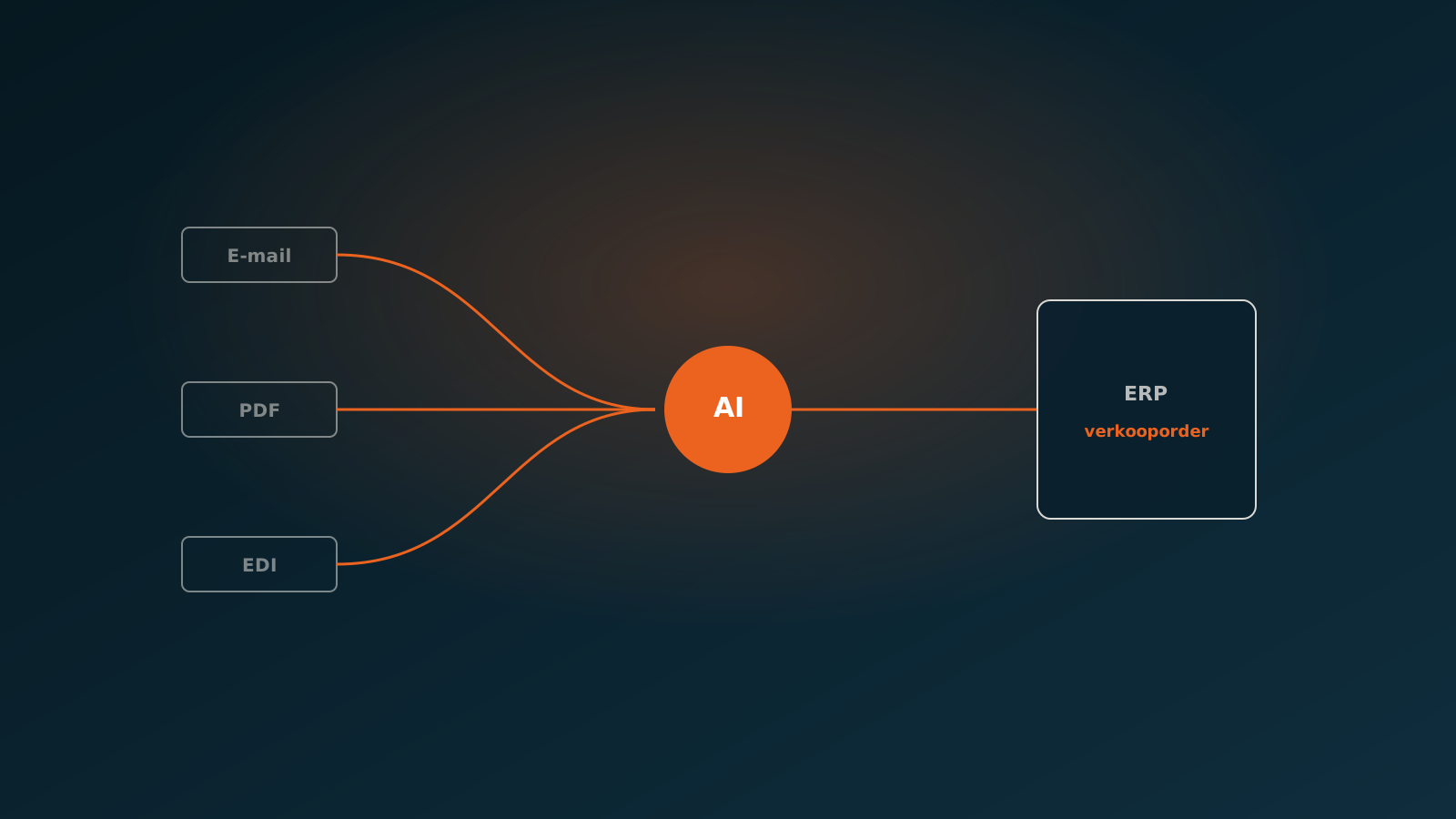
An AI coworker picks up a process the way a new hire would. It reads the incoming information, checks it against your rules and your ERP, and carries out the steps needed to complete the task. This happens directly in SAP, AFAS, Exact, Dynamics 365, Odoo or Bouwworks, not in a separate screen that someone then has to retype.
In the back office, that means work like this:
- Pulling purchase orders and sales orders out of email or PDF and booking them correctly.
- Matching supplier invoices against the order and the receipt, and posting what lines up.
- Processing service tickets and work orders and linking them to the right customer and job.
- Checking and completing master data before it enters the system.
What sets this apart from a plain script is that an AI coworker handles variation. No two invoices look the same, no two suppliers write their orders the same way. The AI coworker reads the content, understands the intent and acts on it. Anything it is not sure about goes to a person.
How it differs from a chatbot and from RPA
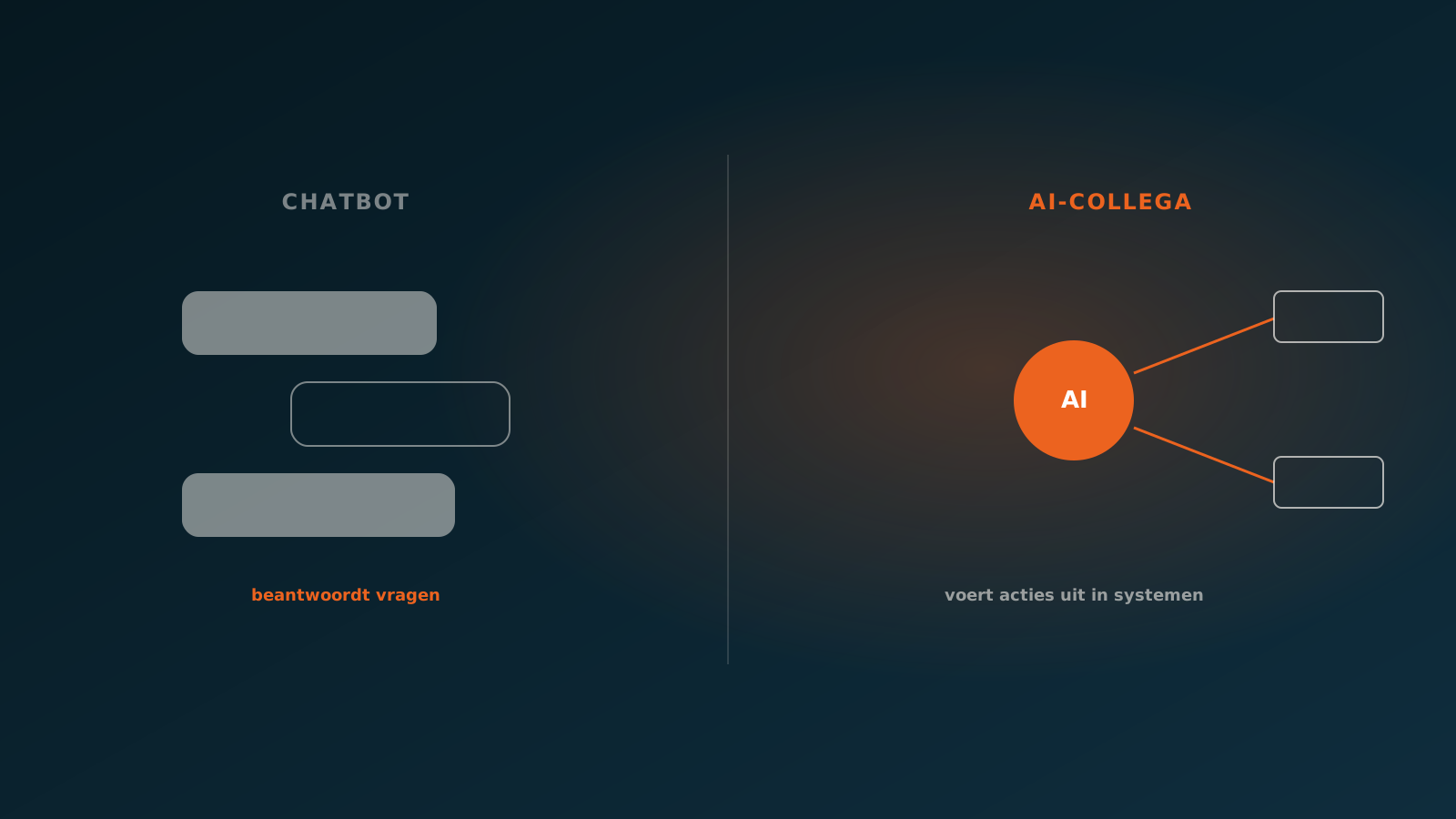
A chatbot holds a conversation. You ask a question and get an answer, but you still do the work yourself afterwards. The chatbot does not book the invoice, at most it tells you how. An AI coworker does not talk about the work, it does it.
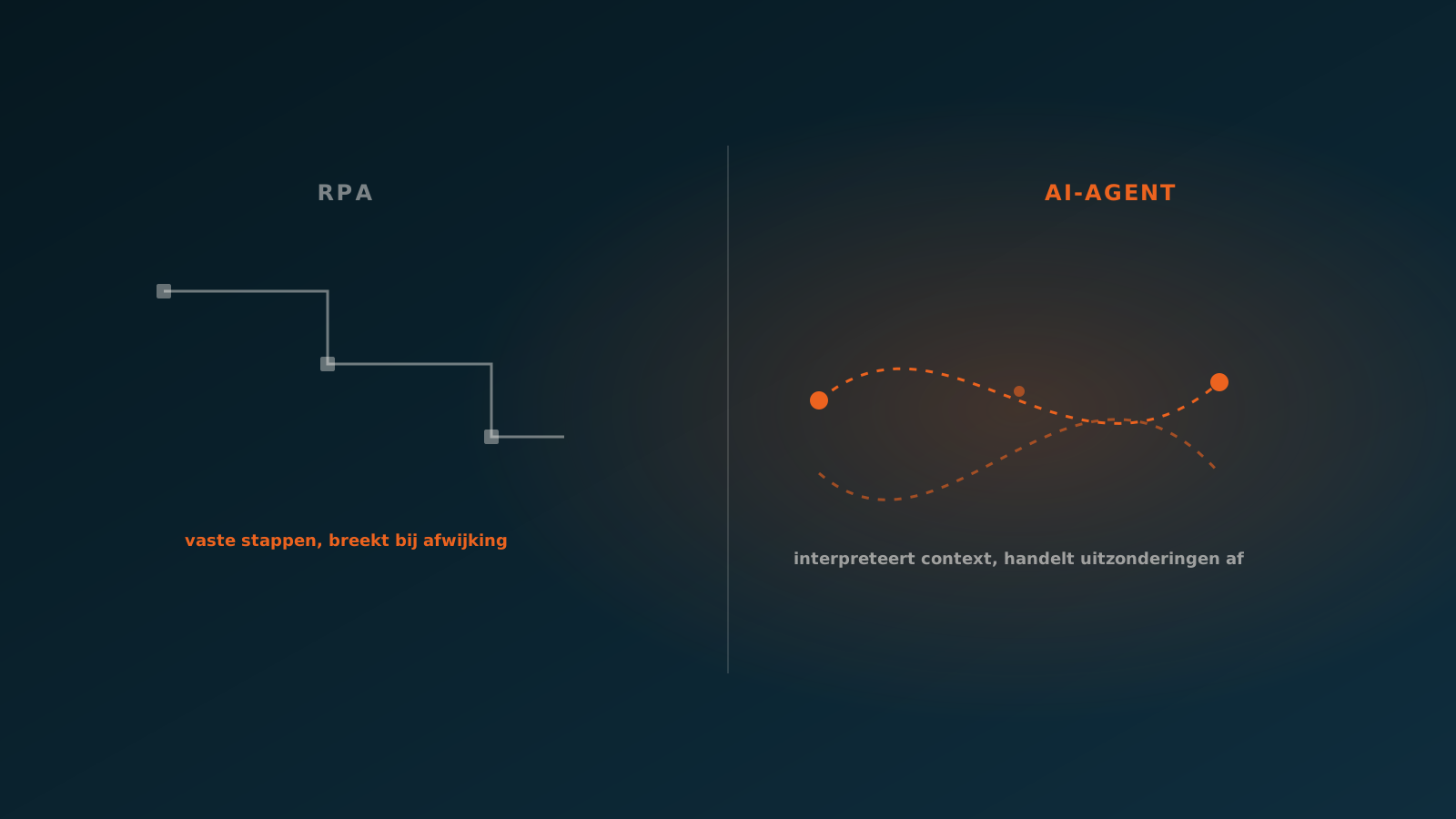
RPA, robotic process automation, does do work, but in a different way. RPA follows a fixed script: click here, fill this field, press save. As long as everything looks exactly as expected, it runs. The moment something deviates, it stalls. That is why RPA demands so much maintenance in practice and breaks with every small change to a screen or a format.
An AI coworker sits in between, but in the right way. It has the judgement to deal with variation, like a person, and the discipline to work inside your systems, like RPA. The difference lies in assessing the situation, not in blindly repeating steps.
Knowledge work and process work
To understand where an AI coworker belongs, it helps to separate knowledge work from process work. Knowledge work calls for judgement, context and creativity: writing advice, running a negotiation, setting a strategy. Process work is repeatable, rule-bound and easy to describe: booking an order, matching an invoice, linking a ticket.
Most back-office teams spend a large part of their time on process work. It is necessary work, but it adds little and it wears people down. This is exactly the part that suits an AI coworker, because the rules are clear and the outcome can be checked.
The goal is not to replace knowledge work but to free it up. When the AI coworker carries the process work, your people have time left for the matters where judgement and attention truly make a difference. So the question is not whether a task can be done with AI, but whether it is process work you would rather not do yourself anymore.
Why human-in-the-loop is a deliberate design choice
An AI coworker does a lot on its own, but not everything without oversight. When it is unsure, when it hits an exception or a case that falls outside the agreed boundaries, the AI coworker brings in a person. We call this human-in-the-loop, and it is a deliberate design choice, not a shortcoming.
The reason is simple. In the back office a mistake is rarely free. A wrongly booked invoice costs money and trust. A system that always plows ahead, even when it doubts, is more expensive in the long run than a system that knows when to ask. The value lies not only in what the AI coworker does, but also in where it stops in time.
In practice it works like this: the AI coworker handles the clear cases itself and presents the doubtful ones with the relevant context attached. Your team decides faster, because it no longer has to go searching. And every decision people make sharpens the boundaries for the next time.
Which processes suit an AI coworker
Not every process is an equally good fit. The strongest candidates share a few traits: there is volume, there are rules you can describe, and the outcome can be checked in a system. Think of order processing, invoice matching and handling service and work orders.
A useful rule of thumb: if you can explain a task to a new hire within a week, and that task comes up often, it is probably a fit for an AI coworker. If the task calls for constant consultation, a feel for the customer or a trade-off that is different every time, it belongs with your people.
At a technical wholesaler, a construction company or a financial advisory firm, the gain often sits in the quiet processes in the background. The work nobody enjoys, but that has to be finished every single day.
How to get started
The wisest way to start is in phases. An AI coworker begins by watching: it reads along, recognises the process and shows how it would handle a case, without booking anything yet. That way you see exactly how well it understands the work before it touches your ERP.
Only once the watching is right do you take the step to doing. First under supervision, then ever more independently for the clear cases, while the exceptions stay with your team. You build trust without risk, and the AI coworker grows along with what it can handle.
Want to know which process in your organisation is the best fit for an AI coworker? Plan a Quick Scan. We look at your orders, invoices or service tickets together and determine where an AI coworker delivers value fastest, so you can then plan your go-live with confidence.
Curious what an AI coworker can do for your process?
Book a no-strings Quick Scan and explore the options.
Book a Quick Scan