RPA vs AI agents
RPA follows fixed rules and excels at high volume. An AI coworker interprets unstructured input and handles exceptions. When do you use which, and how do they work together?
What RPA is and where it excels
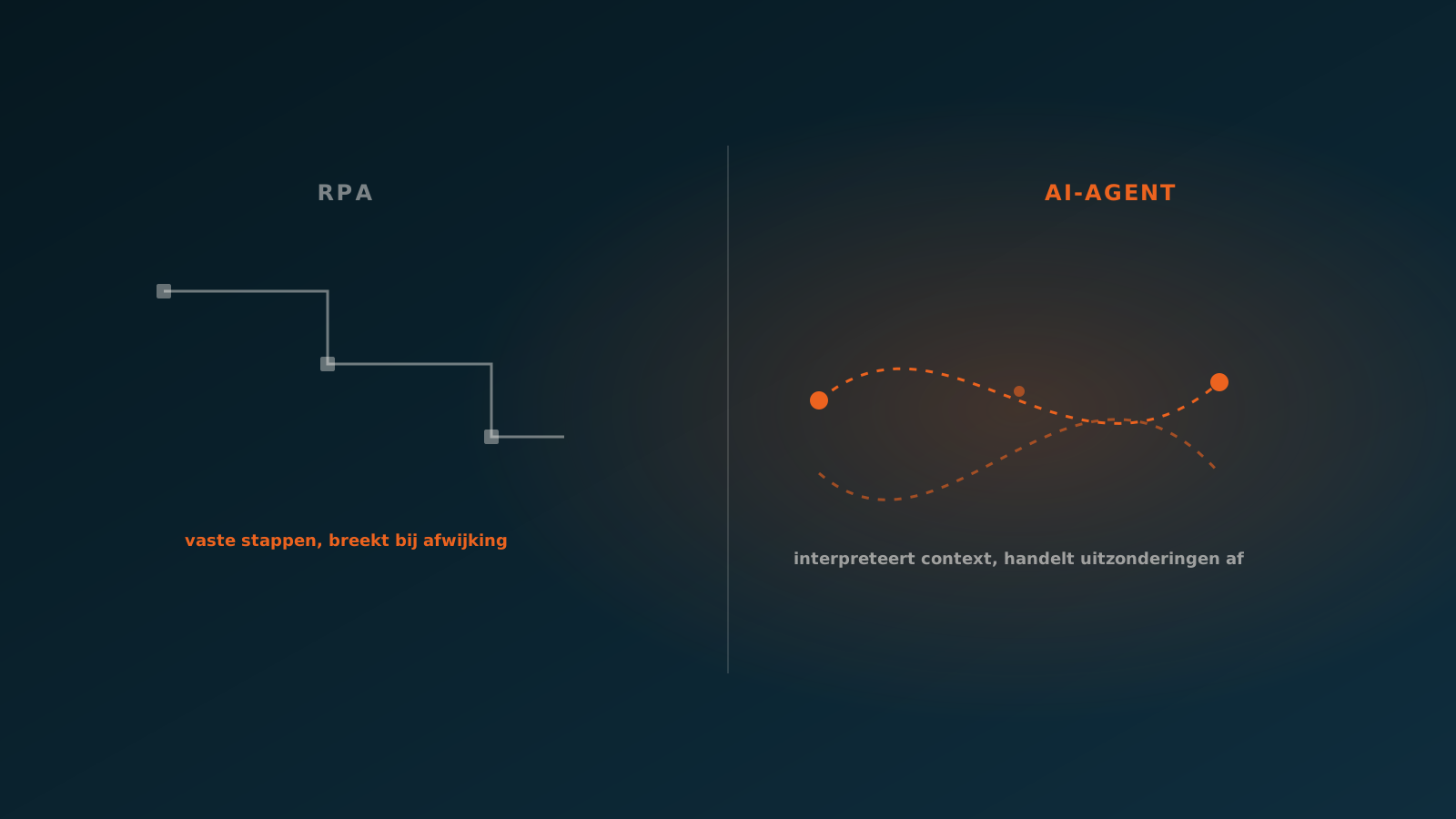
RPA stands for Robotic Process Automation. It is software that mimics exactly what an employee does with a mouse and keyboard: filling in a field, clicking a button, copying data from one screen to another. You record the steps once and the robot repeats them, day and night, without errors caused by fatigue.
That is also where its strength lies. RPA is excellent for tasks that meet three conditions: the input is structured, the steps are fixed and the volume is high. Think of retyping fixed fields between two systems, pulling files every week, or processing a fixed format that never changes.
- High volume, repetitive actions with a predictable pattern
- Structured input: fixed fields, fixed positions, fixed formats
- Rule-based logic without interpretation or judgment
- Stable systems where screens and fields rarely change
For this kind of work RPA is quick to build, easy to manage and cost-effective. It is a proven technology that has run reliably in many back offices for years.
Where RPA gets stuck
The weakness of RPA stems from the same trait that makes it strong: it follows rules, but understands nothing. The moment reality differs from the script, the robot stops or makes a mistake. A field that shifts, a PDF with a different layout, an email that phrases the information slightly differently: each is a reason for the robot to break down.
In practice, a lot of maintenance time goes into repairing scripts. A supplier changes its invoice layout, an ERP gets an update, a department changes the way it works. Every change can break an RPA flow. The automation that once saved time then starts to cost maintenance instead.
- Unstructured input such as free text, emails or varying document formats
- Exceptions that call for judgment or context
- Decisions for which no fixed rule can be written
- Processes that change often and break the script each time
In short: RPA works fine as long as the world sticks to the script. The problem is that the world often does not.
What an AI agent adds
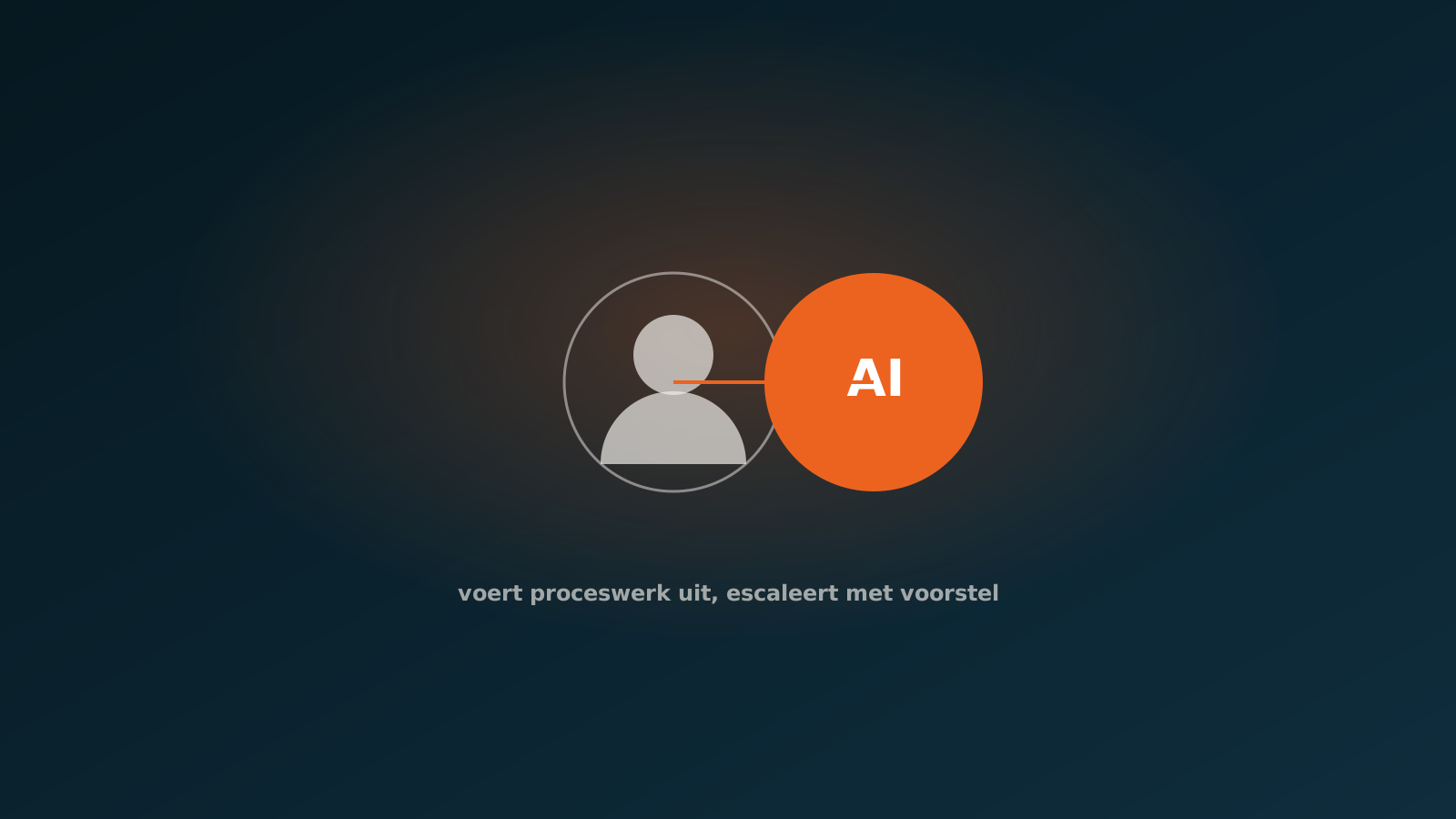
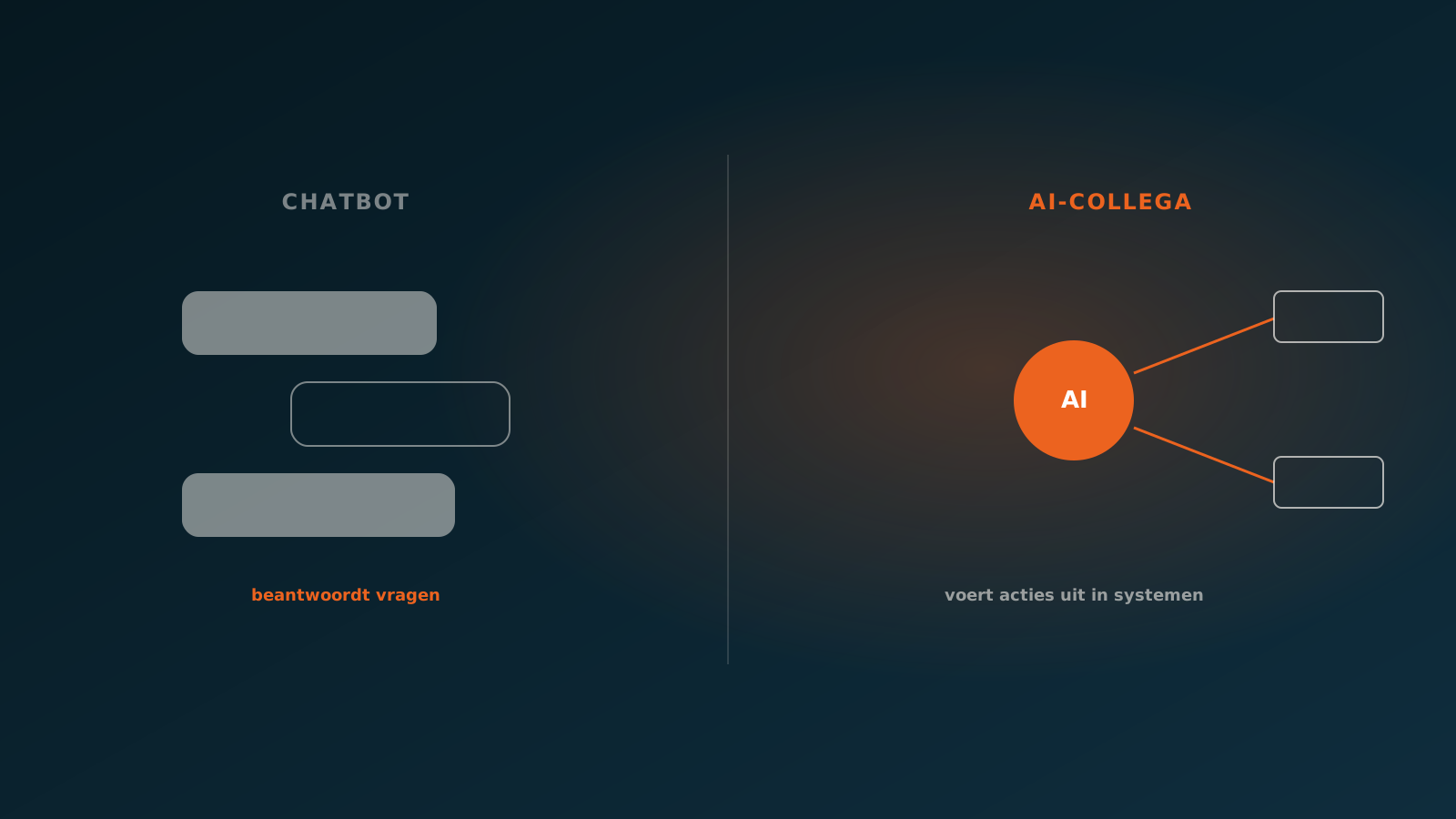
An AI agent, what we call an AI coworker, works in a fundamentally different way. It does not follow a fixed click path. Instead, it is given a goal and the context of a process. Based on that, it reasons about the input, chooses the right action and carries it out in the ERP. Where RPA is a macro, an AI coworker is more like a digital colleague that understands the task.
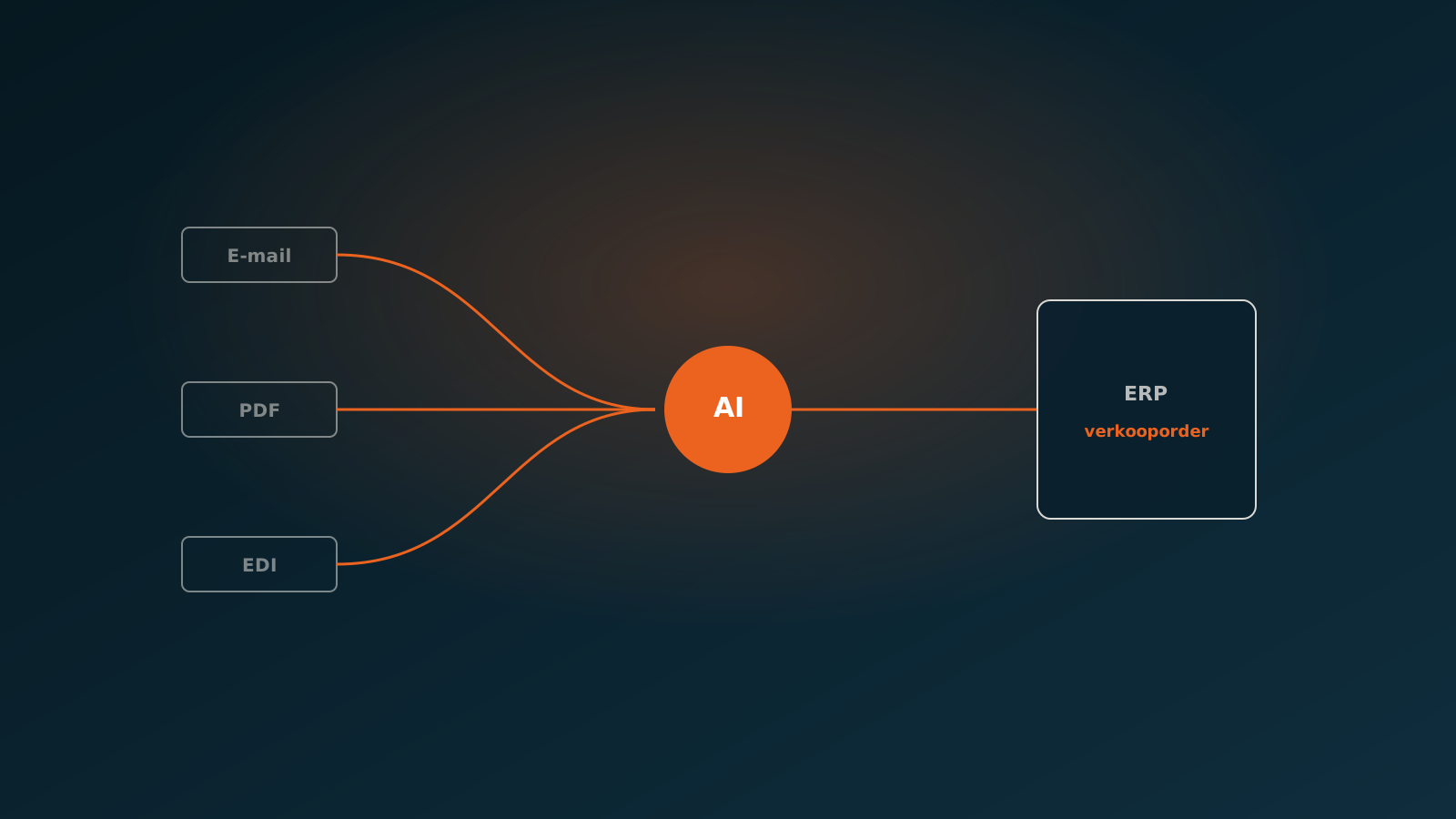
That difference is more than technical. An AI coworker can interpret an incoming order, even when it is written in free text, match the right items, recognise the customer and create the order in SAP, AFAS, Exact or Dynamics 365. If something deviates from the expected pattern, it does not blindly stop. It recognises the exception and refers it to a human.
So the core difference in RPA vs AI agent comes down to interpretation. RPA executes what you have prescribed. An AI coworker assesses what is in front of it and acts accordingly, within the boundaries you set.
Unstructured data and exceptions
Most back office processes start with unstructured input. An order arrives by email, an invoice as a PDF with its own layout, a service ticket as a photo or a freely filled-in form. No two suppliers do it the same way. This is exactly where rule-based automation gets stuck, and exactly where an AI coworker comes into its own.
An AI coworker reads the email, extracts the relevant data, links it to the right customer and items and checks whether it adds up. If it doubts a match, a field is missing or a price deviates, it flags that as an exception. The human decides on that exception, and the agent processes the rest on its own. That is the principle of the human in the loop: not everything by hand, but a firm grip on what matters.
Exceptions are precisely where the difference between RPA and AI becomes visible. For RPA, an exception is a failure. For an AI coworker, it is a normal part of the work that calls for judgment.
When RPA is enough and when you go further
The choice between RPA or an AI agent depends on the nature of your process, not on what is newest. For a tightly defined, rule-based process with structured input, RPA is often the simplest and cheapest solution. You do not need interpretation, so there is no reason to pay for it.
If you are dealing with unstructured input, many exceptions or processes that change regularly, you will hit the limits of RPA. That is where an AI coworker delivers more: less fragility, less maintenance and a process that keeps working when reality deviates from the ideal picture.
- Choose RPA: fixed steps, structured input, high volume, stable systems
- Choose an AI coworker: free text and varying formats, many exceptions, processes that change often
- In doubt: look at how often the script would break in practice
So the question is not which technology is better, but which fits the variation and judgment your process demands.
How RPA and AI agents work together
RPA and AI agents are not rivals that rule each other out. In practice they complement each other well. The AI coworker does the thinking: it interprets the input, makes the decision and determines what needs to happen. The RPA robot can then handle the heavy, repetitive execution work in a system that has no proper integration.
A typical split: the AI coworker reads an order from an email, matches the lines and judges whether everything is correct. To write it into an older system without an API, an RPA script can handle the final, fixed steps. That way you combine the judgment of AI with the robust screen handling of RPA.
The division of roles is clear: AI automation vs RPA is not an either-or. The agent handles interpretation and exceptions, RPA handles the fixed actions where no judgment is involved.
Which one to choose for your process
Start with the process, not the tool. Map out how the input arrives, how much variation it contains and how often your staff have to deviate from the standard. If that is rarely or never, RPA is a fine and frugal choice. If deviating is the rule rather than the exception, you need interpretation and an AI coworker is the better fit.
Often the answer is a combination. An AI coworker that interprets the orders, invoices and service tickets and processes them in the ERP, with a human in the loop for exceptions, optionally supported by RPA for the final steps in a system without integration.
Want to know which approach fits your back office process? Plan a Quick Scan. We look at your process, the input and the exceptions together and decide where RPA is enough and where an AI coworker makes the difference. After that, you plan your go-live.
Curious what an AI coworker can do for your process?
Book a no-strings Quick Scan and explore the options.
Book a Quick Scan