AI in Dynamics 365 Business Central: Copilot, agents and what you add yourself
Microsoft keeps adding AI to Business Central: Copilot features in the screens and its first agents. What can you do with them today, where do they stop, and when do you need an AI coworker that runs your whole process?
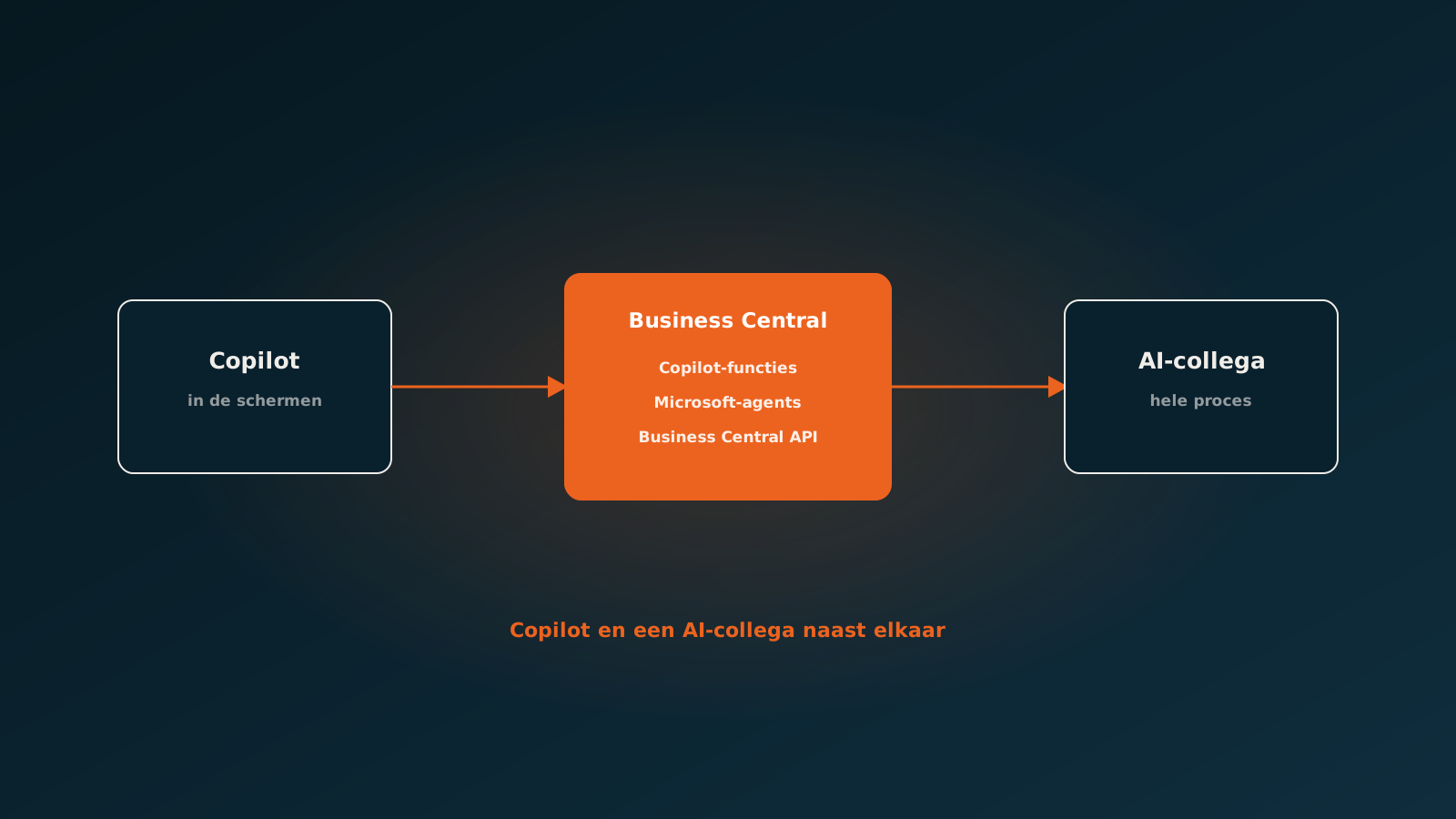
What Microsoft has built into Business Central
Over its last few releases Business Central has gained a substantial set of AI capabilities. They live in the screens users already work in, and most of them carry the Copilot label. A selection:
- Sales line suggestions based on a description or an earlier order.
- Help with bank account reconciliation.
- Marketing text for items.
- Analysis assist in list views: filtering and grouping in plain language.
- A chat experience for questions about your data and about how Business Central works.
Microsoft has also started shipping agents that carry out tasks on their own inside Business Central, such as an agent that turns sales enquiries from a mailbox into quotes and orders. Availability differs by country and by release, so always check Microsoft's current release plans for your version.
What it gives information workers
For the people who spend their whole day in Business Central, these are useful accelerators. You type less, find things faster and some actions take one step instead of five. If you already run Business Central, it makes sense to switch them on and try them.
Where it stops
The built-in features share one boundary: they work inside Business Central and within Business Central's standard processes. That is precisely their strength. In practice, though, work rarely stays neatly inside one system.
- Orders arrive in a shared mailbox as PDF, Excel or plain text, with customer-specific item numbers.
- Purchase invoices have to be matched to purchase orders and receipts, with your tolerances and your exceptions.
- Customer agreements live partly in Business Central, partly in contracts or in an account manager's head.
- Industry solutions and extensions add their own tables and fields that standard features do not know about.
There you need something that knows your rules and runs your process from start to finish, exceptions included. That is AI coworker territory.
How an AI coworker works alongside Copilot
An AI coworker works through the Business Central API, with its own app registration in Microsoft Entra and service-to-service authorisation. The agent only gets the permissions its task requires, and every action can be traced.
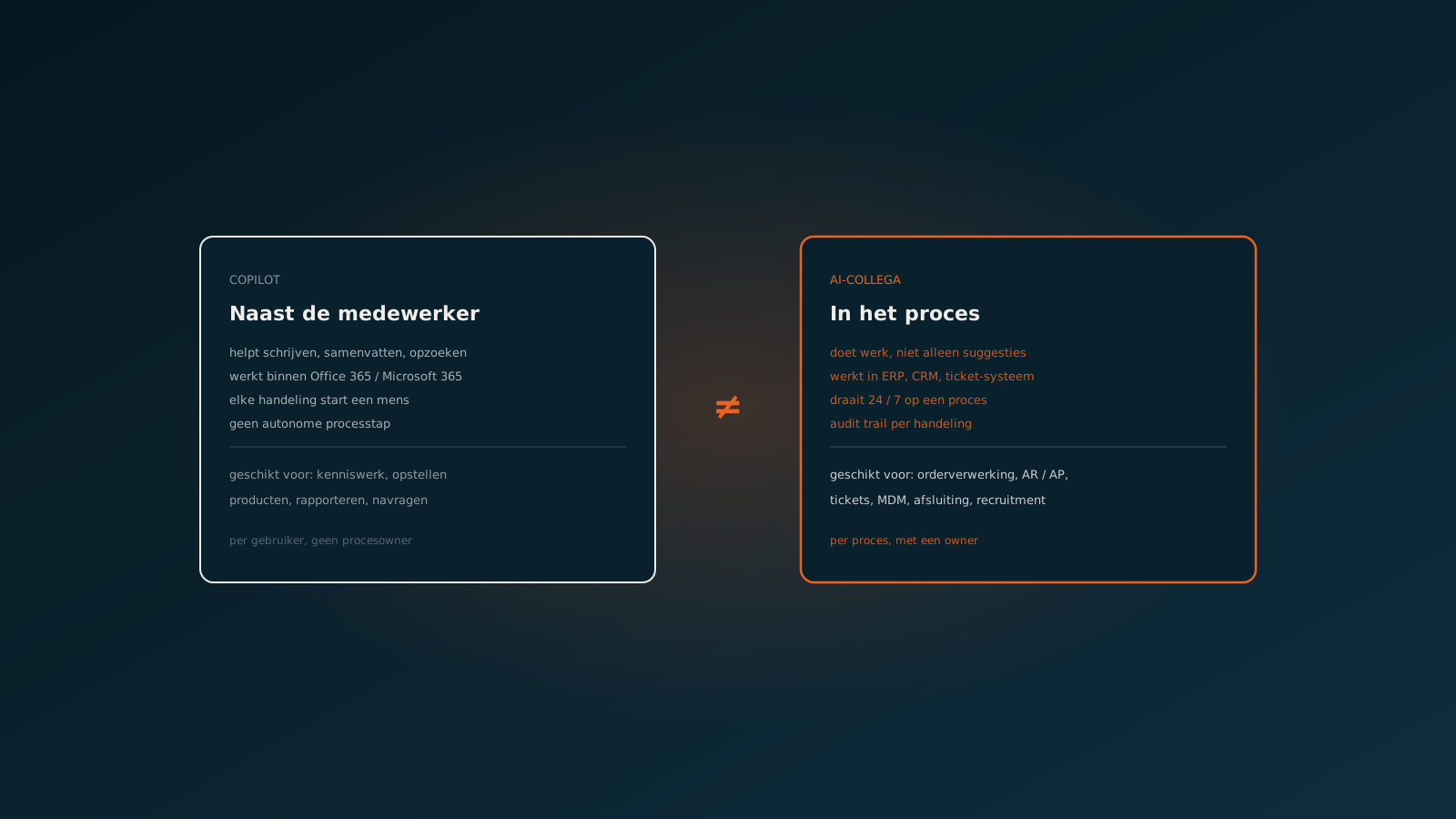
Copilot and an AI coworker do not get in each other's way. Your people use Copilot in the screens for their own work. The AI coworker takes over complete flows that are currently handled by hand, such as order entry or invoice processing, and only escalates the exceptions. Those land where your team already works: in Business Central, Outlook or Teams.
Read next: how an AI coworker works natively in Business CentralExtensions and industry solutions
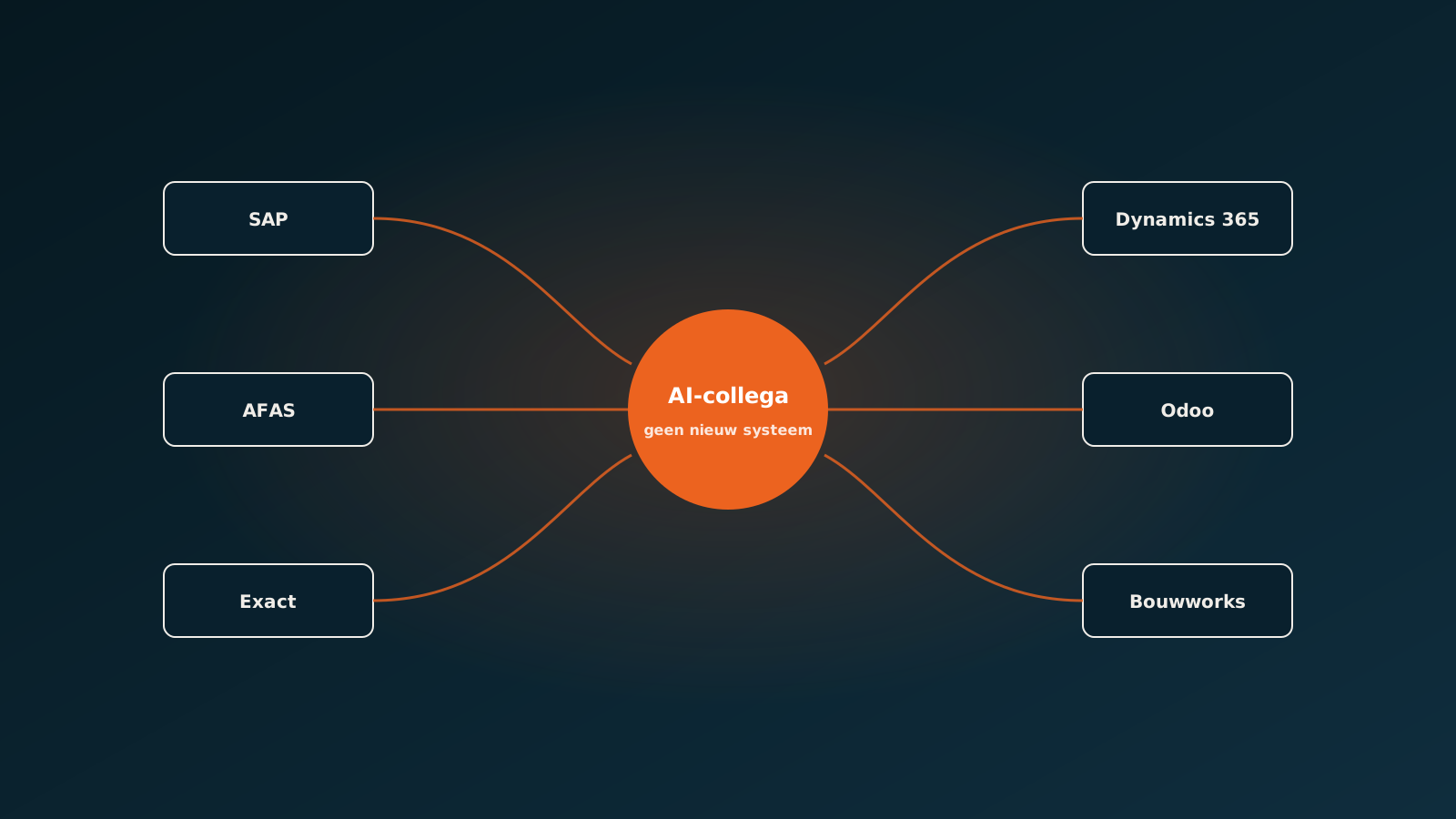
Many Business Central environments run an industry solution from a partner, for wholesale, manufacturing or project administration for example. Those add their own pages, fields and APIs. An AI coworker can work with them as long as the data is reachable through an API or a published page. We align that with your Business Central partner during preparation.
When to choose what
- Copilot features: when you want individual people to work faster in the screens they already use.
- Microsoft's agents: when your process sits close to Business Central's standard and the agent is available for your country and version.
- An AI coworker: when the process starts outside Business Central, has its own rules or spans several systems.
Getting started
In a Quick Scan we look at your real processes in Business Central and show where the built-in AI is enough and where an AI coworker makes the difference. Typically an AI coworker is live within eight weeks. Plan your go-live whenever it suits you.
Curious what an AI coworker can do for your process?
Book a no-strings Quick Scan and explore the options.
Book a Quick Scan