AI in construction: what works in 2026 and where to start
Talk about AI in construction usually turns to BIM, robots and drones. The fastest gains are elsewhere: in the fault reports, job sheets, hours and invoices that land in the back office every day. What works now, what does not (yet), and where to start.
Short answer
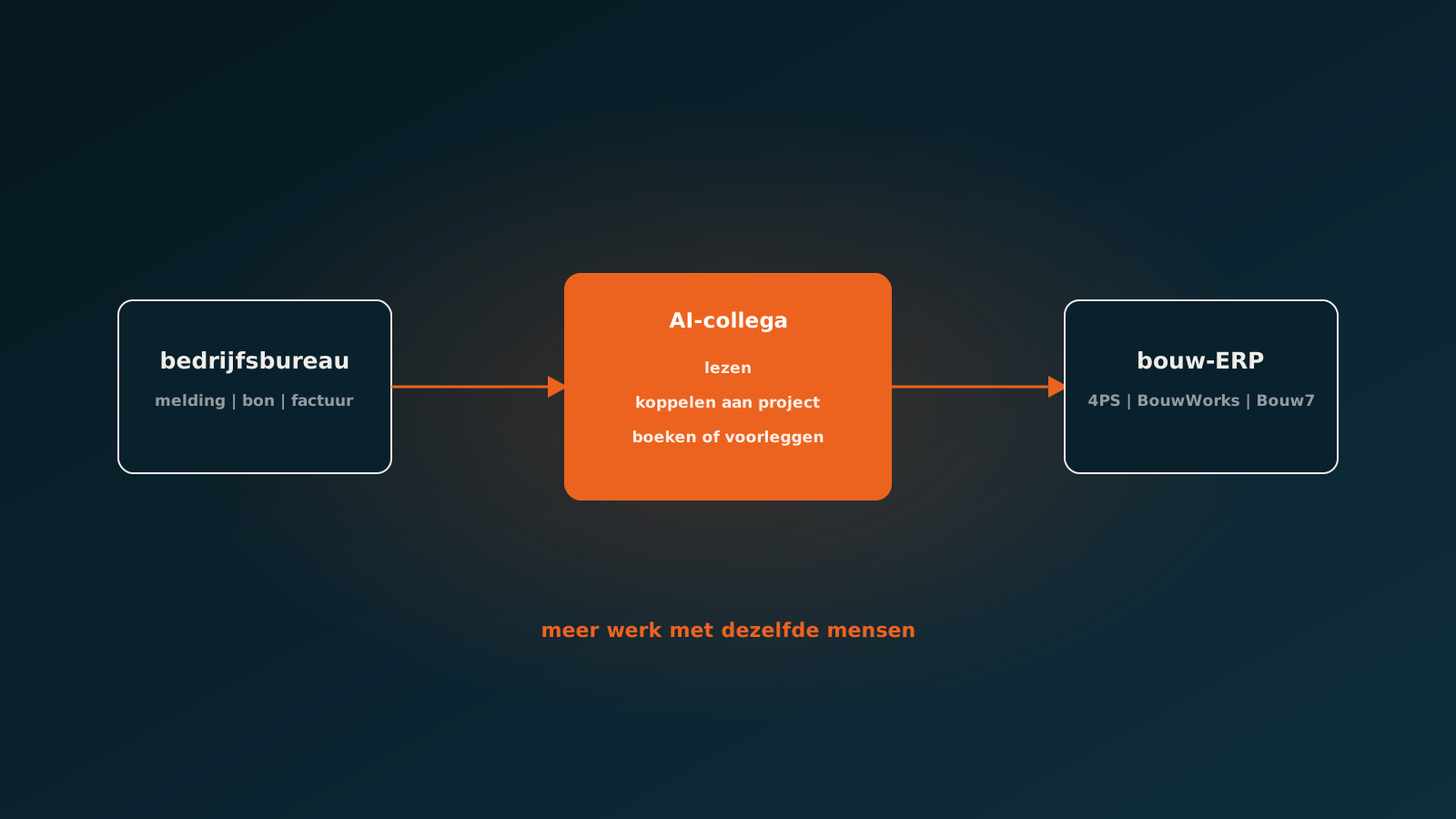
The AI use case in construction that pays off fastest in 2026 is automatically processing back-office documents: fault reports and repair requests, job sheets and service tickets, hours, order confirmations and purchase invoices. An AI coworker reads those documents, links them to client, project and contract, and enters them straight into the construction ERP, such as 4PS, BouwWorks, Bouw7, Metacom or Acto. At Dammers Bouw a service ticket went from an average of 10 minutes to 10 seconds this way. AI for design, BIM and planning exists too, but takes bigger investments and pays off later.
Why AI in construction is on the agenda now
Construction has a staffing problem that will not solve itself. According to the Dutch UWV Employer Survey 2025, 71 percent of construction vacancies are hard to fill, the highest share of any sector. The Dutch construction research institute EIB estimates the sector loses some 9,500 workers a year to natural attrition, and more than a quarter of the workforce is over 55.
That hits not only the building site but also the back office. Repair requests, job sheets, weekly timesheets and invoices land there every day, often handled by a few people who know exactly how everything works. When one of them leaves, the knowledge leaves too. In that situation AI is not a buzzword but a way to get more work done with the same people.
Six use cases that work today
| Use case | What the AI coworker does | Where it lands |
|---|---|---|
| Fault reports and repair requests | Reads the report from housing association or client, links client, contract and property | Work order in the ERP |
| Job sheets and service tickets | Reads photo, scan or app export and extracts hours, materials and project | Hours and materials posted to the project |
| Hours and weekly timesheets | Turns timesheets and job sheet hours into time entries per employee and project | Time registration and post-calculation |
| Material order confirmations | Compares the supplier's confirmation with the order | Updated delivery and price |
| Purchase invoices | Matches the invoice to project, cost centre and order | Posted purchase invoice |
| Invoice to the client | Creates the invoice with the contract's rates and surcharges | Sales invoice in the ERP |
What these use cases share: document flows with high volume, many formats and clear rules. Exactly the work that is retyped today, and where a mistake gets expensive later.
See the Dammers Bouw case: service tickets from 10 minutes to 10 secondsWhat AI in construction does not do well (yet)
To be fair: not everything in construction is ready for AI, and not everything belongs there. A cost estimate that makes or breaks your company, the choice between two subcontractors, a safety decision on site: there you want a person deciding, with AI at most as preparation.
AI for design, BIM models and planning is developing fast, but usually needs larger investments, clean data and a long roll-out. If you want to start today, the first gains come sooner from the admin around the work than from the work itself.
How an AI coworker works in your construction ERP
An AI coworker works in the system you already have, through that package's integration options. Your team gets no new screen. The work order, the hours and the invoice are where they always were.
- It reads documents in any format: PDF, email, scan, photo or portal export.
- It links them to your master data: client, contract, project, property, employee and item.
- It posts what is certain and escalates what is doubtful, with the reason attached.
- It learns from every correction, per client and per project.
- It logs every step, so you can see afterwards what happened and why.
Where do you start?
Start with the document flow that has the most volume and the clearest rules. For service and maintenance companies that is almost always the fault report or the job sheet. For project companies it is often purchase invoices and hours. Count for one month how many documents arrive, how many minutes they take and how often something goes wrong. That is your business case.
See AgentsLab Bouw: watch a report turn into a work orderAbout AgentsLab Bouw
AgentsLab Bouw provides AI coworkers for construction, installation and maintenance companies. AgentsLab was founded in Amsterdam in 2024, is ISO 27001 certified, processes data within the EU and has more than twenty customers in production. An AI coworker is live within eight weeks on average.
Frequently asked questions
What can AI do in construction?
In 2026, AI in construction pays off fastest in document processing: fault reports, job sheets, hours, order confirmations and purchase invoices. An AI coworker reads those documents and enters them straight into the construction ERP. Use cases for design, BIM and planning exist too, but take larger investments.
Which construction software works with AI?
An AgentsLab AI coworker works in 4PS, BouwWorks, Bouw7, Metacom and Acto, among others, as well as AFAS, Exact, Odoo, SAP and other systems with an API.
Does AI replace people in the construction back office?
No. The AI coworker takes over the routine retyping so the same people can handle more work. Doubtful cases and decisions stay with your team. In a sector where 71 percent of vacancies are hard to fill, this is about growing without having to find extra people.
How quickly can AI go live in construction?
An AgentsLab AI coworker is live within eight weeks on average, in your own construction ERP.
Is AI in construction safe for my data?
Check where your data is processed and whether the vendor is independently certified. AgentsLab processes data within the EU and is ISO 27001 certified.
Getting started
Prefer proof on your own data first? Send ten anonymised reports or job sheets and within a week we show what an AI coworker does with them. Or plan your go-live whenever it suits you.
Keep reading
More insights
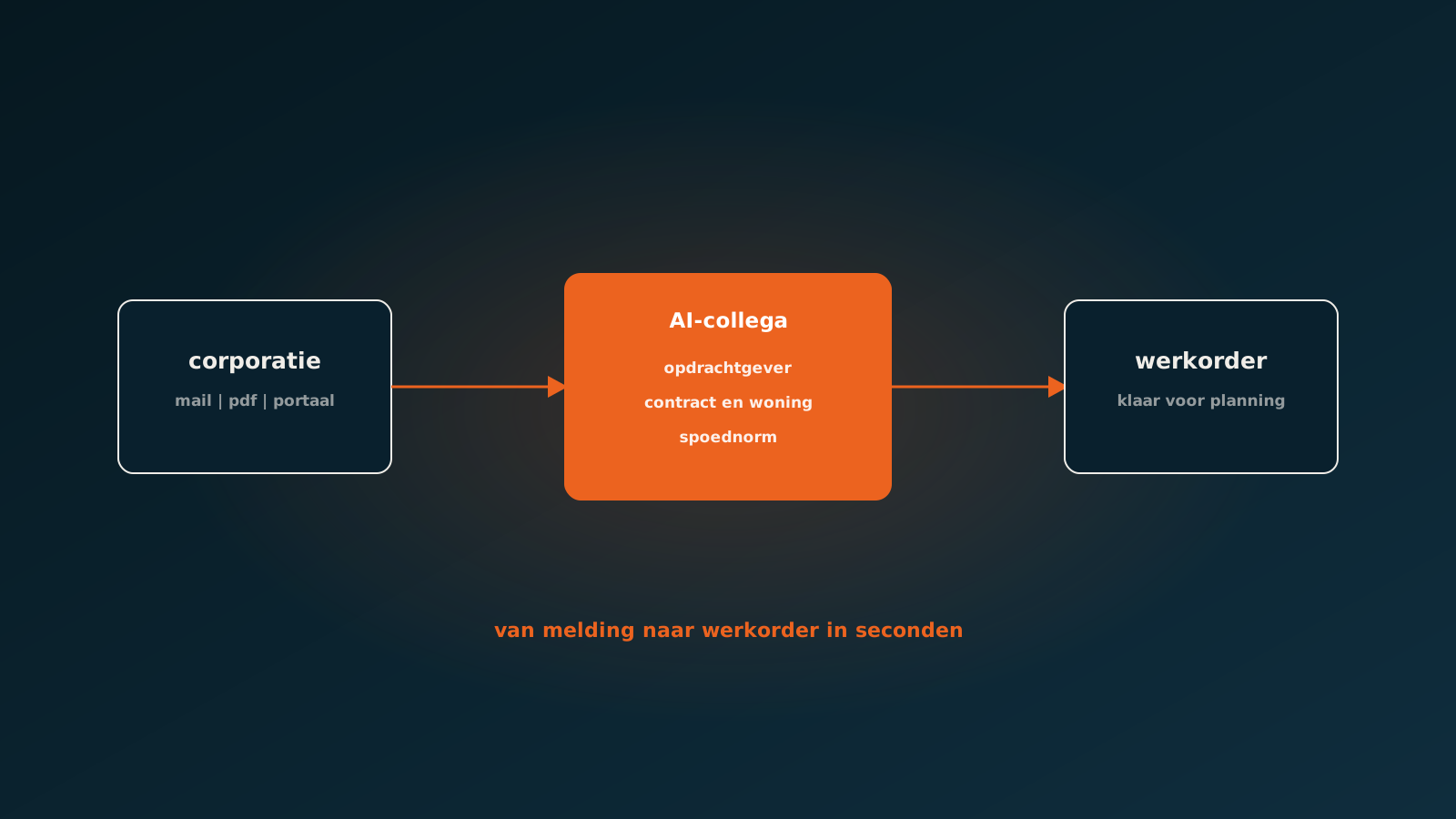
Processing fault reports and repair requests from housing associations automatically
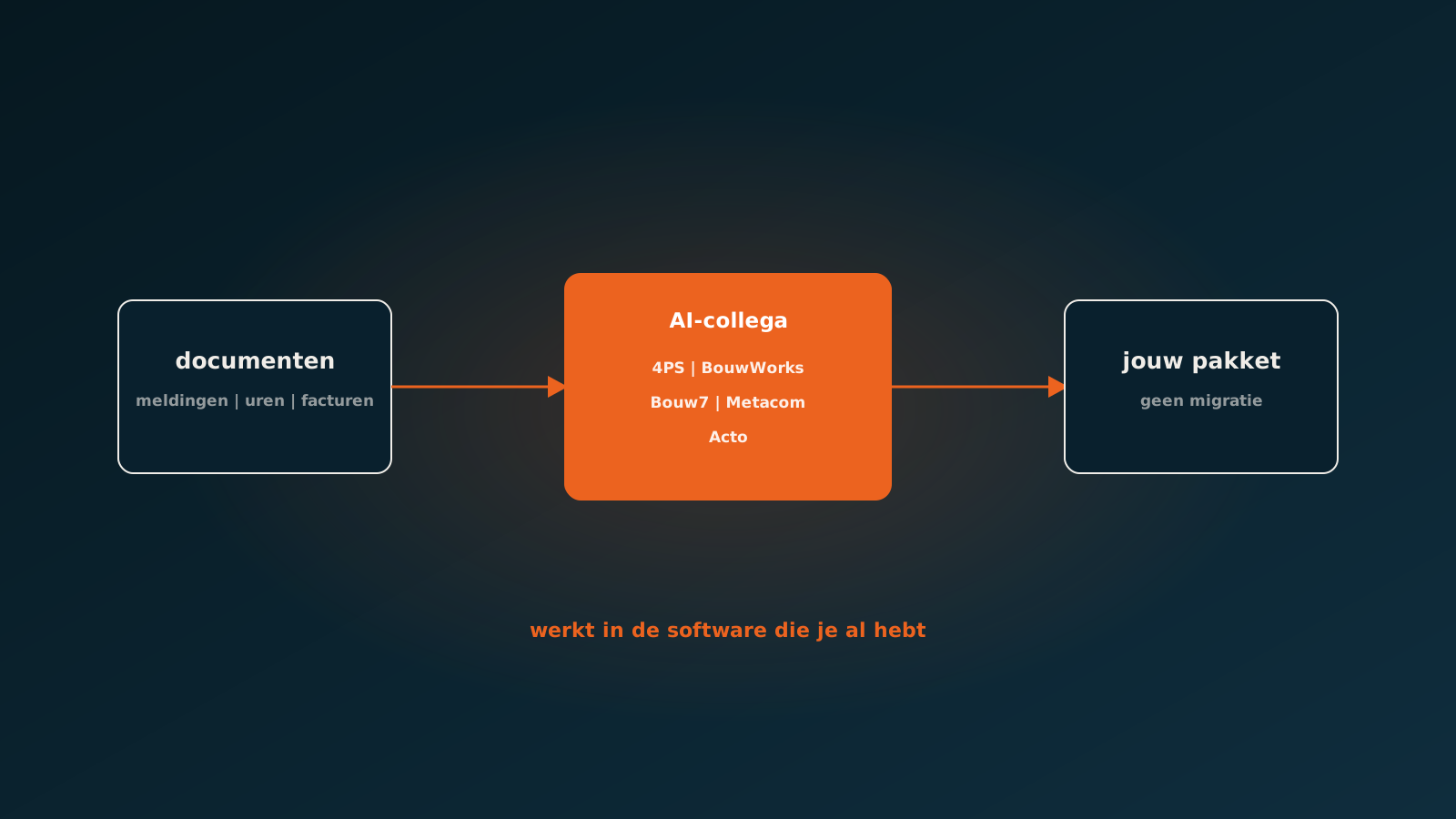
Connecting AI to your construction software: 4PS, BouwWorks, Bouw7, Metacom and Acto
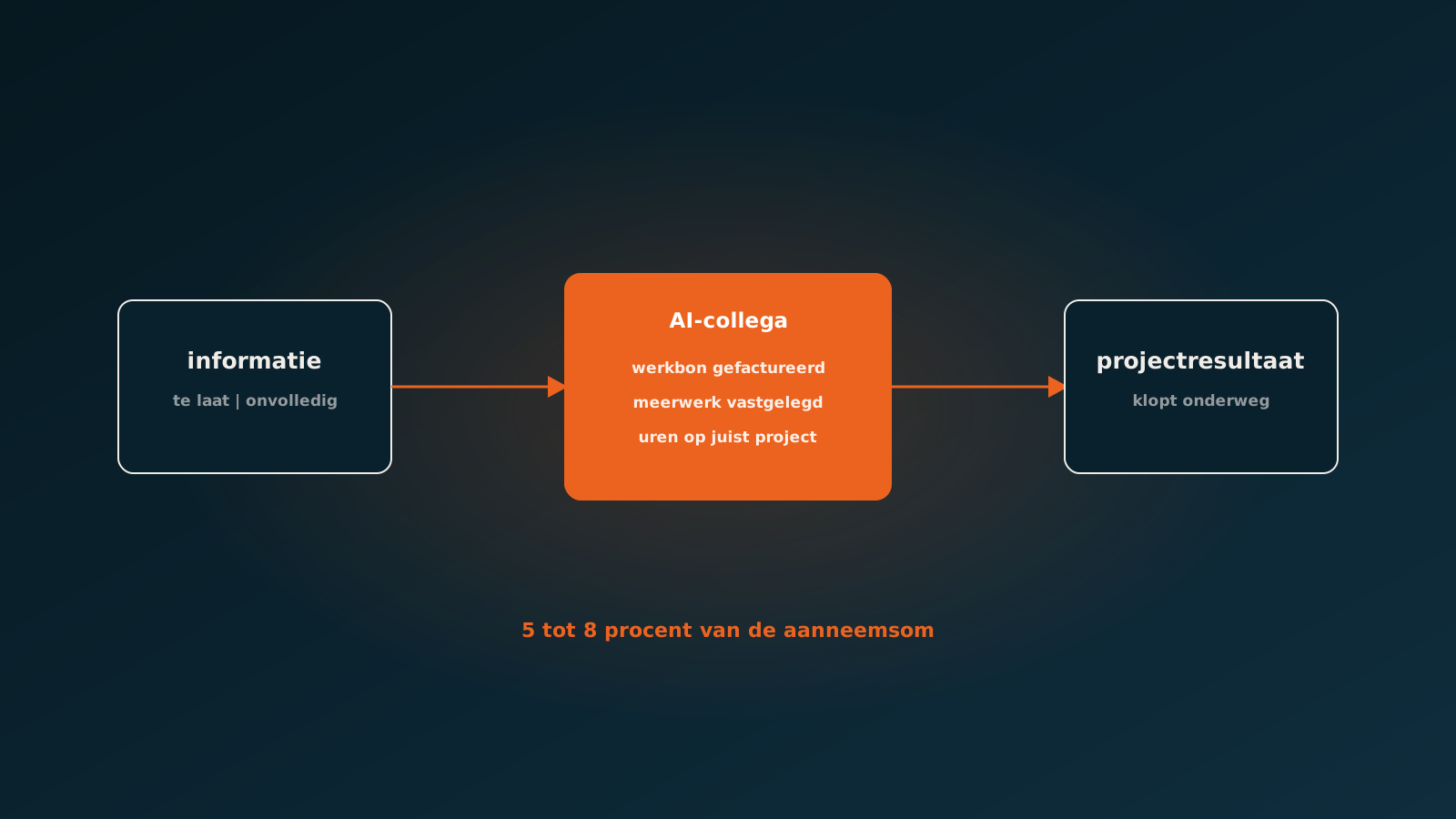
Reducing failure costs in construction: start with information, not the building site
Curious what an AI coworker can do for your process?
Book a no-strings Quick Scan and explore the options.
Book a Quick Scan