Connecting AI to your construction software: 4PS, BouwWorks, Bouw7, Metacom and Acto
You do not need to switch construction packages to use AI. Here is how an AI coworker works in 4PS, BouwWorks, Bouw7, Metacom and Acto, and what it does for you in each.
Short answer
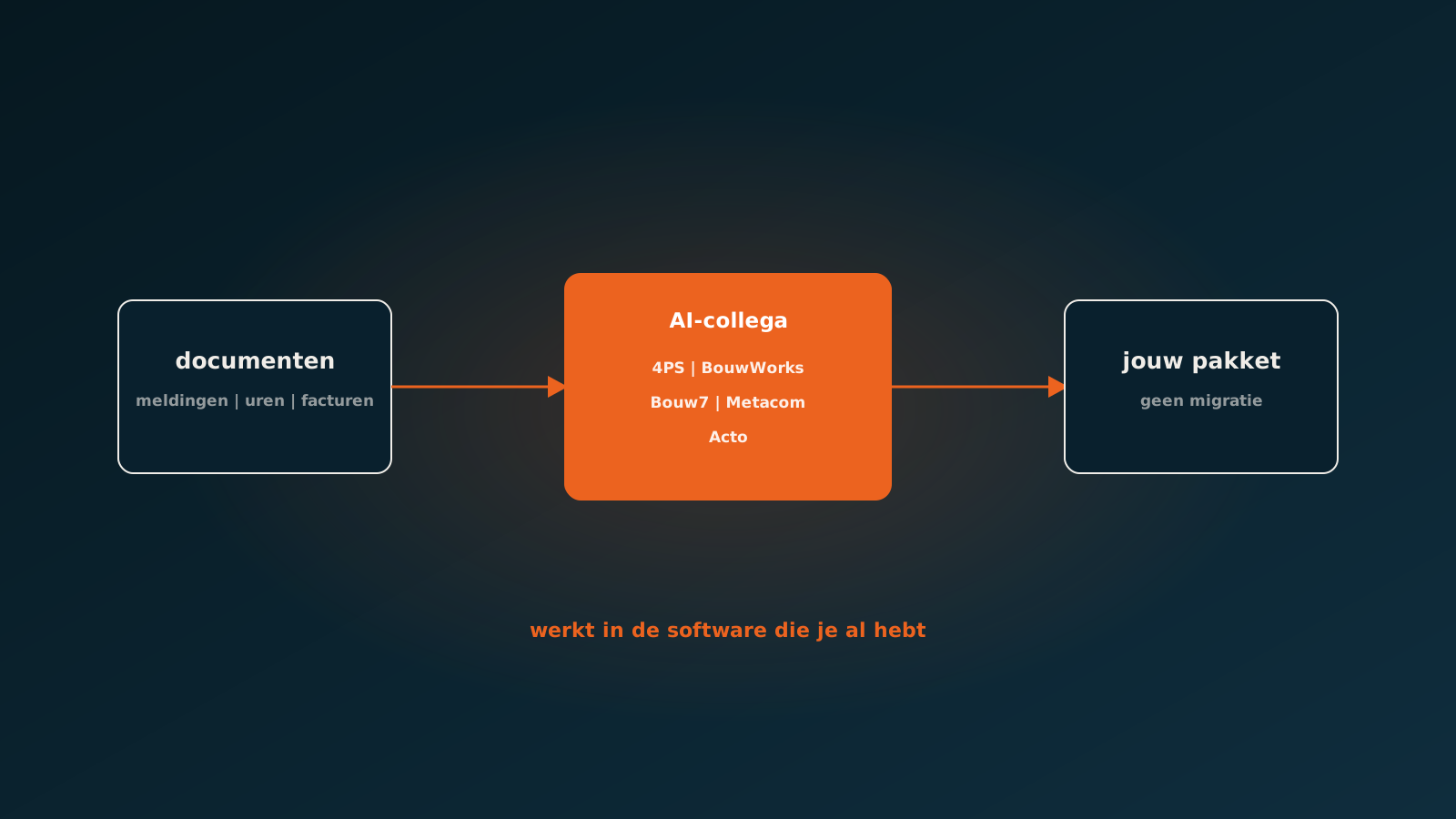
You can connect AI to almost any construction package without switching. An AgentsLab AI coworker works in 4PS Construct, BouwWorks, Bouw7, Metacom and Acto through each package's integration options. It turns fault reports into work orders, posts job sheets and hours to projects, and books purchase invoices to project and cost centre, as if a colleague entered them. AFAS, Exact, Odoo, SAP and other systems with an API are supported too.
Why the package matters less than you think
Construction companies choose their ERP for what it does in project administration, estimating and service. That is where it should stay. An AI coworker does not replace your package and does not require a migration. It works inside it, with its own user and only the permissions its task requires.
What does differ per package is how the connection runs: through an API, web services or an import. That is our job, not yours. Nothing changes in the screens for your team; there is just less work in them.
Package by package
| Package | Background | What an AI coworker does in it |
|---|---|---|
| 4PS Construct | Construction ERP from 4PS, built on Microsoft Dynamics 365 Business Central since 2019 | Service orders, project postings and purchase invoices, as if a colleague entered them |
| BouwWorks | ERP from BouwInfosys for construction companies | Reports from the mailbox entered as work orders and invoiced, as at Dammers Bouw |
| Bouw7 | Cloud software for construction, part of Exact since 2019 (Exact bouw7) | Job sheets, hours and purchase invoices straight into your project administration |
| Metacom | Construction ERP from Van Meijel, with BizzStream for digital workflows | Fault reports processed and scheduled |
| Acto | Software for projects and work orders | Work orders and project postings |
4PS Construct
4PS Construct has run on Microsoft Dynamics 365 Business Central since 2019 and targets construction, civil engineering and installation. That means an AI coworker works through the Business Central connection, with service-to-service authorisation in Microsoft Entra and exactly the permissions its task needs. Typical processes: creating service orders from reports, posting hours and materials to projects and matching purchase invoices to project and order.
Read next: an AI coworker in Dynamics 365 Business CentralBouwWorks
BouwWorks is BouwInfosys's ERP for construction companies. At Dammers Bouw an AI coworker processes reports and service tickets from the mailbox straight into BouwWorks: creating the work order, posting hours and materials and invoicing. Processing went from an average of 10 minutes to 10 seconds per ticket.
Read next: AI coworker in BouwWorksBouw7
Bouw7 is cloud software for planning, materials, time registration and invoicing in construction. Exact acquired Bouw7 in 2019; the product has since been called Exact bouw7 and connects to Exact Online. An AI coworker processes job sheets, hours and purchase invoices straight into the project administration, and posts through to Exact Online where needed.
Metacom
Metacom is Van Meijel's construction ERP, used in construction, civil engineering and related sectors. Through BizzStream the same vendor offers a platform for digital workflows such as hours, extra work and job sheets. An AI coworker processes fault reports in Metacom and stages them for planning.
Acto
In Acto an AI coworker handles work orders and project postings: reports become work orders, and hours and materials land on the right project.
What if your package is not on the list?
Then we look at the integration options. Any system with an API can be connected, and that includes your finance package, your planning tool or your own software. AFAS, Exact, Odoo and SAP are already supported as standard.
What to watch for when connecting AI to construction software
- Permissions: the AI coworker gets its own user with only the rights its task requires.
- Master data: the cleaner your clients, contracts and projects, the higher the share that flows through on its own.
- Uncertainty threshold: agree when the AI coworker posts and when it escalates.
- Logging: every step must be traceable, per document.
- Your software partner: we align the connection with the party that manages your package.
Frequently asked questions
Can you connect AI to 4PS?
Yes. 4PS Construct runs on Microsoft Dynamics 365 Business Central. An AgentsLab AI coworker works through that connection and processes service orders, project postings and purchase invoices.
Does AI work with BouwWorks?
Yes. At Dammers Bouw an AI coworker processes reports and service tickets from the mailbox straight into BouwWorks, from work order to invoice, in 10 seconds per ticket.
Does AI work with Bouw7 or Exact bouw7?
Yes. An AI coworker processes job sheets, hours and purchase invoices in Bouw7 and can post through to Exact Online.
Does AI work with Metacom or Acto?
Yes. In Metacom an AI coworker processes fault reports and stages them for planning; in Acto it handles work orders and project postings.
Do I need to switch construction software to use AI?
No. An AI coworker works in the package you already have, without migration and without new screens for your team.
Getting started
Tell us which package you use and which document flow costs you the most time. An AI coworker is live within eight weeks on average in your own construction software. Plan your go-live whenever it suits you.
Keep reading
More insights
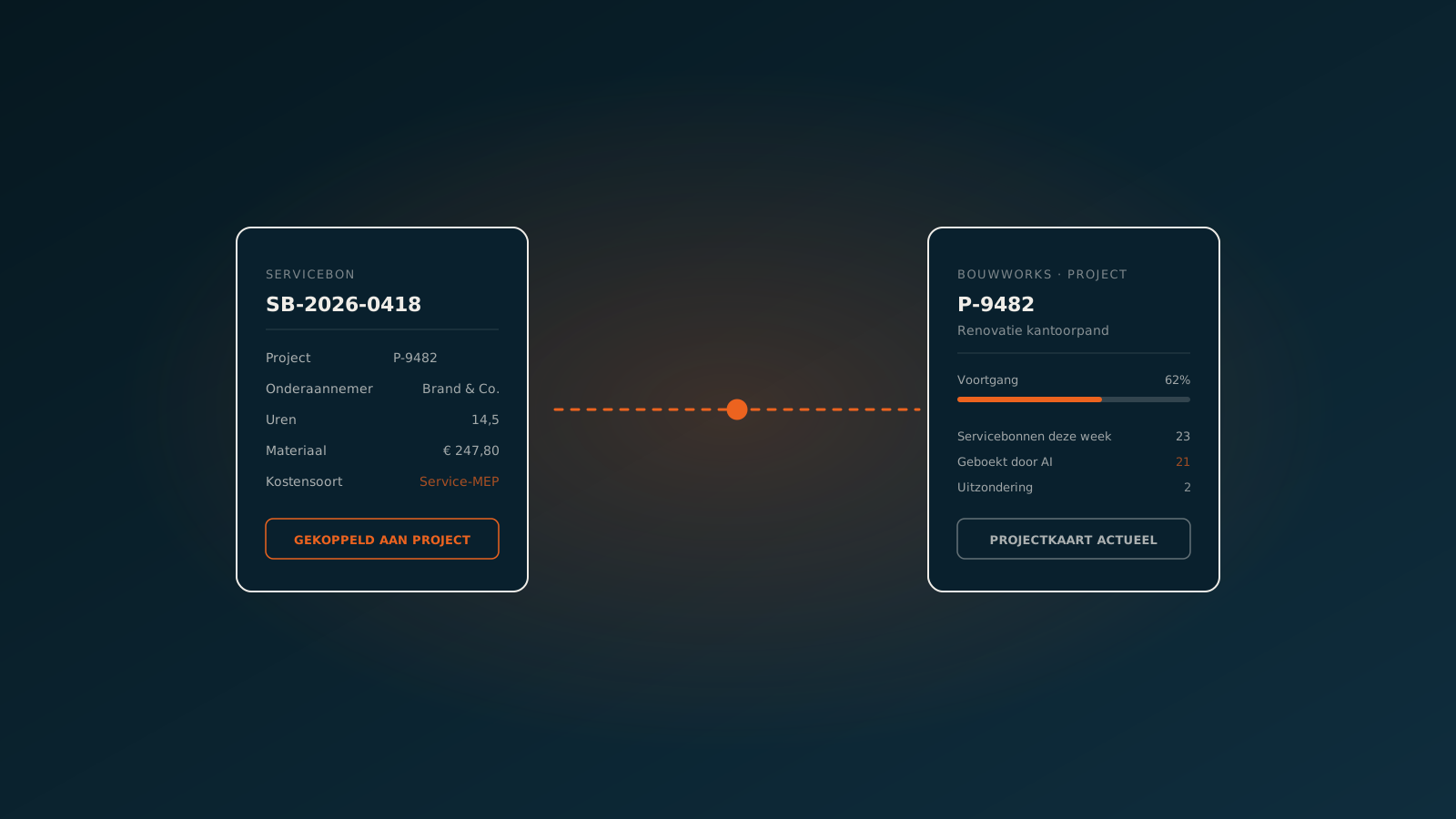
AI coworker in Bouwworks: project administration and service tickets at production scale
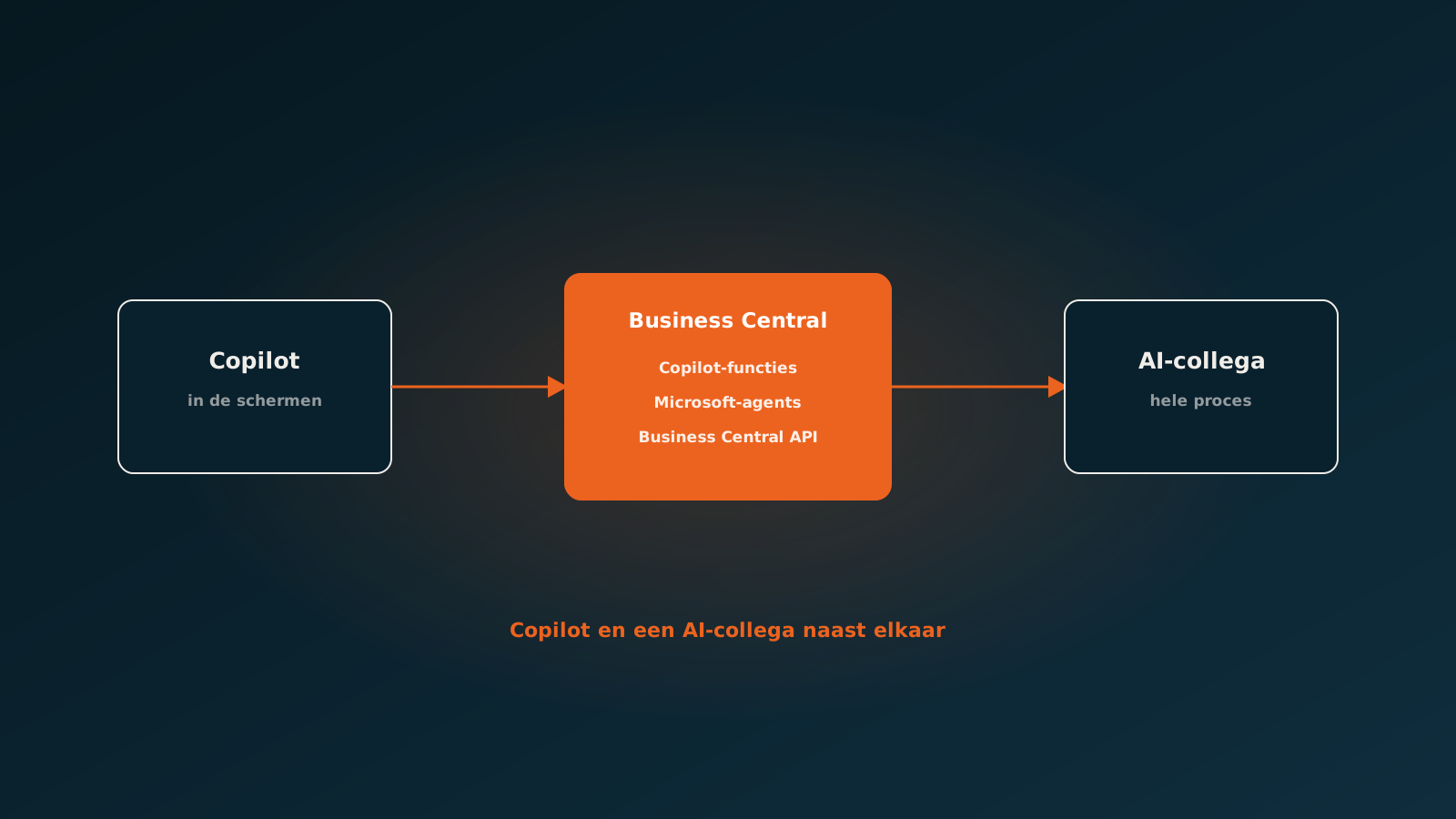
AI in Dynamics 365 Business Central: Copilot, agents and what you add yourself
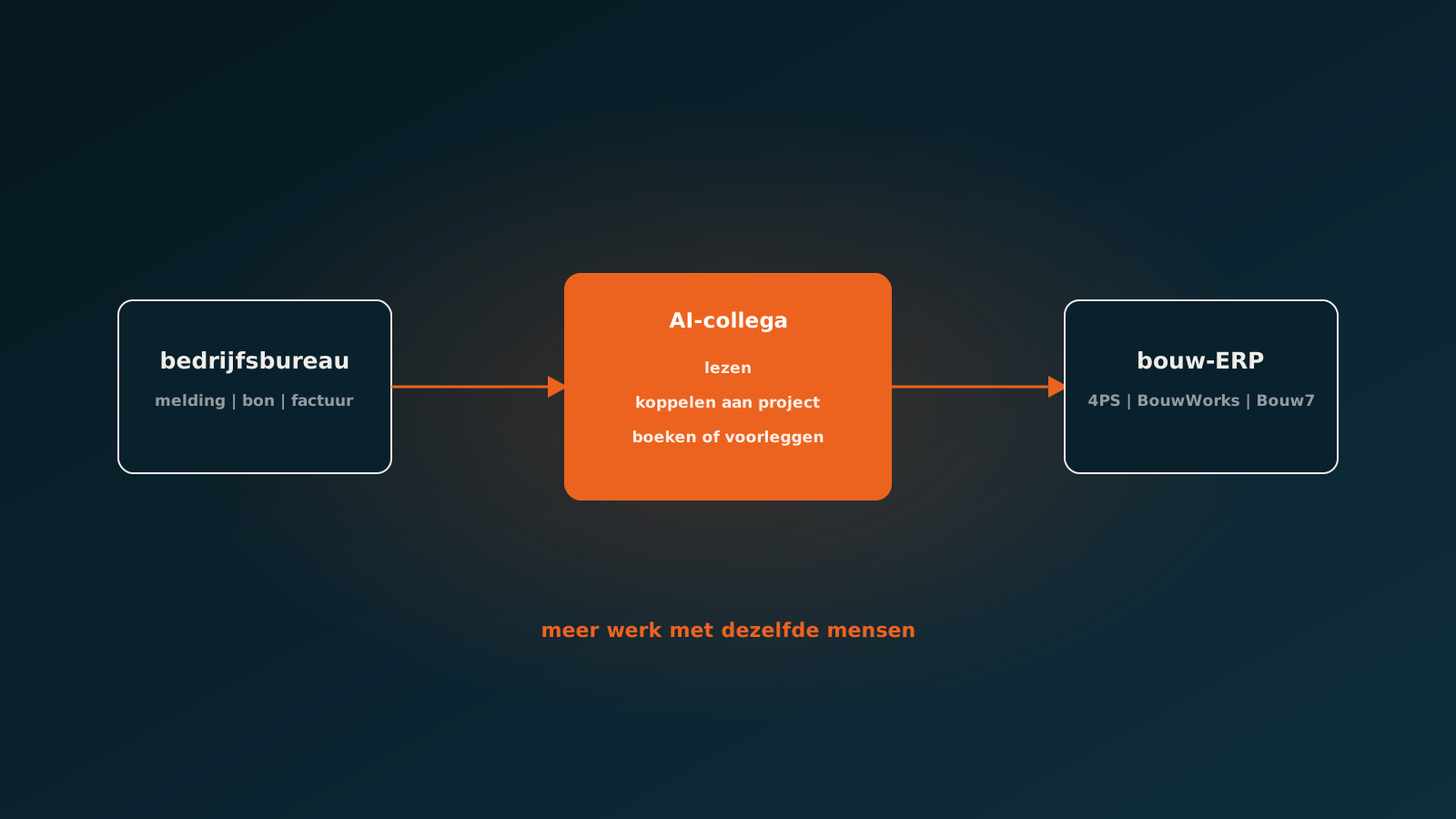
AI in construction: what works in 2026 and where to start
Curious what an AI coworker can do for your process?
Book a no-strings Quick Scan and explore the options.
Book a Quick Scan