Automating the production process: start with the admin, not the machines
Mention production automation and everyone pictures robots and machines. Yet most delay sits in the work around them: orders, work orders, planning and shop floor feedback. That is where AI pays off fastest.
Two kinds of automation
Manufacturing has a long tradition of automation: CNC, robot cells, MES systems, sensors on the line. In many companies the physical side of production is already highly automated. The administrative side around it often is not.
Between the moment a customer orders and the moment something happens on the floor, there are still plenty of manual steps. The same goes for after production: reporting back, post-calculation, handling deviations. That work happens in email, Excel lists and the ERP, and it drives more of your lead time than most people think.
Where the time gets stuck
- Order intake: pulling drawings, specifications and quantities out of emails and turning them into an order.
- Work preparation: picking or adjusting the right bill of materials and routing, reserving material.
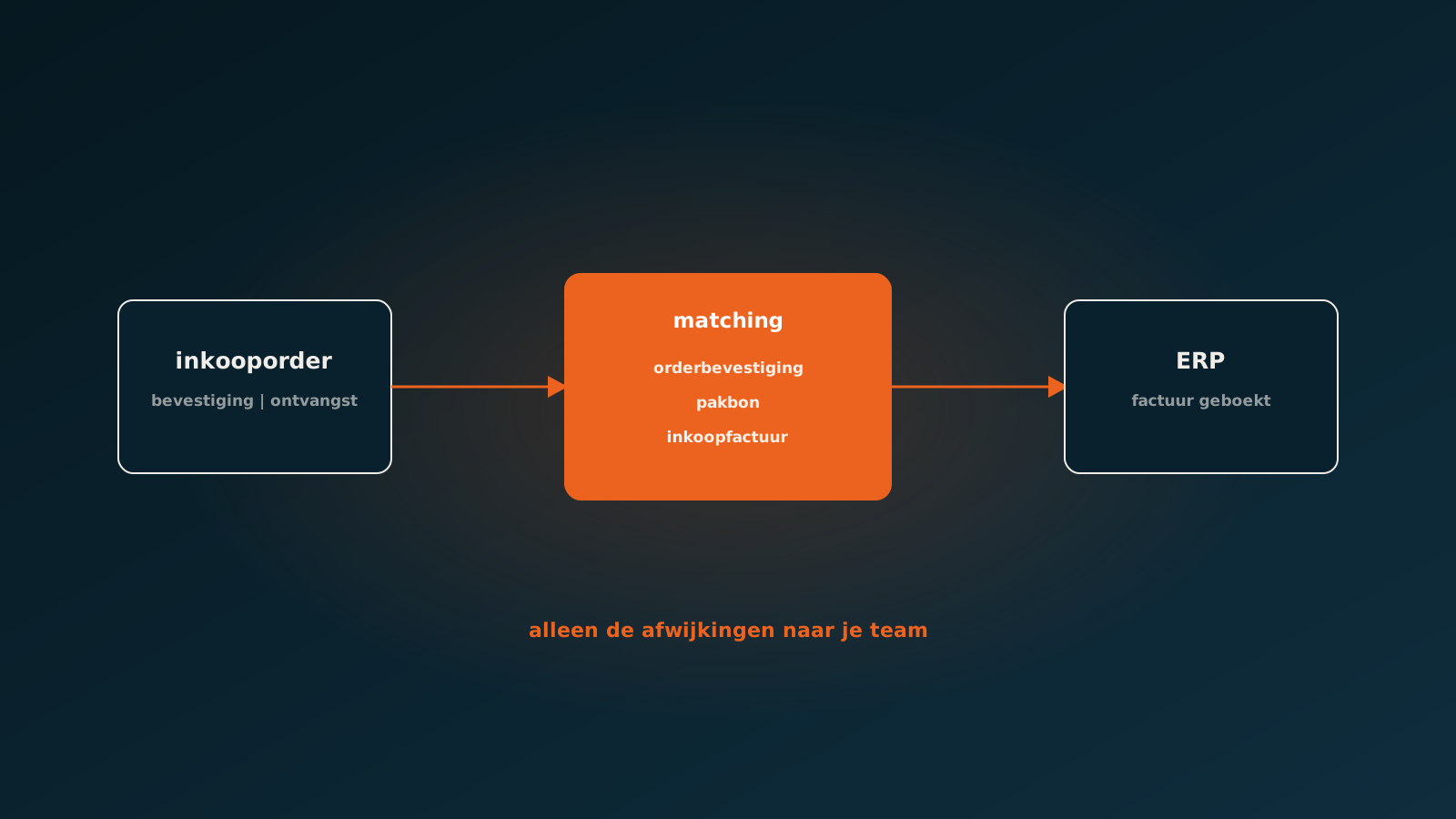
- Buying material and subcontracted work: ordering, checking confirmations, watching lead times.
- Planning: fitting customer and supplier changes into a schedule that is already full.
- Shop floor feedback: posting hours, consumption and scrap, often from paper or a separate app.
None of these steps is hard. There are just a lot of them, and every step that stalls pushes everything else back.
What an AI coworker does in production
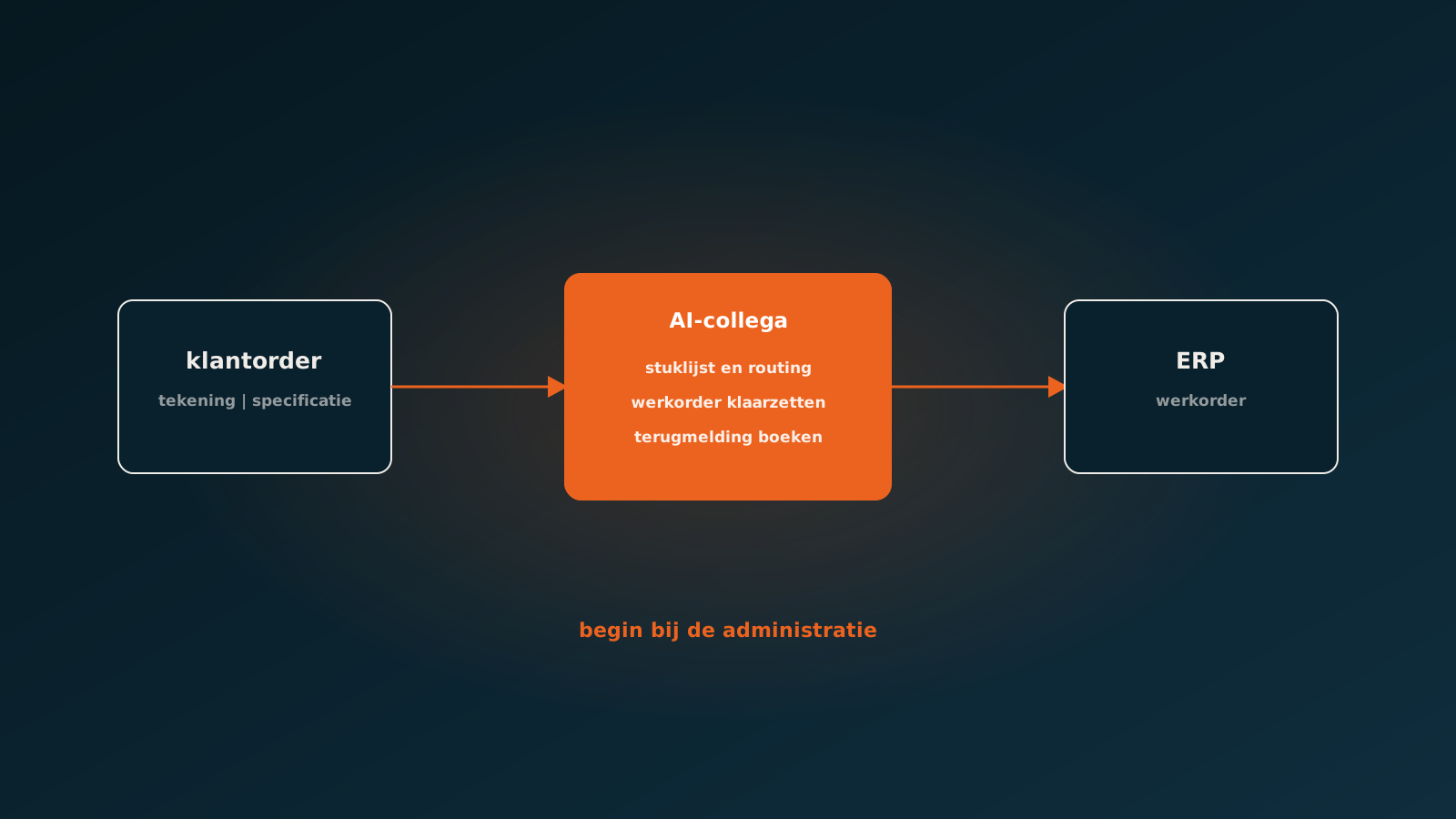
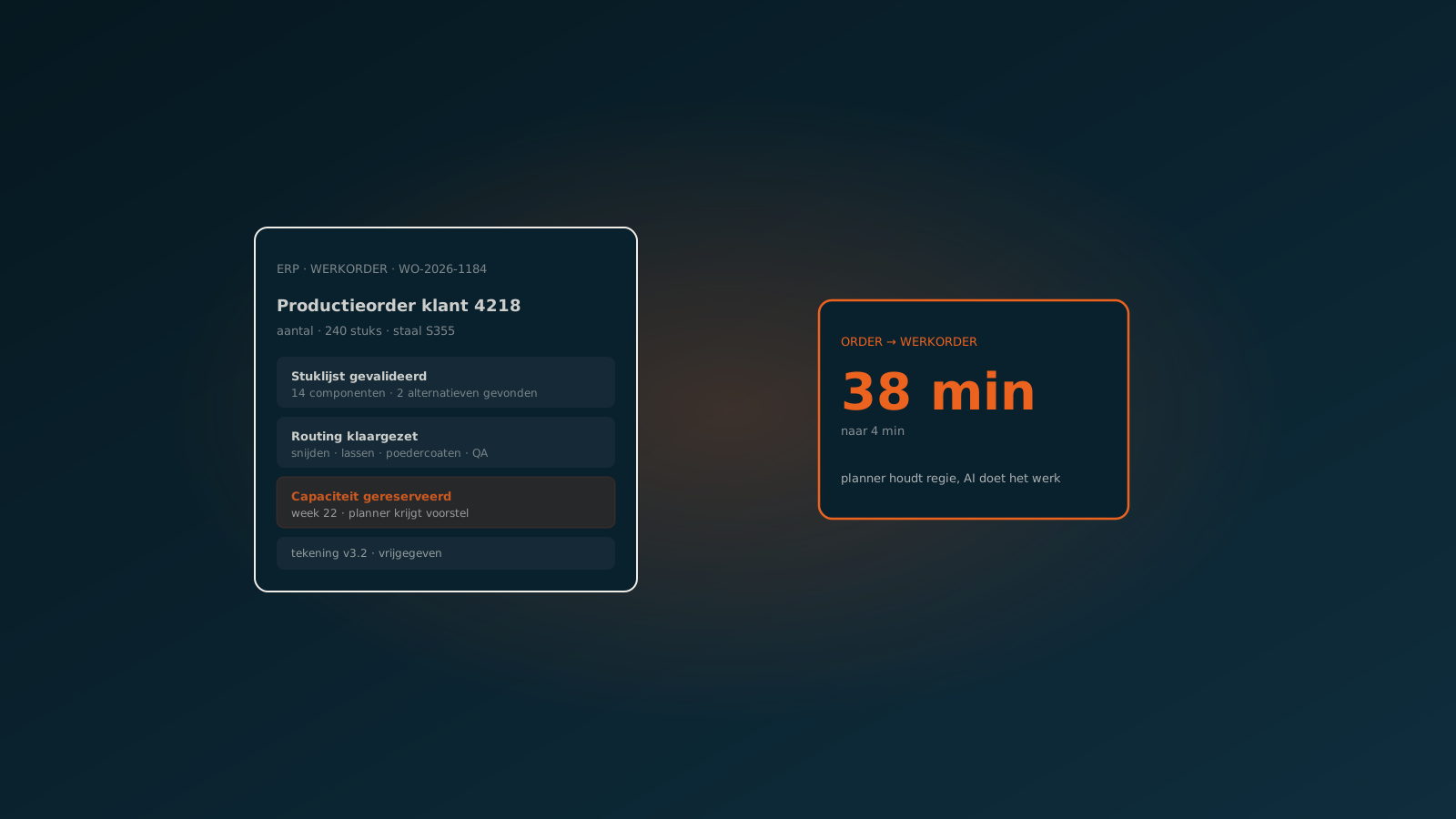
An AI coworker takes over the reading and the re-entry. A customer order with a drawing is read, the right item variant is selected and the agent stages a work order with the bill of materials and routing that belong to that variant. If information is missing, such as a material specification or a tolerance, the agent asks the customer or creates a task for work preparation.
At the other end, the agent processes shop floor feedback. A photo of a completed job sheet or an Excel file from the workshop becomes posted hours and material consumption. Deviations from the calculation surface while the order is still running, not at post-calculation.
Read next: from order to work order in four minutesPlanning: proposing, not deciding
In planning the temptation to hand everything to an algorithm is strong. In practice it rarely works. A planner knows things that are written down nowhere: which machine is playing up today, which customer gets priority, which operator is off sick.
So an AI coworker helps with the groundwork. It processes changed delivery dates from suppliers, spots which orders get squeezed as a result and prepares a proposal. The planner chooses. That saves the searching without taking control away from the person who knows the floor.
Start with the admin
Anyone who wants to automate a production process tends to look at the floor first. Those are large investments with long payback periods. The administrative steps around production are a far smaller intervention: no new machines, no new system, just an AI coworker working inside your existing ERP.
That makes it a logical first step. You see results sooner, your team gets used to working alongside an agent, and you get a clearer view of where the real bottlenecks on the floor are.
Inside your own ERP
Whether you run SAP, AFAS, Exact, Dynamics 365, Odoo or Bouwworks, work orders, bills of materials and feedback stay in your own ERP. The agent works through that package's official interfaces, with its own permissions and a full log of what it does.
Getting started
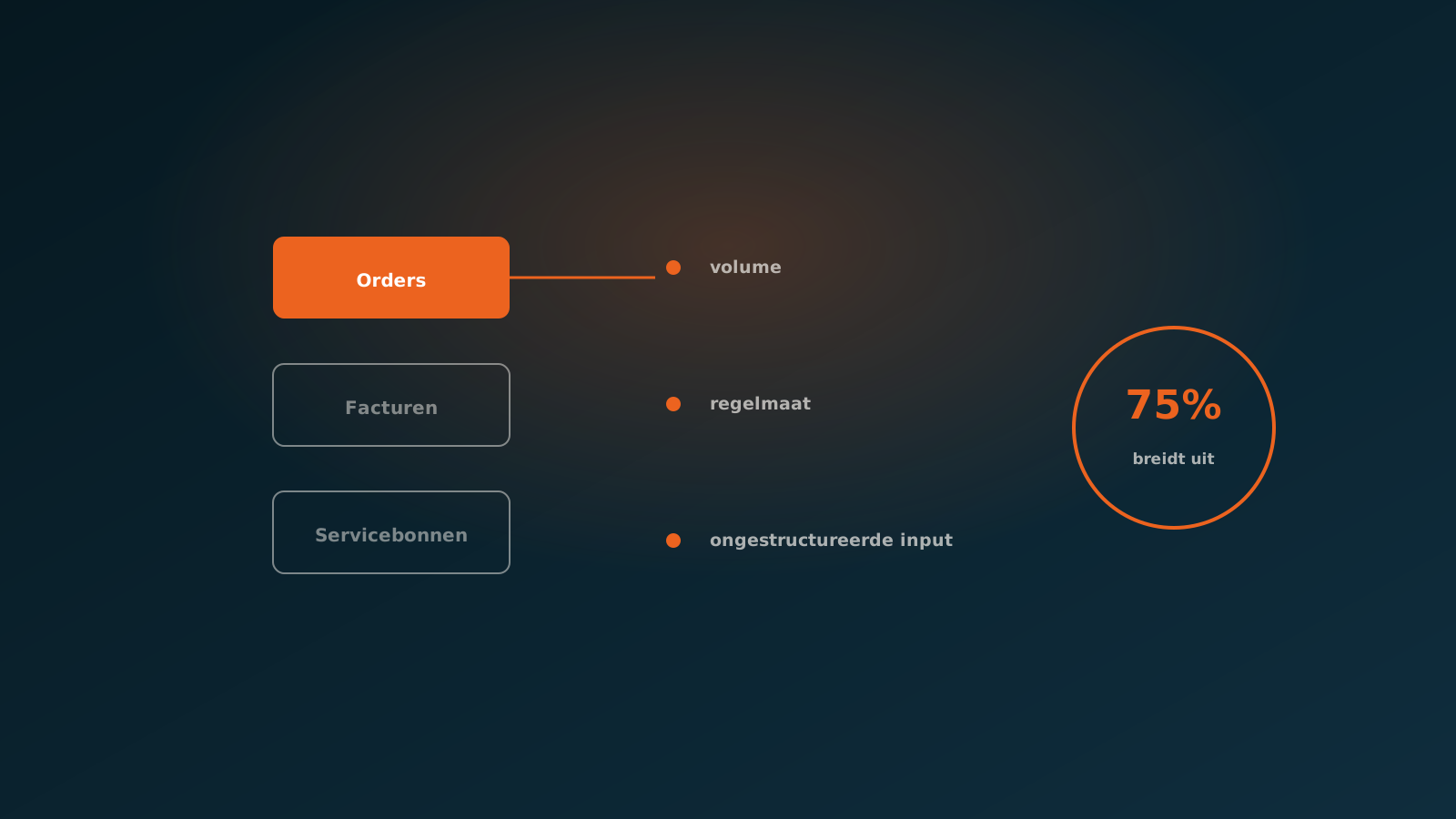
Pick one step to start with. The best candidate is usually the one with the most volume and the fewest exceptions: order intake or shop floor feedback. In a Quick Scan we look at your real flow of orders and job sheets together and show what an AI coworker can take over.
Typically an AI coworker is live within eight weeks. Plan your go-live whenever it suits you.
Curious what an AI coworker can do for your process?
Book a no-strings Quick Scan and explore the options.
Book a Quick Scan