Automating order entry in AFAS
Retyping customer orders into AFAS by hand costs time and creates errors. An AI coworker reads orders from email and PDF and books them as a sales order in AFAS, under control.
How order entry works in AFAS today
At many companies running AFAS, a large share of customer orders arrives by email. A PDF attachment, a scanned purchase order, sometimes a message in the body of the email. Someone on the inside sales team opens it, reads the lines, looks up the customer in AFAS and starts retyping: debtor, item codes, quantities, prices, requested delivery date.
That works, but it scales poorly. Each order takes a few minutes of attention, and those minutes add up as order volume grows. During peak periods a queue forms and lead times stretch out. And because it is manual work, errors creep in: a wrong item code, a quantity entered just slightly off, a delivery date that does not match. Those errors often surface only later, in logistics or on the invoice.
Automating sales orders in AFAS therefore does not start with the software, but with a question: which part of this work is actually routine? For most orders, the answer is: almost all of it.
What an AI coworker takes over
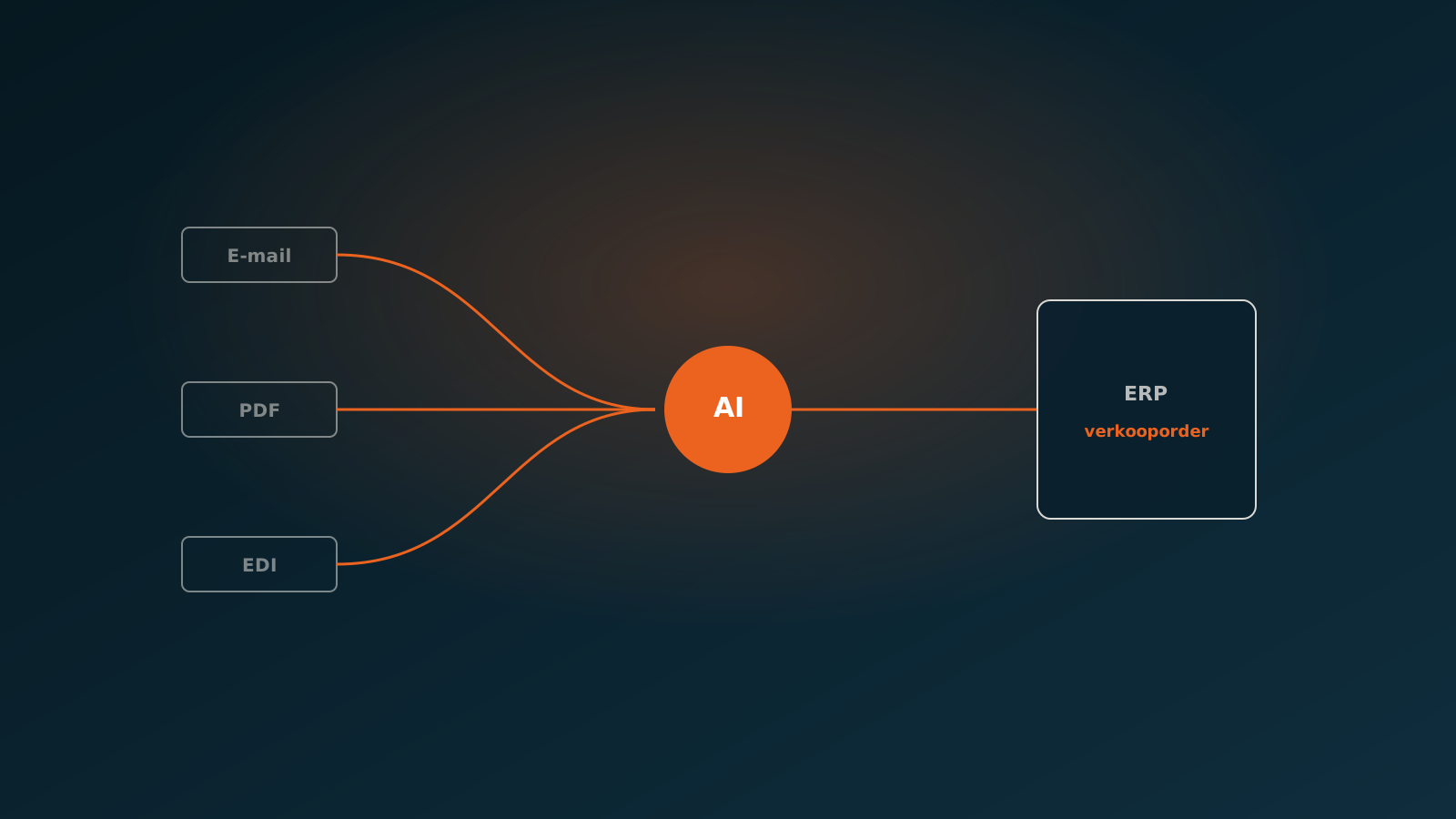
An AI coworker is an AI agent that handles order processing on its own, from incoming email to a booked sales order in AFAS. A human stays in the loop for exceptions, but the routine runs by itself.
In practice, the AI coworker takes over these steps:
- Watching the inbound mailbox and recognising new orders, including those that arrive as attachments.
- Reading the PDF or the message: customer details, line items, quantities, prices and the requested delivery date.
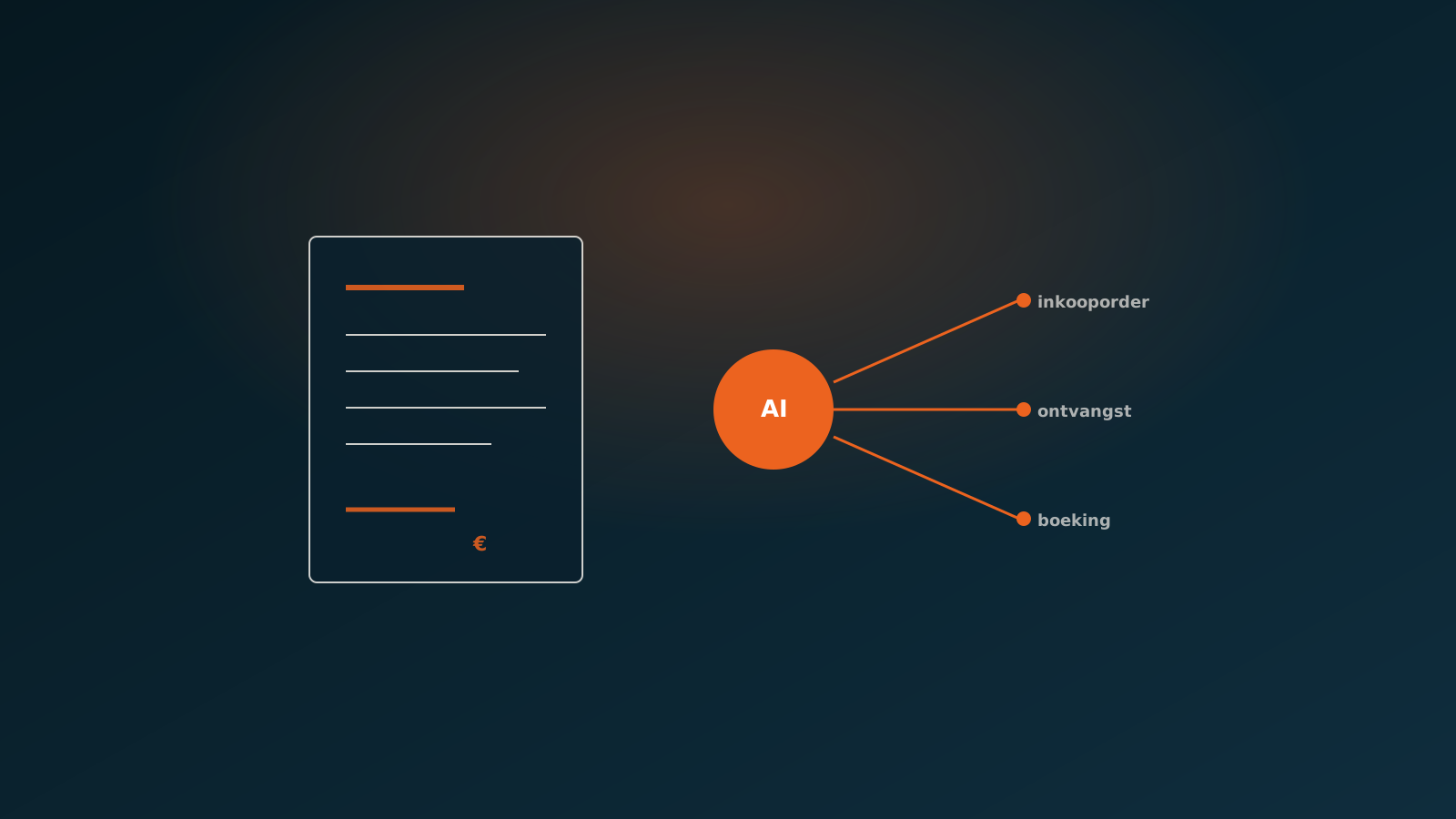
- Matching the customer to the right debtor in AFAS and linking the items to the correct item codes.
- Drafting the sales order and, after a check, booking it in AFAS.
- Flagging doubtful cases and routing them to a colleague instead of guessing.
The difference with classic OCR or a fixed import template is that the AI coworker handles variation. Customers send orders in different formats, with their own item names and their own layouts. The AI coworker reads the intent, not just the text in fixed positions.
How the AFAS connection works (GetConnectors and UpdateConnectors)
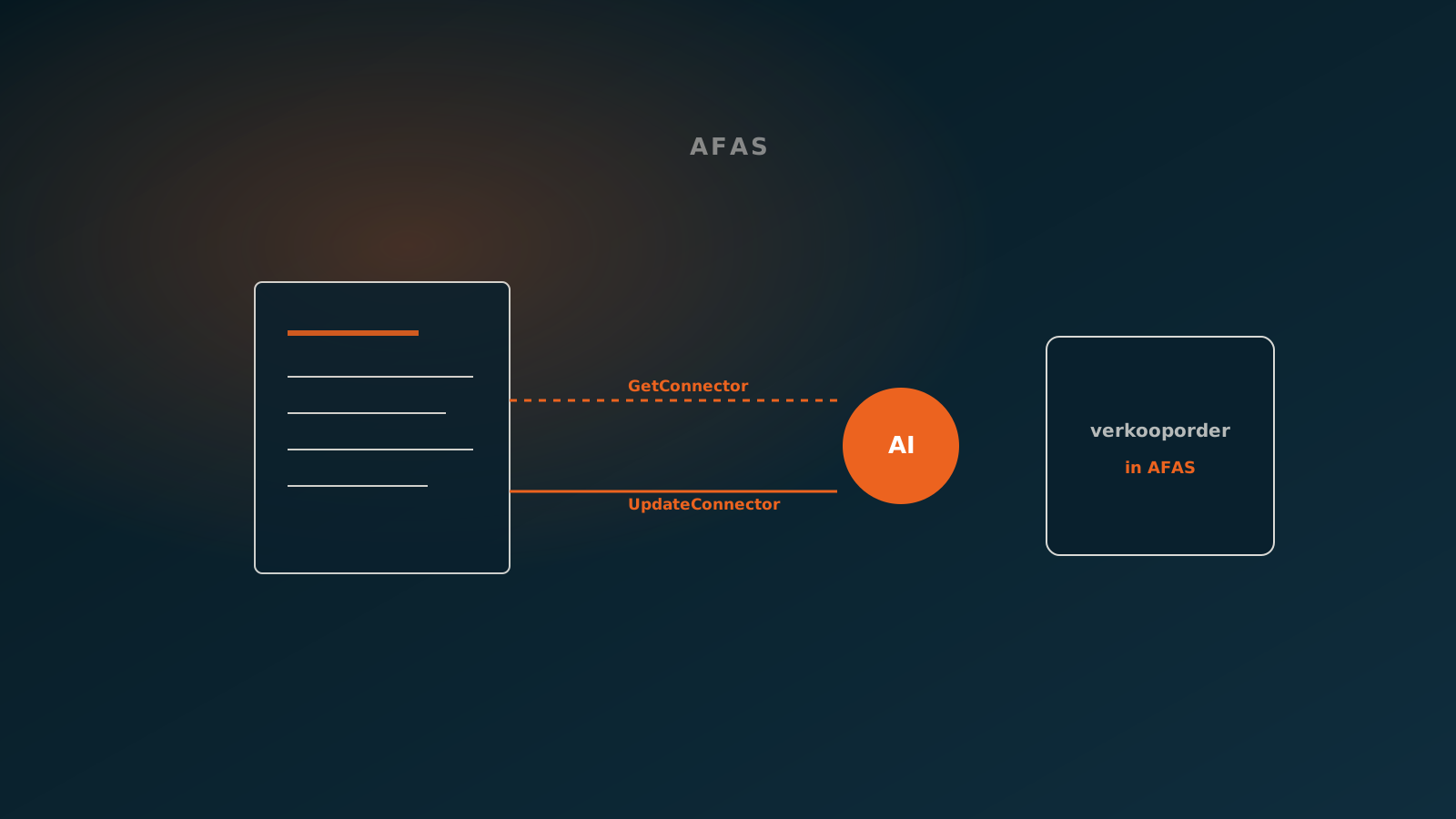
AFAS offers a clean way to exchange data through the AFAS Profit API, with GetConnectors to read and UpdateConnectors to write. The AI coworker operates exactly within that structure, so there is no detour around AFAS.
To read, the AI coworker uses GetConnectors to pull the master data it needs to book an order reliably:
- The debtor list, to match the customer from the email to the right debtor number.
- The item master, to link the supplied item names to the correct item codes and units.
- Any price agreements and discounts, so the booked lines match what has been agreed in AFAS.
To book, the AI coworker uses an UpdateConnector, typically the connector for sales orders. The order is offered to AFAS as a clean data set: debtor, order lines, quantities, prices and delivery date. AFAS processes it the same way it handles any other automated entry, including its own validations. If AFAS rejects the booking, for example because a field is missing, the AI coworker catches that message and routes the order to a human instead of silently ignoring it.
Control and workflow
Automating does not mean control disappears. It means control shifts from retyping to reviewing. The AI coworker operates within the same AFAS authorisations as an employee and respects the existing workflow.
You decide how much trust to give the AI coworker. At the start you can have it propose every order, so a colleague gives a quick nod before anything is booked. As confidence grows, you can let it book in full for orders that meet clear criteria, and only have the doubtful cases reviewed. Every action is traceable, so afterwards you can see exactly which order was processed by whom or by what.
Exceptions and escalation to your team
Not every order is routine, and that is fine. The strength lies precisely in separating the simple from the tricky. The AI coworker books what is clear and escalates what is not.
An order is routed to a colleague when, for instance, the customer cannot be matched unambiguously, an item is not in the master, a price differs sharply from the agreement, or the requested delivery date is unrealistic. The colleague then sees exactly where the doubt lies and can decide in a few seconds, instead of reviewing the whole order.
That way your team keeps control of the cases that truly matter, while the stream of standard orders simply keeps flowing. The work becomes calmer and attention goes to exceptions rather than to data entry.
Results
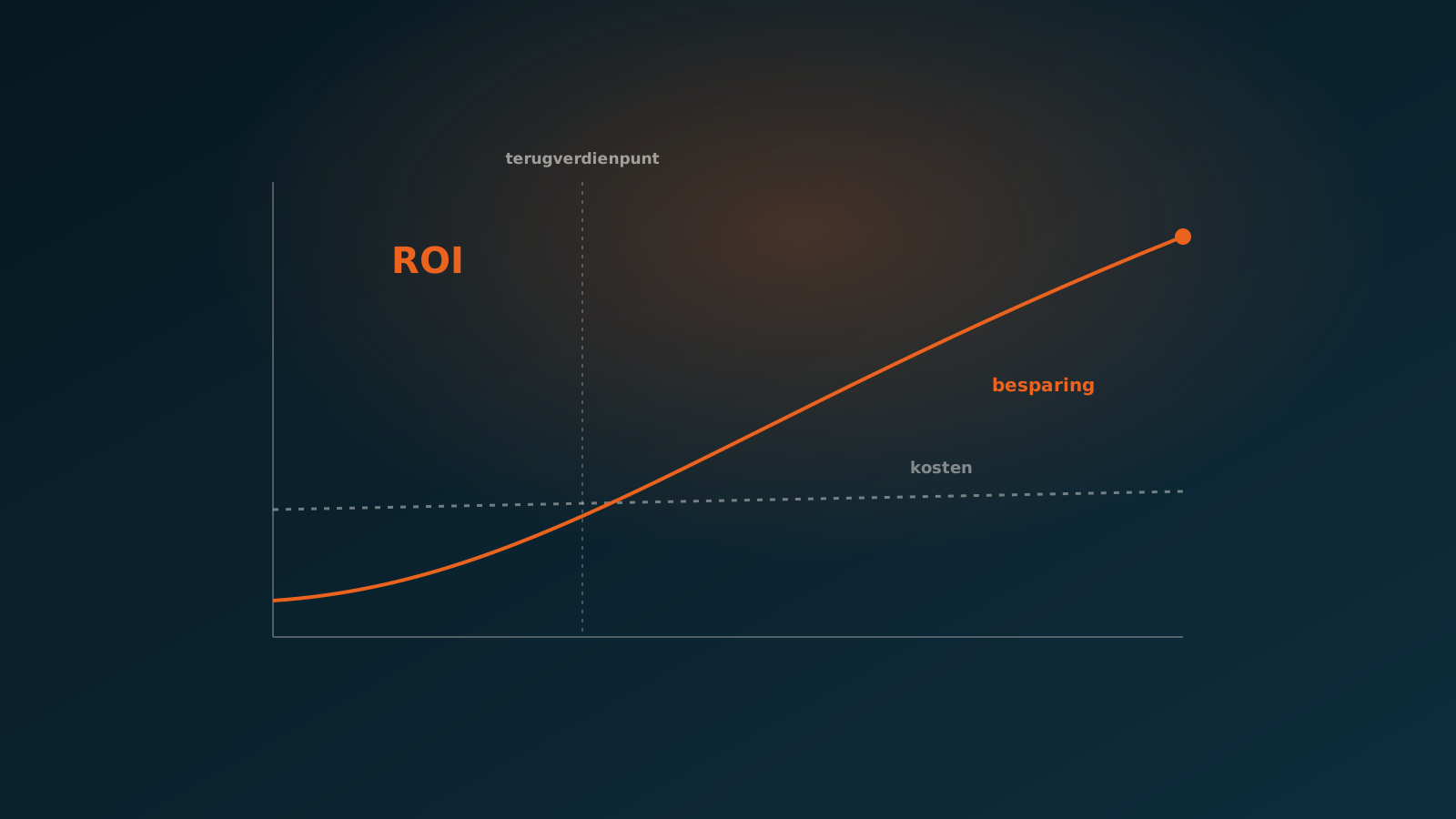
The results of automated AFAS order processing are fairly predictable in practice, because the process is so repeatable. We typically see this pattern:
- Lead time per order drops from minutes to seconds, because reading, matching and booking are no longer manual.
- The share of orders that has to be handled as an exception stays below five percent.
- Human intervention falls to less than ten percent of the volume: the rest runs on its own, under control.
- The error rate goes down, because there is no more retyping and every booking is checked against the current master data.
Just as important is the effect on people. The inside sales team frees up time for customer contact and exceptions, and peak periods no longer lead to a growing queue.
Getting started
Automating order entry in AFAS does not have to be a big project. The best way to start is small and concrete: a defined order stream, a fixed set of customers or a specific mailbox, with a human still fully in the loop.
Want to know whether this fits your order stream? Plan a Quick Scan. Together we look at a few real orders and your AFAS setup, and show how an AI coworker would take that processing over. From there you can put a first stream live and plan your go-live.
Curious what an AI coworker can do for your process?
Book a no-strings Quick Scan and explore the options.
Book a Quick Scan